
|
|
DocuSign | |
|---|---|---|
| No Downloads | ||
| Search Form Online | ||
| Edit PDF | ||
| Fill Online | ||
| Sign Online | ||
| Unlimited Cloud Storage | ||
| Annotate PDF | ||
| Fax Online | ||
| Track Sending Documents | ||
| Get DocHub for free |
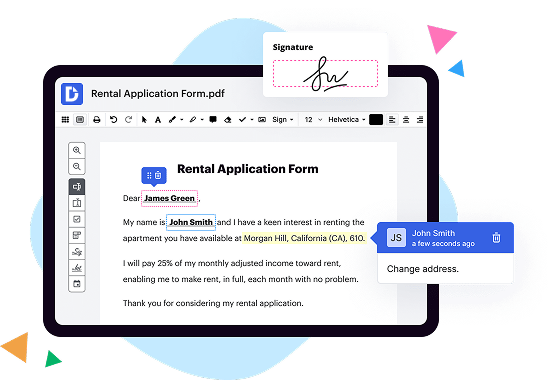
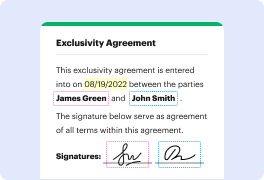
accepts most common file types for documents - PDF, Microsoft Office and Google Drive formats. You can add your signature to a PDF by uploading it to your eSignature account. If you need someone else to sign a PDF you created, you can add it to your account by creating a new Envelope.




DocHub implements reasonable measures to comply with industry-leading standards, regulations, and certifications so you can securely edit, fill out, sign, and send documents and forms.




