
Get any PDF form from the DocHub library of ready-made templates - Page 2223

Kansas lien release
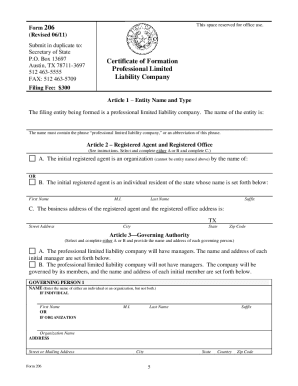
Form 206
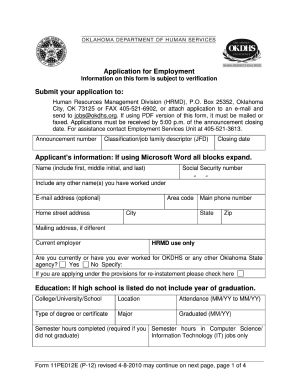
You yy okdhs online
Kansas real estate sales validation questionnaire
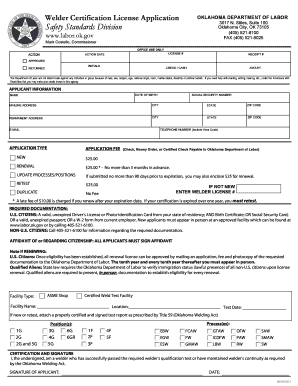
Oklahoma welding license renewal
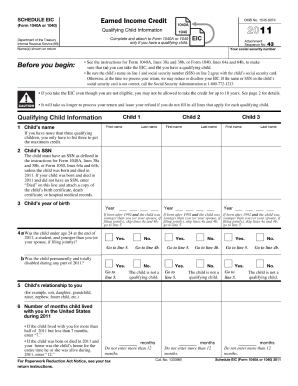
2011 form earned income credit
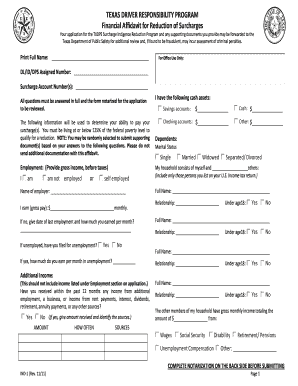
Texas driver responsibility program financial affidavit 2011 form
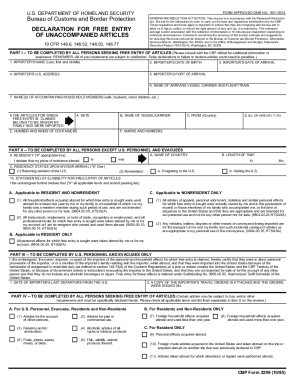
Cbp form 3299
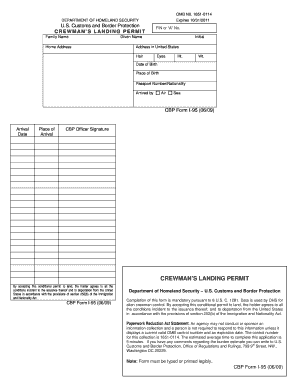
I95form print 2009
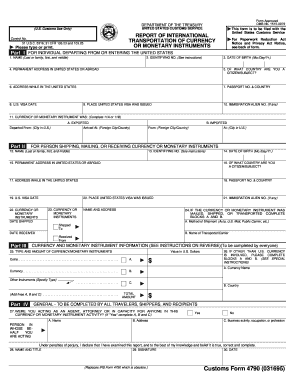
Customs form 4790 1995
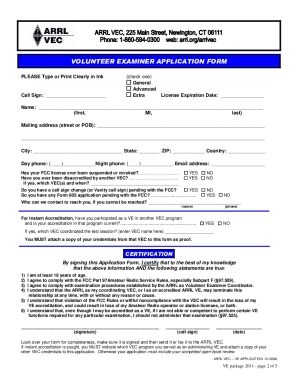
Arrl ve application
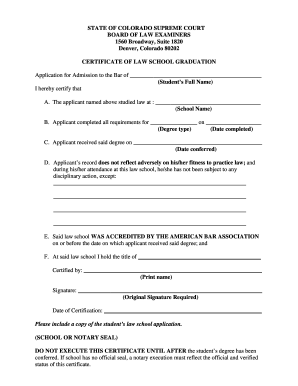
Lx form 5
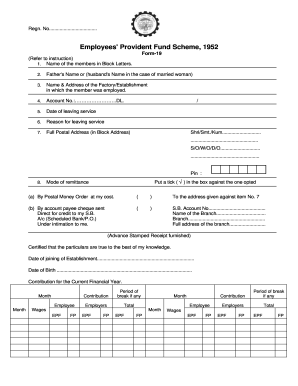
Pf withdrawal form 19 and 10c download word format
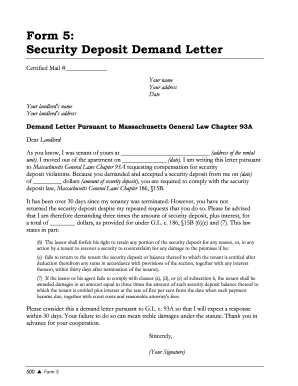
Security deposit demand letter massachusetts
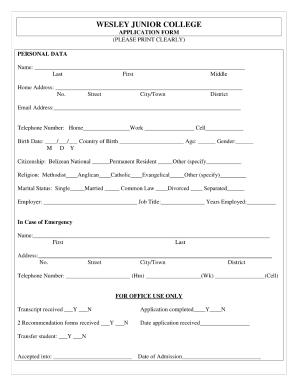
Wesley junior college
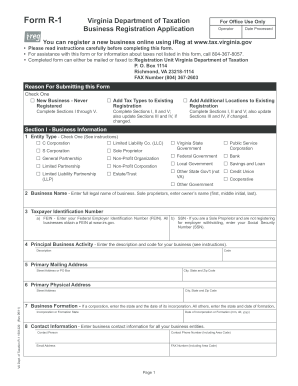
Virginia form r 1 2011

State of md land instrument intake sheet
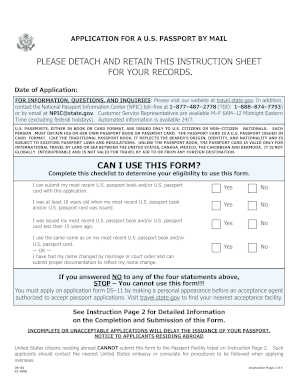
2008 form ds

Dd form 2051

2010 1065 form

Lbr form 7016 1 pps
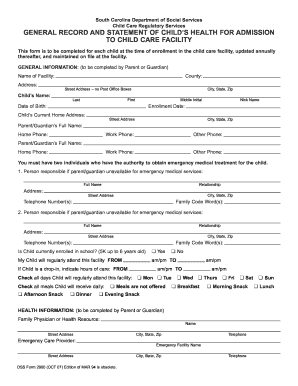
Dss form 2900 2007

Petition review form
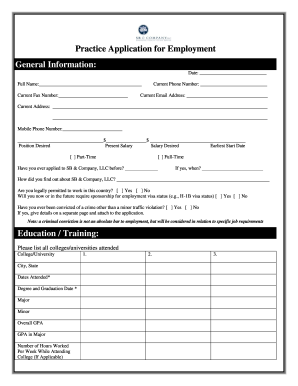
Form filling
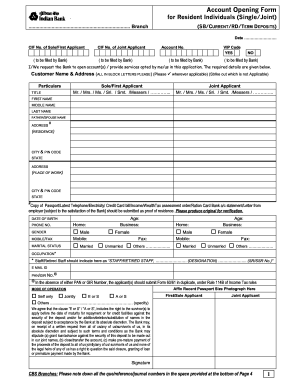
Indian bank account opening form

Tdlr contractors license form
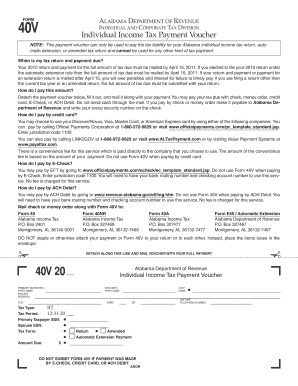
State of alabama form 40v

Onett bir

Temporary guardianship agreement form texas
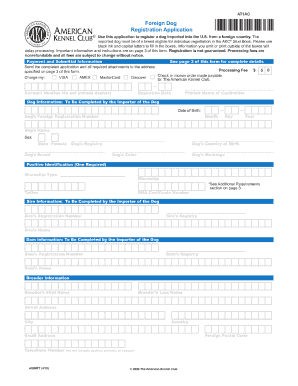
Akc foreign dog registration 2010 form

Blank ub 04 claim form

Printable yoga waiver template

Zimbabwe standard chartered remittance form

Tc 721 2011 form
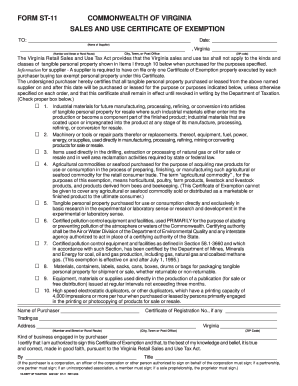
Va form exemption 2006

Nj grievance

Child support forms florida 2002

Pull notice
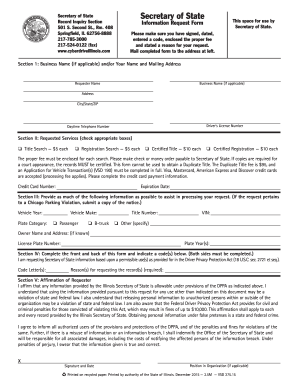
Illinois request formDocHubcom
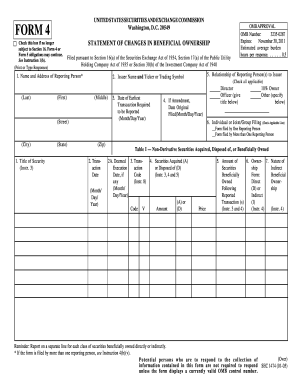
Statement of changes in beneficial ownership of securities - Titan ...

Acknowledgement of paternity form arkansas
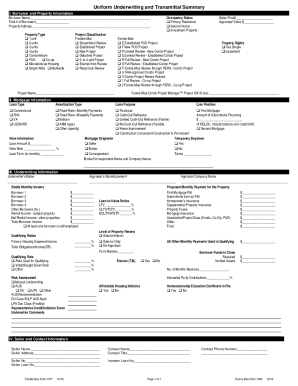
What does a 1008 form look like 2008

2006 form 40
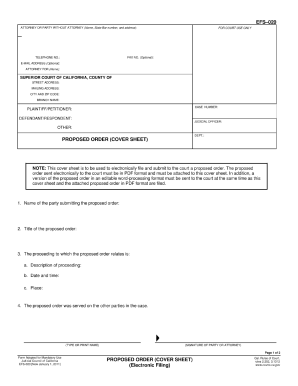
Efs 020

How do i sign pto 2038 2006 form

Fcc statement regarding the importation of radio form
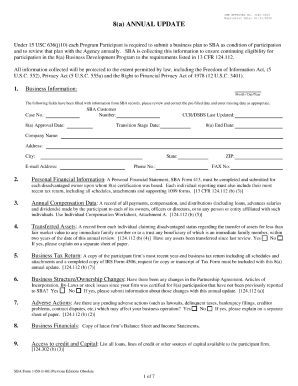
Sba form 1450 2006
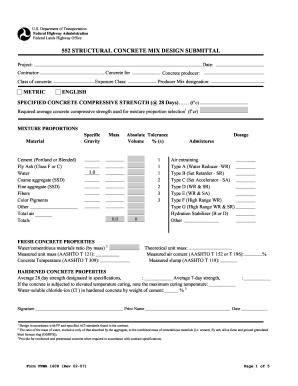
Concrete submittal
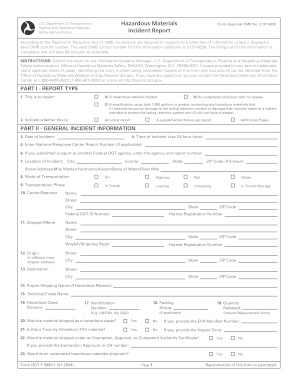
Dot form f 5800 1
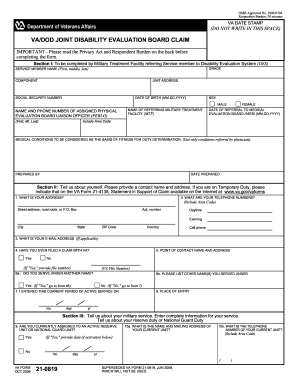
Form disability evaluation

Fr 28 form
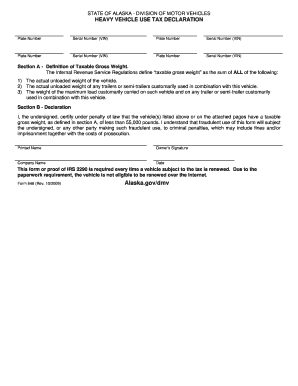
Dmv form 846

California dl record
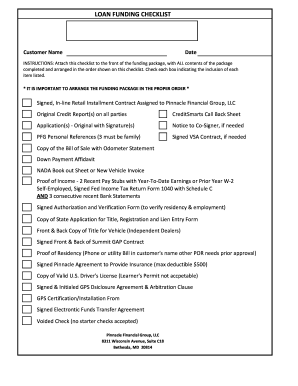
Checklist signer bill
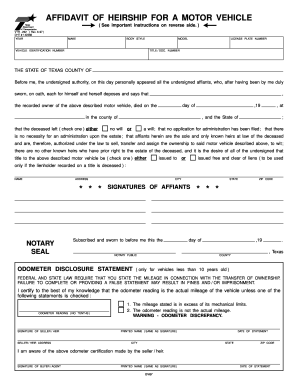
Heirship affidavit to print 1997 form

Cert 125
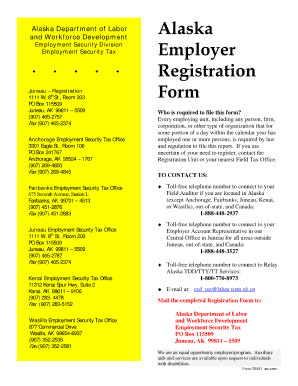
Alaska employer registration form 2007
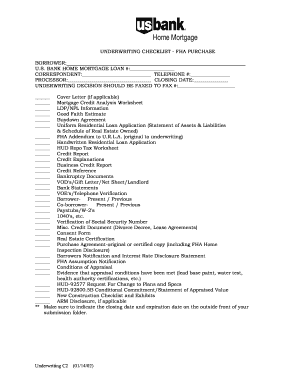
Mortgage underwriting checklist template
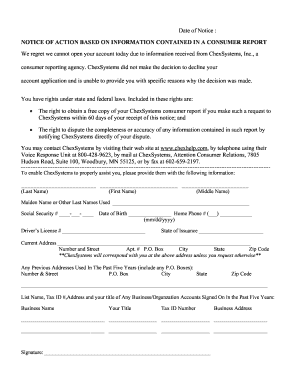
Chexsystem
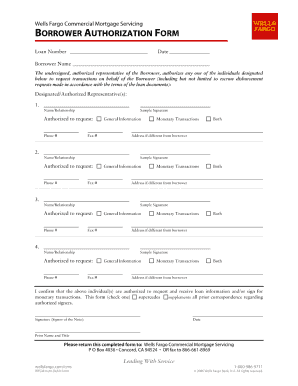
Wells fargo borrower certification form
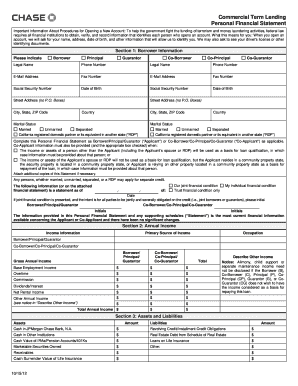
How to complete a chase personal financial statement form

Personal property inventory list
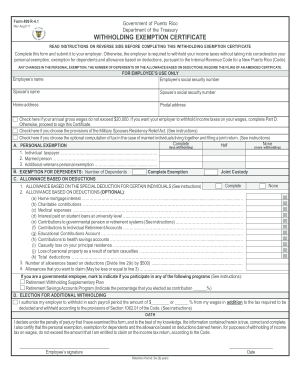
Withholding exemption certificate - Form 499 R-4 - Kevane Grant...

Puerto rico form as 2745 a 2003

Abuse registry washington state
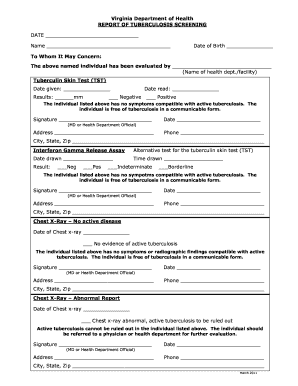
Official printable tb screening sheet 2011 form

Webfile workcomp virginia gov
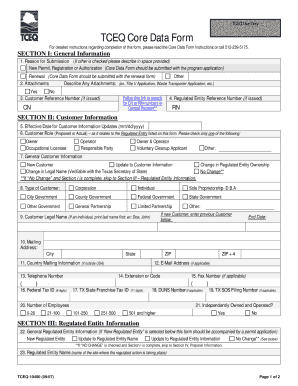
Tceq core data form
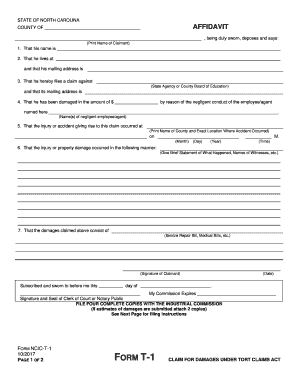
Arizona blank tort claim form
Where to mail fema form 90 49
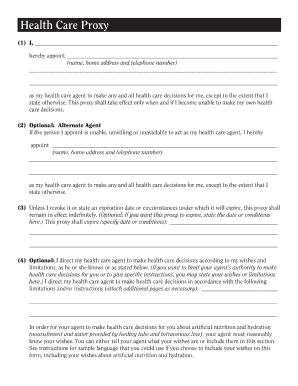
Nys health care proxy 2007 form
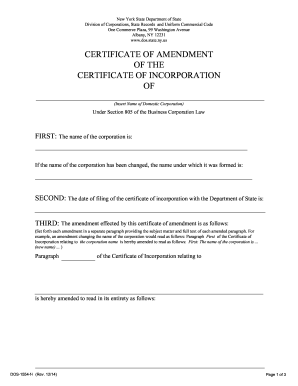
Certificate of amendment ny llc

Asbestos handling license
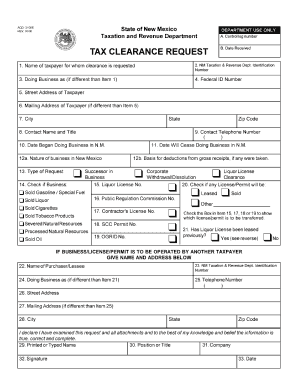
Acd 31096 2000 form
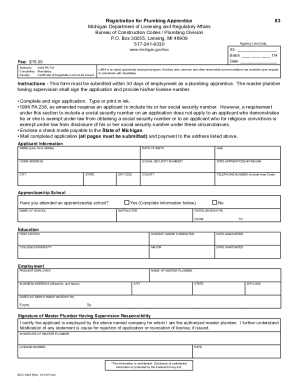
Registration for plumbing apprentice online mi
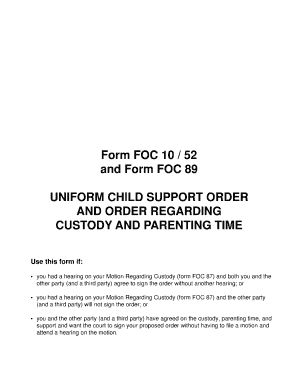
Foc 10 52
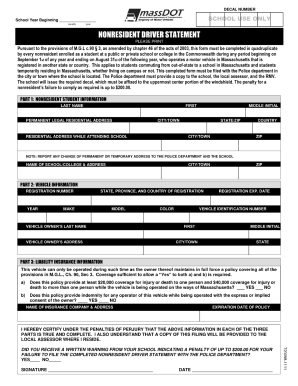
Ma nonresident form massdot

Ifta sticker

Illinois state board of elections d1
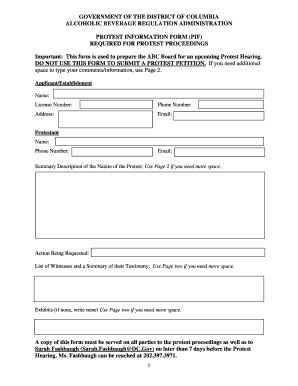
Dc abra info form
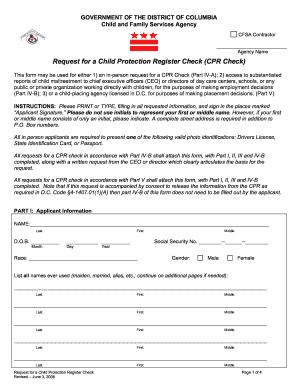
Dc child protection
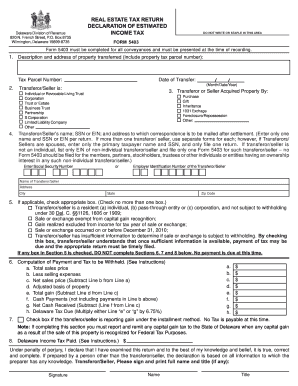
De form 5403
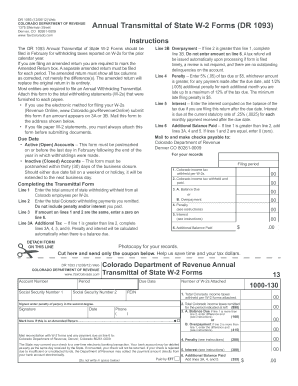
How to fill out a state tax withholding form colorado 2012
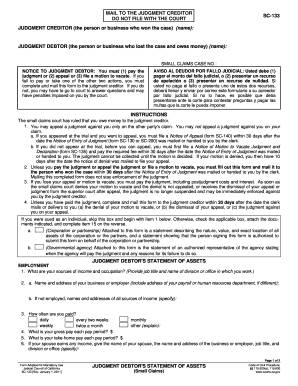
Sc 133

Irc application form

California hcd construction

Alabama vehicle bill sale 2012 form

Application for sales tax certificate of authority nys
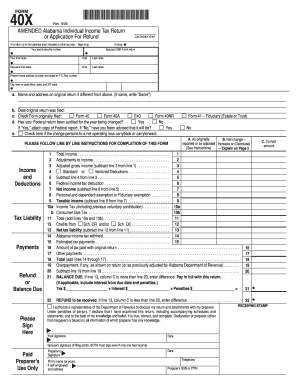
Alabama form 40x instructions
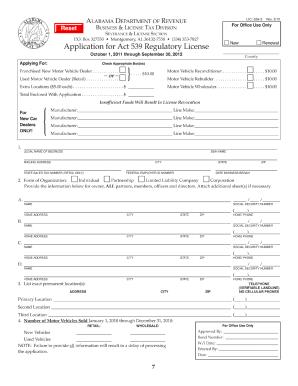
Alabama dealer license pdf
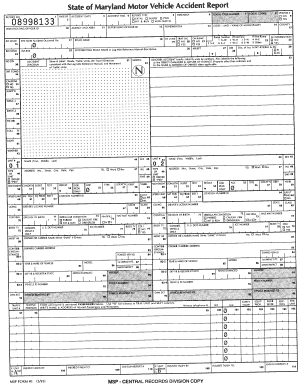
Maryland accident report
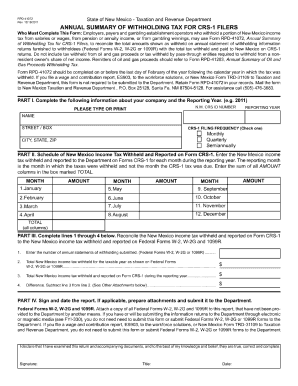
Rpd 41072 new mexico 2011 form
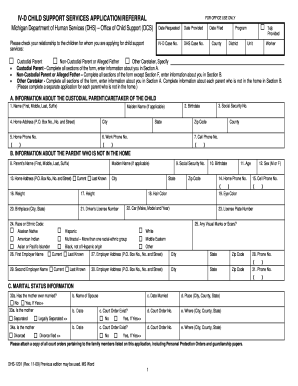
Michigan child support application 2009 form

Ca form 575
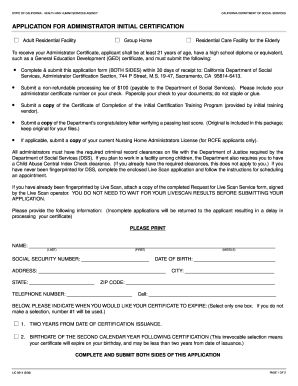
Lic 9214 116 2006 form

California form llc 12 2012

Texas dept of massage lice

Affidavit in support for application for title for watercraft outboard motor
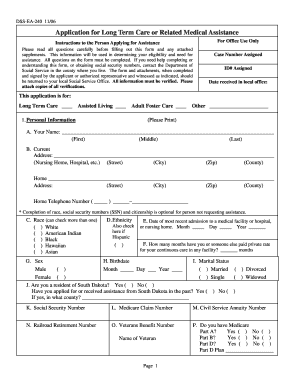
Dss ea 240 2006 form

Sf 3107 106 form
Benefit from the DocHub online library of fillable PDF forms
Searching the PDF forms doesn't have to be a tedious and time-consuming process. With the DocHub online library, it has become easier to find the fillable PDF forms and modify them in your browser. The service allows you to adjust the document to your needs using powerful editing tools.
You can use online document editing features to modify almost any type of document with ease. You just need to find the template of your choice, open it in the editor, and use the toolbar to make the necessary corrections.
Follow this guide to get your document done with DocHub:
- Find the PDF template you need.
- Click the Get Form button to open the file in the editor.
- Use the toolbar to fill out and edit the document.
- Easily add and highlight text, insert images, checkmarks, and symbols.
- Drop new fillable fields, and rearrange or delete pages from your file.
- Save changes and download your record.
DocHub empowers everyone to streamline document editing, signing, and distribution, and form completion. Create an account and benefit from our well-organized PDF Forms library and comprehensive editor.