




01. Edit your certificate of good standing massachusetts online
Type text, add images, blackout confidential details, add comments, highlights and more.

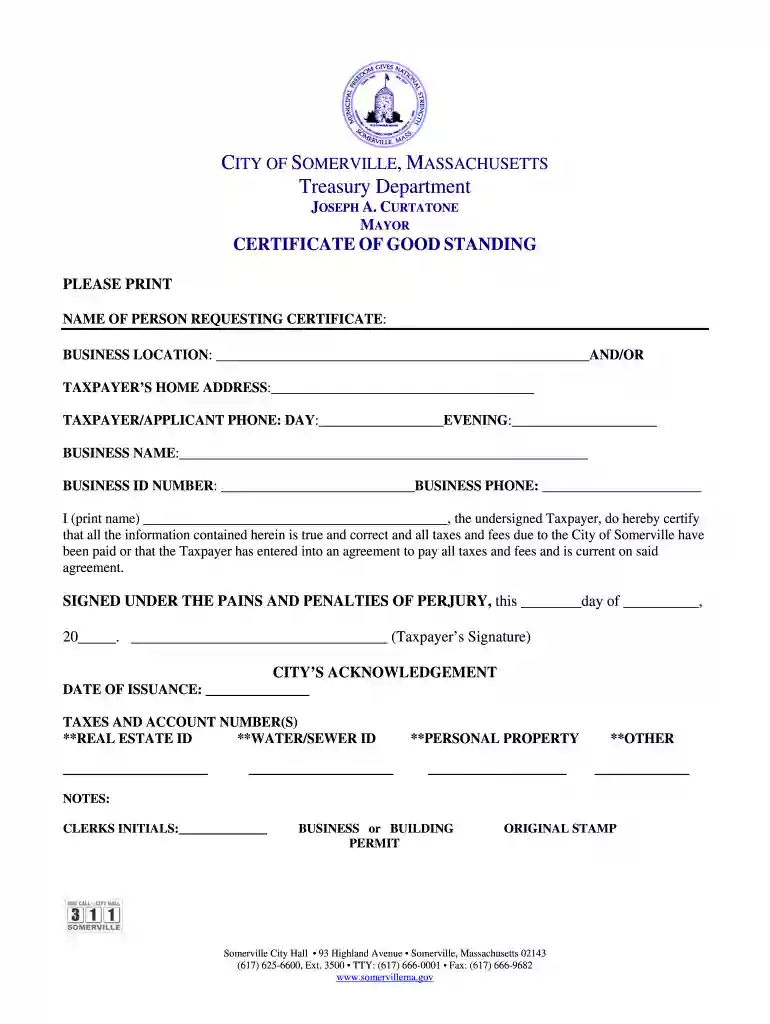
Type text, add images, blackout confidential details, add comments, highlights and more.

Draw your signature, type it, upload its image, or use your mobile device as a signature pad.

Send massachusetts certificate of good standing via email, link, or fax. You can also download it, export it or print it out.

Start using our platform today to fill out your Massachusetts Certificate of Good Standing easily and for free!
At DocHub, your data security is our priority. We follow HIPAA, SOC2, GDPR, and other standards, so you can work on your documents with confidence.
Salem Harbor Station is an operating power station of at least 798-megawatts (MW) in Salem, Essex, Massachusetts, United States with multiple units.Read more
A Certificate of Good Standing from DOR is required for Training Providers to meet DOR compliance. Go to DORs Certificate of Good Standing page to learn howRead more
This license is equivalent to a provisional educator certificate with advanced standing as defined in M. G. L. c. 71, 38G. Institution of Higher EducationRead more


