




01. Edit your blue badge stockton online
Type text, add images, blackout confidential details, add comments, highlights and more.

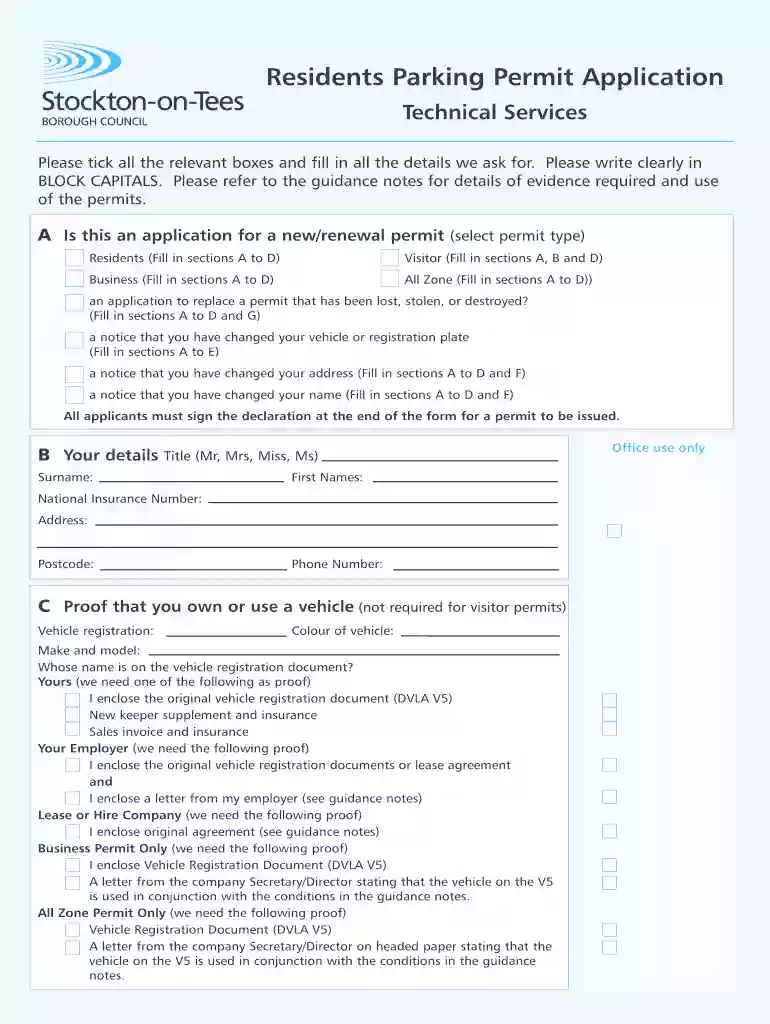
Type text, add images, blackout confidential details, add comments, highlights and more.

Draw your signature, type it, upload its image, or use your mobile device as a signature pad.

Send apply for blue badge stockton via email, link, or fax. You can also download it, export it or print it out.

Start using our platform today for free to streamline your blue badge renewal process!
At DocHub, your data security is our priority. We follow HIPAA, SOC2, GDPR, and other standards, so you can work on your documents with confidence.
This induces both yearning and the certain belief that the thing desired for can and will be achieved. Most potent on those with crushed ambitions and dismissedRead more
This document can prove invaluable when applying for a new Blue Badge or renewing your existing one, typically required every three years. The process is
The easiest, fastest way to renew a permanent placard is online. You can provide an electronic signature by scanning the QR code on your renewal notice.Read more


