




Here's how it works

01. Edit your sample probate inventory list online
Type text, add images, blackout confidential details, add comments, highlights and more.

02. Sign it in a few clicks
Draw your signature, type it, upload its image, or use your mobile device as a signature pad.

03. Share your form with others
Send missouri probate checklist via email, link, or fax. You can also download it, export it or print it out.
How to use or fill out Missouri Probate Inventory with our platform

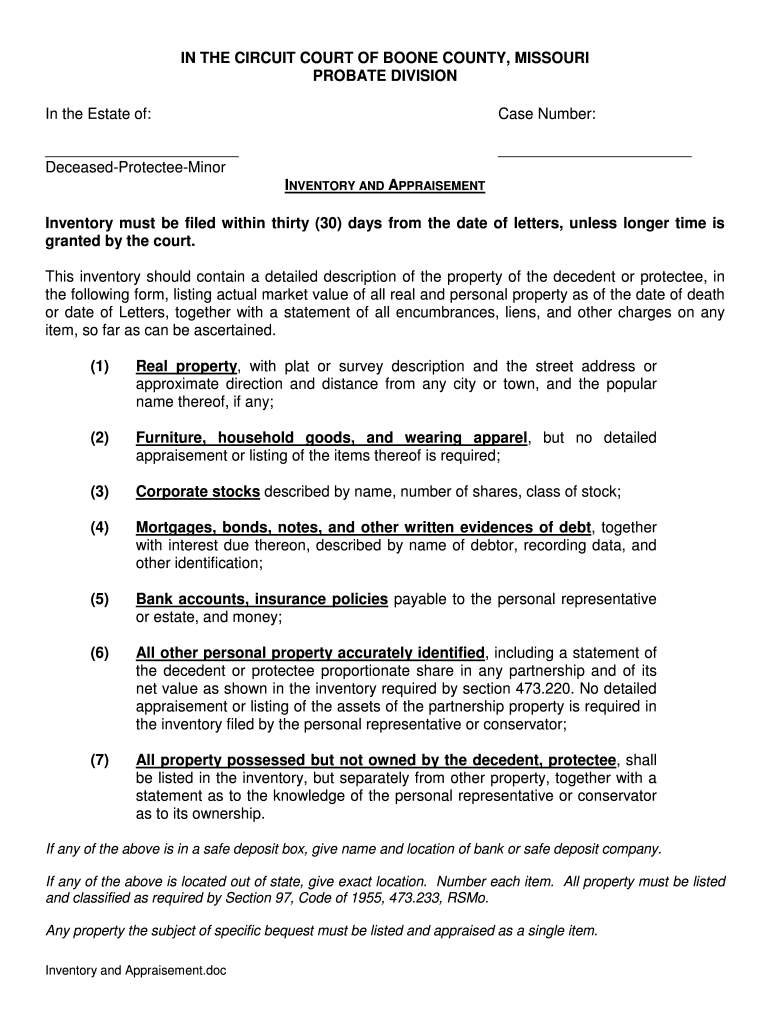
- Click ‘Get Form’ to open the Missouri Probate Inventory in the editor.
- Begin by entering the case number and the name of the deceased, protectee, or minor at the top of the form.
- In the 'Real Property' section, provide a detailed description of each property, including its market value and any encumbrances. Ensure you include plat or survey descriptions.
- For 'Personal Property', list items such as furniture and corporate stocks. Note that detailed appraisals are not required for household goods.
- Complete sections for mortgages, bank accounts, and other debts. Be sure to identify each item clearly with its net value.
- If applicable, include any property possessed but not owned by the decedent separately, along with ownership statements.
- Finally, review all entries for accuracy before signing off on the affidavit sections at the end of the document.
Start using our platform today to streamline your Missouri Probate Inventory process for free!
Fill out missouri probate inventory online
It's free
It's free
Security and compliance
At DocHub, your data security is our priority. We follow HIPAA, SOC2, GDPR, and other standards, so you can work on your documents with confidence.
Learn more


