




Here's how it works

01. Edit your aya dayforce online
Type text, add images, blackout confidential details, add comments, highlights and more.

02. Sign it in a few clicks
Draw your signature, type it, upload its image, or use your mobile device as a signature pad.

03. Share your form with others
Send dayforce aya via email, link, or fax. You can also download it, export it or print it out.
How to use or fill out aya per diem card with our platform

- Click ‘Get Form’ to open the aya per diem card in the editor.
- Begin by entering the 'Week Ending' date at the top of the form. This helps track your hours accurately.
- Fill in your 'Name' and 'Hospital' details. Ensure these are correct for proper identification.
- For each day of the week, input your 'TIME IN' and 'TIME OUT' for both lunch and regular shifts. Use military time as specified.
- Record any 'ON CALL', 'CALL BACK', or 'ORIENT' hours in their respective fields, ensuring supervisor initials are obtained where necessary.
- Complete the performance evaluation section by circling a number that reflects your assessment based on the provided scale.
- Sign and date the form at the bottom, certifying its accuracy before submission.
Start using our platform today to fill out your aya per diem card online for free!
Fill out aya per diem card online
It's free
It's free
Security and compliance
At DocHub, your data security is our priority. We follow HIPAA, SOC2, GDPR, and other standards, so you can work on your documents with confidence.
Learn more


Related forms
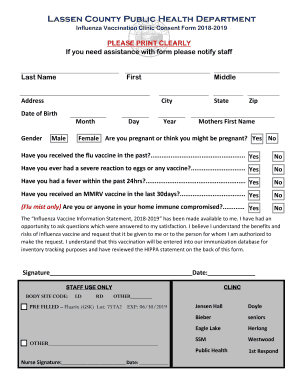
Lassen Public Health Offering County-Wide Flu Vaccinations
The document is a consent form for the Lassen County Public Health Department's Influenza Vaccination Clinic for the 201 ...

Precincts reported sheet
The document is an Electrical Permit Application from the Montcalm County Department of Building Safety, detailing the r ...
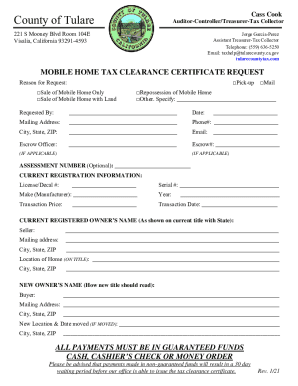
Contact Us - Treasurer-Tax Collector - Tulare County - CA
The document is a Mobile Home Tax Clearance Certificate Request form from the County of Tulare, detailing the process fo ...
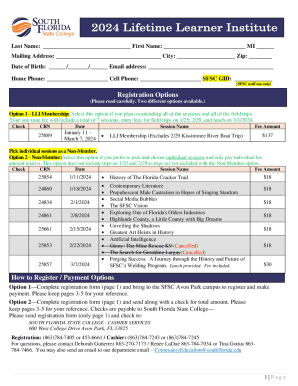
Mailing Address: City: Zip:
The document outlines the registration process and options for the 2024 Lifetime Learner Institute at South Florida Stat ...

DSP0094 far - Design Mode
The document provides detailed instructions for completing Form DSP-94, which authorizes the export of defense articles ...
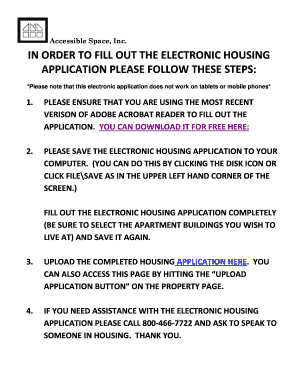
*Please note that this electronic application does not work on tablets or mobile phones*
The document provides detailed instructions for filling out an electronic housing application for Accessible Space, Inc. ...
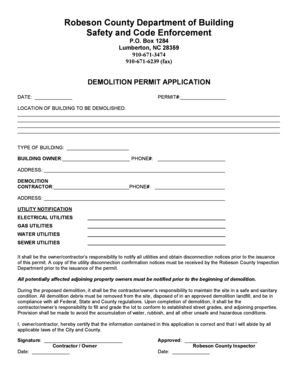
Robeson county nc demo permit application
The document is a Demolition Permit Application from the Robeson County Department of Building Safety and Code Enforceme ...
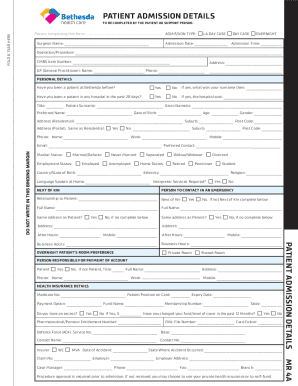
PATIENT ADMISSION DETAILS P A T IE NT A DMISS ION
The document is a comprehensive patient admission form for Bethesda Health Care, detailing personal and health informati ...