




Here's how it works



How to use or fill out juvederm consent form with DocHub

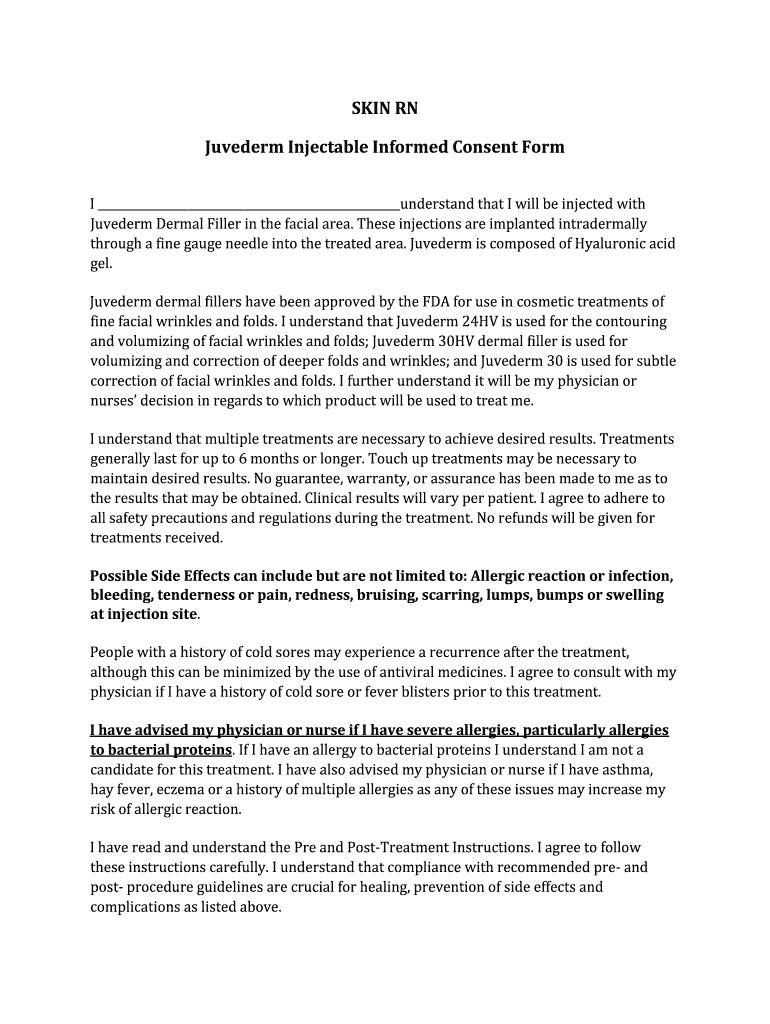
- Click ‘Get Form’ to open the Juvederm consent form in our editor.
- Begin by entering your name in the designated field at the top of the form. This identifies you as the client receiving treatment.
- Read through each section carefully, especially those detailing potential side effects and treatment expectations. Ensure you understand all components before proceeding.
- In the signature section, sign your name to indicate your consent and understanding of the treatment risks and responsibilities.
- Date your signature accurately to reflect when you completed the form. This is important for record-keeping purposes.
- If applicable, initial next to any future visit sections to confirm your agreement for ongoing treatments.
Start using our platform today to fill out your Juvederm consent form easily and for free!
It's free
Got questions?
Can I type my eSignature on my dermal filler consent form pdf?
Yes, a typed name is recognized as a legitimate electronic signature when you create it on your paperwork utilizing a compliant solution like DocHub. Simply upload your dermal filler consent form pdf to our editor, click Sign in the top tool pane → Create your signature → Type your name in the appropriate tab, and choose how it will appear on your document.
What internet browser do I need to edit filler consent form allergan online?
If you need to edit your filler consent form allergan on the internet swiftly, it does not matter what web browser you employ. DocHub’s straightforward editing instruments are available using any internet browser. Just open the appropriate tab within our editor, add your document, and fill it out without stress.
Is JUVDERM sold over the counter?
How do I make my own consent form?
How to fill up the consent form?
Security and compliance
At DocHub, your data security is our priority. We follow HIPAA, SOC2, GDPR, and other standards, so you can work on your documents with confidence.
Learn more


