




01. Edit your aup army online
Type text, add images, blackout confidential details, add comments, highlights and more.

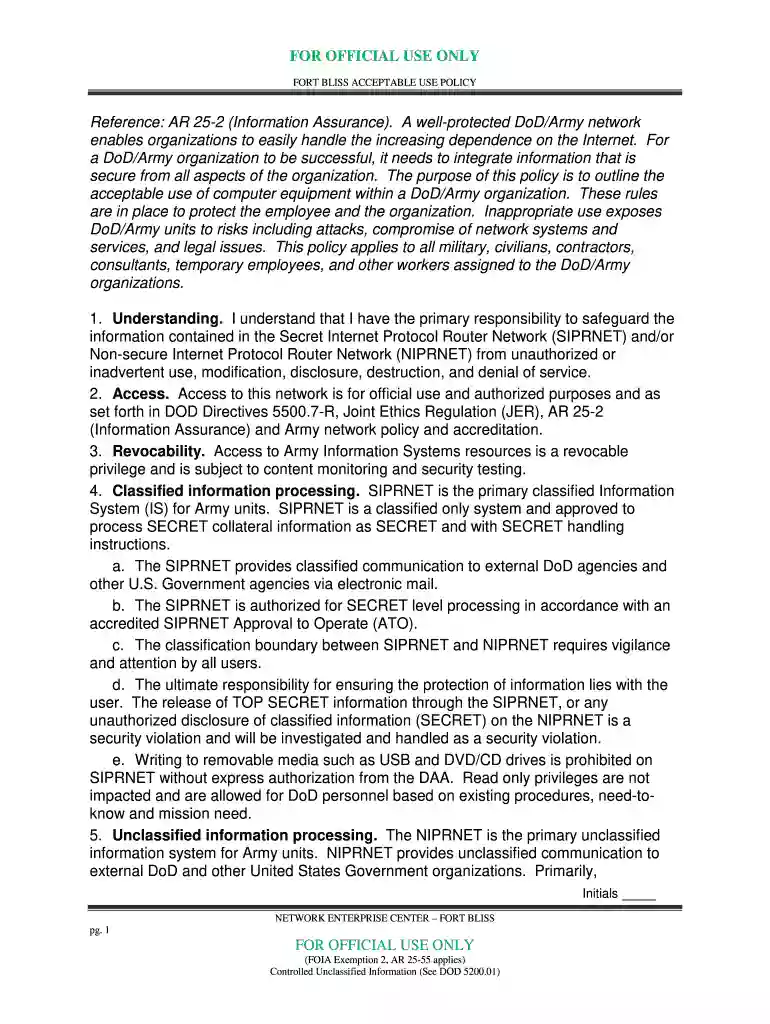
Type text, add images, blackout confidential details, add comments, highlights and more.

Draw your signature, type it, upload its image, or use your mobile device as a signature pad.

Send fort bliss policy via email, link, or fax. You can also download it, export it or print it out.

Start using our platform today for free to streamline your form completion process!
eSignatures are a perfect replacement for traditional signing, as they save time, effort, and money people spend on printing, scanning, and paper delivery. You can electronically sign your army acceptable use policy using a trustworthy and powerful online document management tool like DocHub. It complies with primary eSignature policies (ESIGN and UETA), so all forms approved there are legally binding and have the same validity as manually signed ones.
You need only an internet connection and a browser to fill out your army acceptable use policy 2024 on an iOS phone. Open the DocHub website and authenticate. Then, add your file or select it from the list in your dashboard. Then use our editing instruments to fill out your form and save all your changes. You can also send it to a specified recipient immediately.
At DocHub, your data security is our priority. We follow HIPAA, SOC2, GDPR, and other standards, so you can work on your documents with confidence.
Feb 28, 2023 Ladies and Gentlemen: The Defense Health Agency (DHA) requests an amendment to Nuclear Regulatory. Commission (NRC) license 45-35423-01.Read more
Section 1.5 contains MAK Field codes listed alphabetically by gun manufacturer. If a make is not listed, the code ZZZ should be entered as characters 1Read more


