
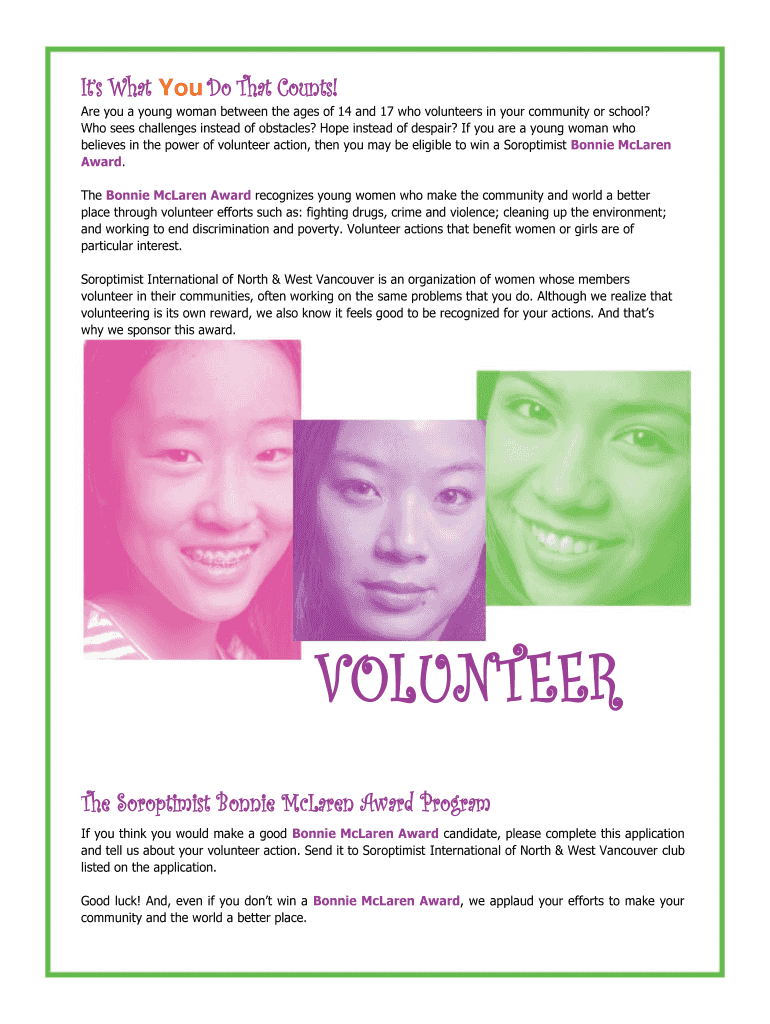




Here's how it works



How to use or fill out The Bonnie McLaren Award Honoring Young Women with Our Platform

- Click ‘Get Form’ to open it in the editor.
- Begin by determining your eligibility. Ensure you are a young woman aged 14-17 residing in North or West Vancouver, and have demonstrated initiative in volunteer work.
- Select the ‘Hand Tool’ from the toolbar. Click on each field to enter your personal information, including your name, date of birth, email address, and phone number.
- In the essay section, write up to 750 words detailing your volunteer experience. Describe where you volunteer, the organization’s goals, and your contributions.
- If you have any additional materials like photographs or articles, attach them as instructed. Ensure all materials include your name and contact information.
- Review all entries for accuracy. Once satisfied, select ‘Save As’ from the ‘File’ menu to save your application with a new file name.
- Email your completed application along with any supporting documents to the provided email address or mail it to the specified address.
Start filling out The Bonnie McLaren Award application today using our platform for free!
It's free
Got questions?
How can I send my The Bonnie McLaren Award Honoring Young Women for eSignature?
Upload your The Bonnie McLaren Award Honoring Young Women to DocHub (once you’ve set up an account for this). If you need to complete fields in it, use appropriate tools from the top pane. For instance, drop Signature Fields, assign each to a particular person, and click on Sign → Request signatures from others. Customize your message for your recipients and click Send Request. You can also send your document by fax or as a Signing link instead of using email (you’ll locate these options by navigating to the Menu → Send)
How to complete and sign The Bonnie McLaren Award Honoring Young Women online?
You may easily fill out, edit, and even eSign your The Bonnie McLaren Award Honoring Young Women using DocHub. Create a new profile and start your free trial. After that, you may add the file with the form and easily make all the required edits. No need to print on paper or use a third-party application to sign it, as you can place your electronic signature on your document faster via DocHub.
Security and compliance
At DocHub, your data security is our priority. We follow HIPAA, SOC2, GDPR, and other standards, so you can work on your documents with confidence.
Learn more


