




01. Edit your adr forms online
Type text, add images, blackout confidential details, add comments, highlights and more.

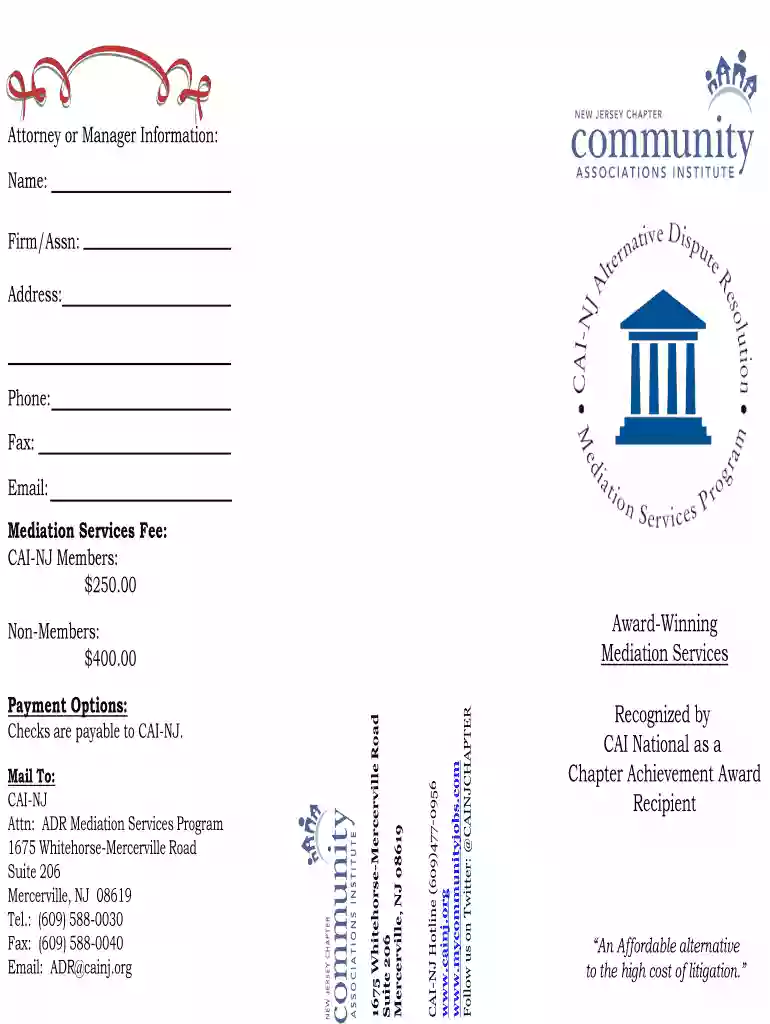
Type text, add images, blackout confidential details, add comments, highlights and more.

Draw your signature, type it, upload its image, or use your mobile device as a signature pad.

Send it via email, link, or fax. You can also download it, export it or print it out.

Start using our platform today for free to streamline your document editing and form completion!
At DocHub, your data security is our priority. We follow HIPAA, SOC2, GDPR, and other standards, so you can work on your documents with confidence.
Trenton, New Jersey 08625-0805. For additional information or to download complaint forms and copies of the handouts concerning ADR, open meetings and access to.Read more
This book contains information obtained from authentic and highly regarded sources. While all reasonable efforts have been made to publish reliable data andRead more
Dec 7, 2022 The conference, held on. November 12, 2022, featured five panels discussing topics that included: gateway issues related to arbitration; dueRead more


