




Here's how it works



How to use or fill out human resporg online with our platform

- Click ‘Get Form’ to open the human resporg online document in the editor.
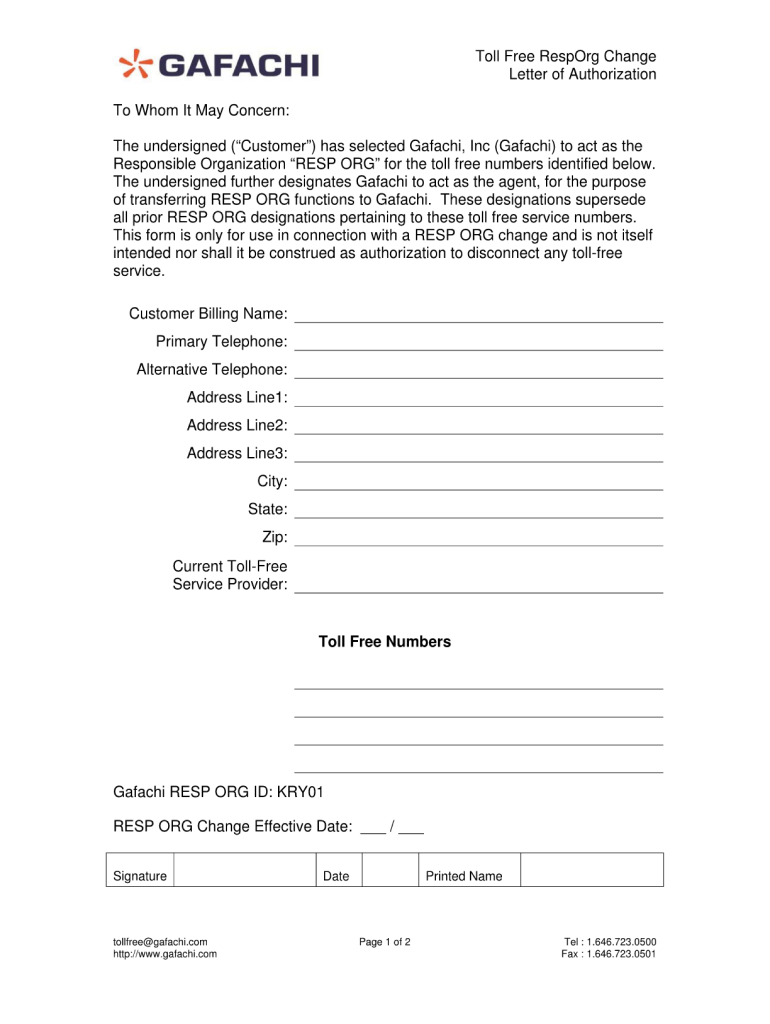
- Begin by entering your personal information in the designated fields. This typically includes your name, contact details, and any relevant identification numbers.
- Next, navigate to the section that requires you to specify your service preferences. Carefully select the options that best suit your needs from the dropdown menus or checkboxes provided.
- If there are any additional comments or special requests, locate the text box at the bottom of the form and provide your input clearly.
- Once all fields are completed, review your entries for accuracy. Use our platform’s editing tools to make any necessary adjustments before finalizing.
- Finally, click ‘Submit’ to send your completed form. You can also save a copy for your records directly from our editor.
Start using our platform today for free and streamline your document processes effortlessly!
It's free
Got questions?
How do I sign my human resporg online on iOS?
With DocHub, you can quickly approve your human resporg online or any other paperwork on iOS, even without installing extra programs. You can access your DocHub account from any internet-connected browser and complete and sign your form in any way you like with just a couple of clicks.
How do you edit human resporg online on Android?
Document editing with DocHub is equally convenient on desktop and mobile devices. You just need an internet browser to modify your human resporg online on Android. Open our site and sign in to access the tools you need. Add your document and introduce your intended modifications. Next, you can keep your form in your document storage or send it out instantly.
Security and compliance
At DocHub, your data security is our priority. We follow HIPAA, SOC2, GDPR, and other standards, so you can work on your documents with confidence.
Learn more


