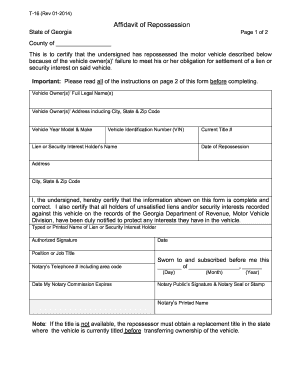
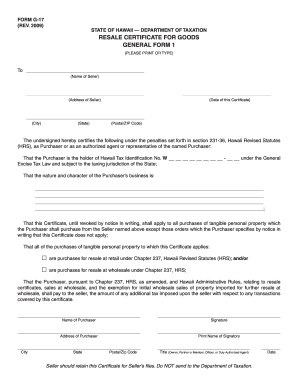
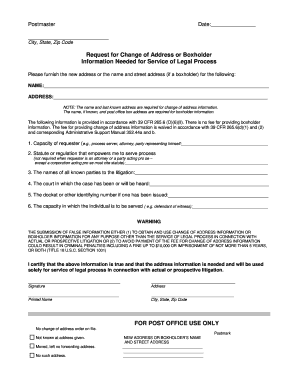
Type text, add images, blackout confidential details, add comments, highlights and more.
02. Sign it in a few clicks
Draw your signature, type it, upload its image, or use your mobile device as a signature pad.
03. Share your form with others
Send adm 9050 via email, link, or fax. You can also download it, export it or print it out.
How to use or fill out adm 9050 with our platform
Ease of Setup
DocHub User Ratings on G2
Ease of Use
DocHub User Ratings on G2
Click ‘Get Form’ to open the adm 9050 in the editor.
Begin by entering the Principal’s true full name and any Doing Business As (DBA) names in the designated fields. This identifies who is appointing the Director of Motor Vehicles as their agent.
Specify the type of license being applied for in the appropriate section. This ensures clarity regarding the nature of the appointment.
Review and understand the stipulations regarding service of process, ensuring you agree to all terms outlined in the document.
Sign and date the form where indicated, confirming your acknowledgment of the appointment. Ensure that your signature is clear and legible.
If required, complete the Notary Certificate section by having a notary public witness your signature, ensuring compliance with legal requirements.
Start filling out your adm 9050 today for free using our platform!
Adm 9050 PDFADM 9050 how to fill outAppointment of Director as agent for service of process adm 9050OL 99 DMV FormREG 256Application for refund (ADM 399)OL 257 form DMVDMV Occupational license application
Security and compliance
At DocHub, your data security is our priority. We follow HIPAA, SOC2, GDPR, and other standards, so you can work on your documents with confidence.
Form #ADM 9050, Form TitleAppointment of Director as Agent for Service of Process (PDF) ; Form #DL 9, Form TitleApplication for Certification of IgnitionRead more
Cookie consent notice
This site uses cookies to enhance site navigation and personalize your experience.
By using this site you agree to our use of cookies as described in our Privacy Notice.
You can modify your selections by visiting our Cookie and Advertising Notice.