




01. Edit your claim of damages online
Type text, add images, blackout confidential details, add comments, highlights and more.

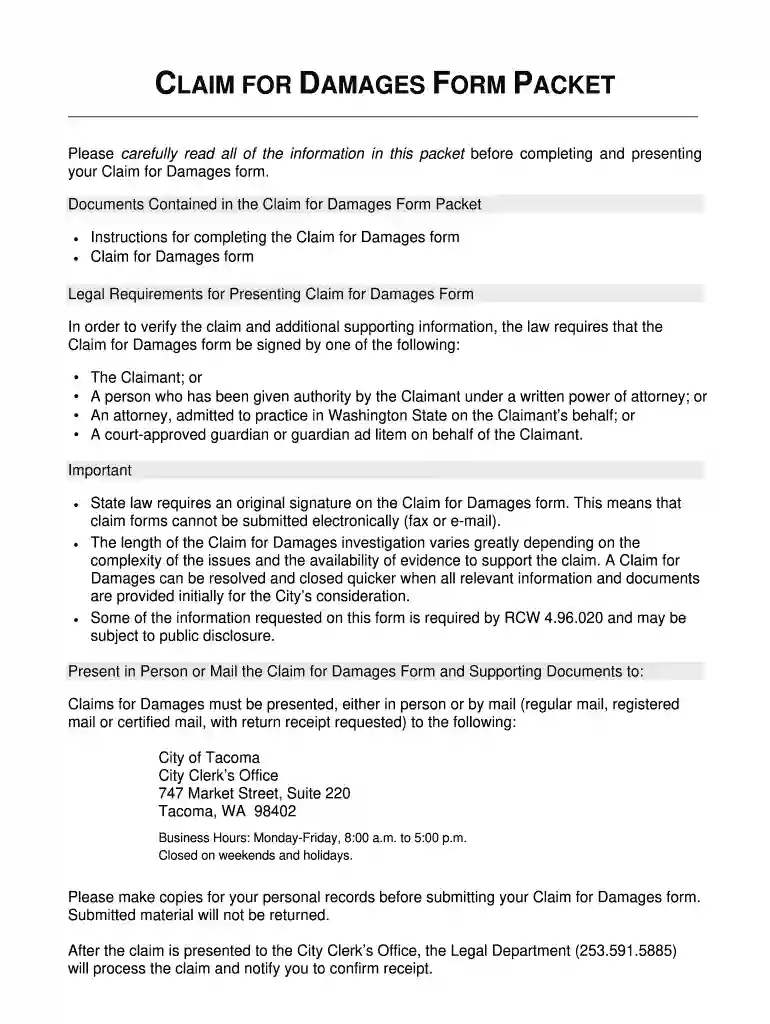
Type text, add images, blackout confidential details, add comments, highlights and more.

Draw your signature, type it, upload its image, or use your mobile device as a signature pad.

Send city of tacoma claim for damages form via email, link, or fax. You can also download it, export it or print it out.

Start filling out your Claim for Damages form today using our platform for free!
At DocHub, your data security is our priority. We follow HIPAA, SOC2, GDPR, and other standards, so you can work on your documents with confidence.
If you would like to request a customer claim form, call the Toyota. Customer Experience Center at (800)331-4331. When you call, please have your vehicleRead more
Oct 2, 2017 At Tacomas request, students unearthed employment rights violations and explored why precarious workers struggle to claim their rights.Read more
The claim form must be signed by one of the following: the claimant,; a person holding a written power of attorney from the claimant (include a copy of theRead more


