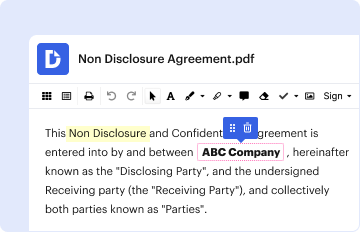
Type text, add images, blackout confidential details, add comments, highlights and more.
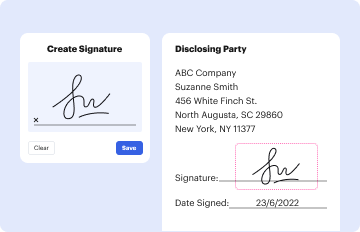
02. Sign it in a few clicks
Draw your signature, type it, upload its image, or use your mobile device as a signature pad.
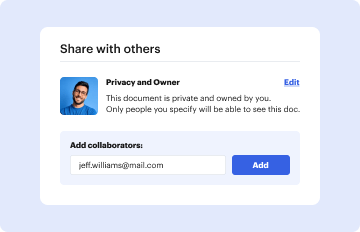
03. Share your form with others
Send mediexpress clinic via email, link, or fax. You can also download it, export it or print it out.
How to use or fill out mediexpress claim form with our platform
Ease of Setup
DocHub User Ratings on G2
Ease of Use
DocHub User Ratings on G2
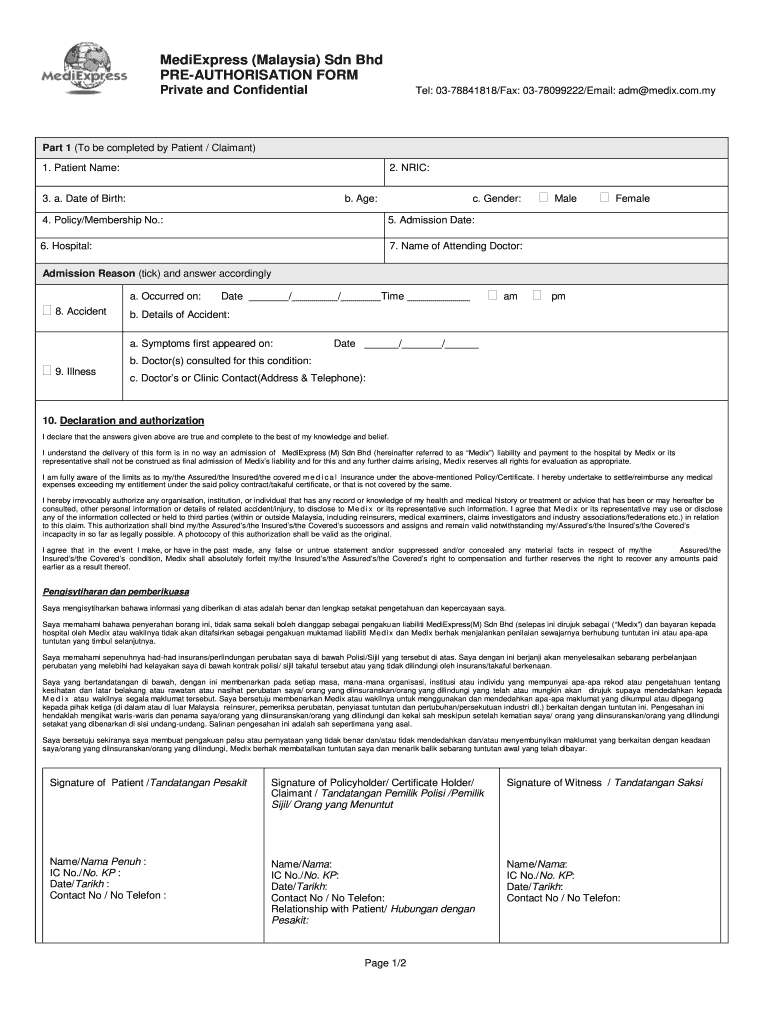
Click ‘Get Form’ to open the mediexpress claim form in the editor.
Begin with Part 1, where you will enter your personal details. Fill in your Patient Name, NRIC, Date of Birth, Age, and Gender. Ensure accuracy as this information is crucial for processing your claim.
Next, provide your Policy/Membership Number and Admission Date. Specify the Hospital and the Name of the Attending Doctor. For Accident claims, tick the appropriate box and provide details such as the date and time of occurrence.
If claiming for an illness, indicate when symptoms first appeared and list any doctors consulted along with their contact information.
Complete the Declaration section by confirming that all provided information is true. Sign where indicated to authorize the release of your medical information.
Once completed, review all entries for accuracy before submitting. Use our platform’s features to save or share your filled form easily.
Start filling out your mediexpress claim form online for free today!
How to Claim Reimbursement? StepAction 1 Collect receipts or proof of the expense. 2 Complete the claim form provided by the employer or organization. 3 Submit the claim form and receipts for approval. 4 Wait for approval from the finance or HR department.1 more row Jul 10, 2025
How do I fill out a reimbursement claim form?
Follow the steps given below to file a reimbursement health insurance claim: Step 1: Inform the Insurance Company. Step 2: Obtain Treatment. Step 3: Pay the Hospital Bill. Step 4: Collect All Your Documents. Step 5: Fill up the Claim Form. Step 6: Submit All Documents to the Insurance Company.
How to fill medi assist reimbursement claim form online?
Log into your Medi Assist portal and click the Reimbursement tile. Fill in the required details and click Intimate. Intimate us about your impending claim. Present your Medi Assist Ecard at the hospital during admission along with any other legally accepted identity card.
What are the two types of claim forms?
The two most common claim forms are the CMS-1500 and the UB-04. These two forms look and operate similarly, but they are not interchangeable. The UB-04 is based on the CMS-1500, but is actually a variation on itits also known as the CMS-1450 form.
What is the 837P claim form?
The 837P (Professional) is the standard format used by health care professionals and suppliers to transmit health care claims electronically.
mediexpress health connect
Mediexpress claim form pdfMediexpress claim form pdf downloadMediexpress claim form onlineMediexpress claim form downloadMediexpress claim form malaysiaMediExpress loginMediExpress customer serviceMediExpress panel hospital
Security and compliance
At DocHub, your data security is our priority. We follow HIPAA, SOC2, GDPR, and other standards, so you can work on your documents with confidence.
Login to t.medibuddy.in and select Claims Hospitalisation Reimbursement. Select the proper beneficiary and ensure you fill the required details. Scan and upload your documents for faster processing of your claim.
What is a medical claim form?
In simpler terms, a medical claim form is a formal written request that a healthcare provider submits to an insurance company, Medicare or Medicaid, or another affiliated entity seeking compensation for the healthcare services provided to a patient.
mediexpress health connect login
(PDF) Managed Care expansion to Asia: a critical review
The paper examines the concept of Managed Care as practised in Southeast Asia and argues that Managed Care insurers are unlikely to spread further.
Cookie consent notice
This site uses cookies to enhance site navigation and personalize your experience.
By using this site you agree to our use of cookies as described in our Privacy Notice.
You can modify your selections by visiting our Cookie and Advertising Notice.