




01. Edit your medical fitness certificate online
Type text, add images, blackout confidential details, add comments, highlights and more.

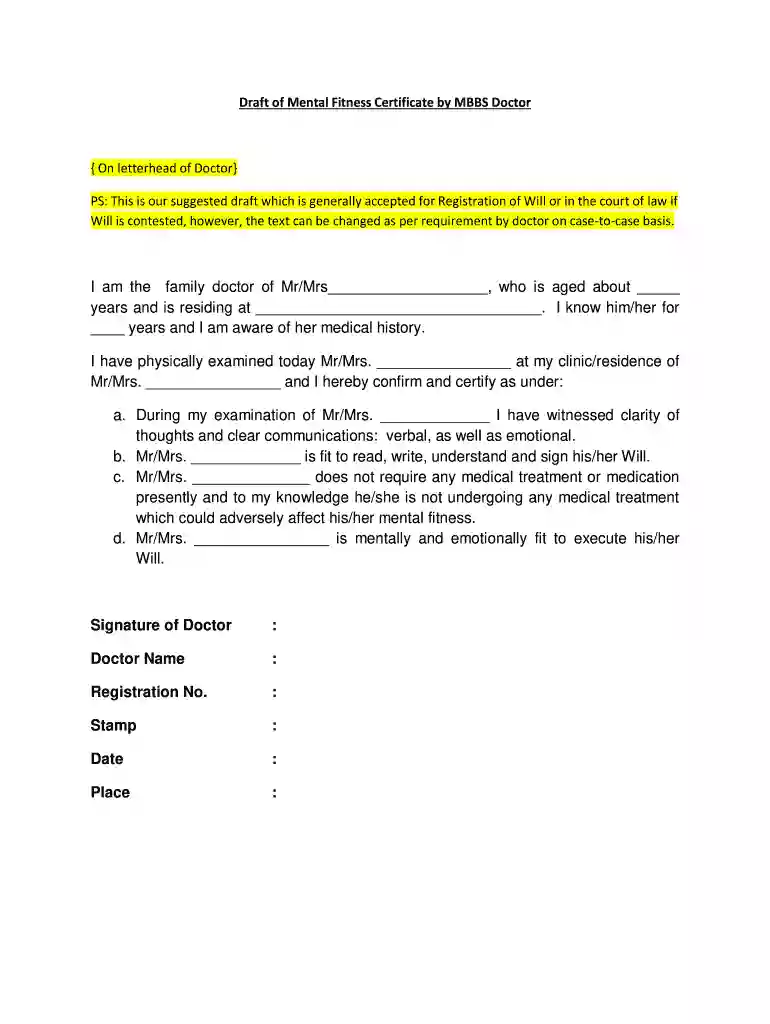
Type text, add images, blackout confidential details, add comments, highlights and more.

Draw your signature, type it, upload its image, or use your mobile device as a signature pad.

Send medical fitness certificate pdf via email, link, or fax. You can also download it, export it or print it out.

Start using our platform today to easily fill out and manage your fitness certificate for free!
At DocHub, your data security is our priority. We follow HIPAA, SOC2, GDPR, and other standards, so you can work on your documents with confidence.
The certification from the employees health care provider must DocHub that the employee is able to resume work. Additionally, an employer may require that theRead more
Drivers must be examined by a medical examiner. A list of registered medical examiners can be found at the National Registry of Certified Medical Examiners.Read more


