




Here's how it works

01. Edit your code name father husband online
Type text, add images, blackout confidential details, add comments, highlights and more.

02. Sign it in a few clicks
Draw your signature, type it, upload its image, or use your mobile device as a signature pad.

03. Share your form with others
Send it via email, link, or fax. You can also download it, export it or print it out.
How to use or fill out birth amp father with our platform

- Click ‘Get Form’ to open it in the editor.
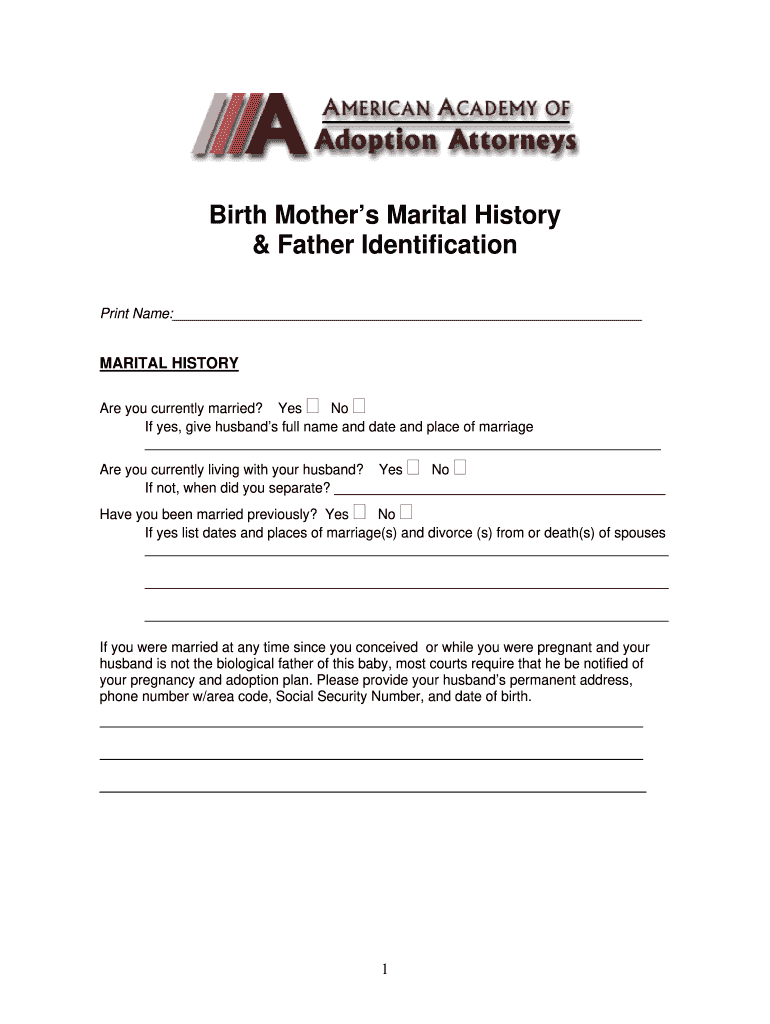
- Begin by entering your full name at the top of the form. This identifies you as the birth mother.
- In the Marital History section, indicate your current marital status by selecting 'Yes' or 'No'. If married, provide your husband's full name and marriage details.
- Complete the physical description of your husband, including height, weight, body build, eye color, hair color, and complexion.
- In the Relationship Between Biological Parents section, clarify if the child is biologically related to your current spouse and describe your relationship with the biological father.
- Provide any known information about the biological father such as his full name, birth date, social security number, and contact details.
- Answer questions regarding any legal actions involving the biological father and provide details about past relationships that may affect custody or adoption plans.
Start filling out your birth amp father form today for free on our platform!
Fill out birth amp father online
It's free
It's free
Security and compliance
At DocHub, your data security is our priority. We follow HIPAA, SOC2, GDPR, and other standards, so you can work on your documents with confidence.
Learn more


