




Here's how it works



How to use or fill out Study Guide Chemistry - Boyertown Area School District with our platform

- Click ‘Get Form’ to open the Study Guide Chemistry in the editor.
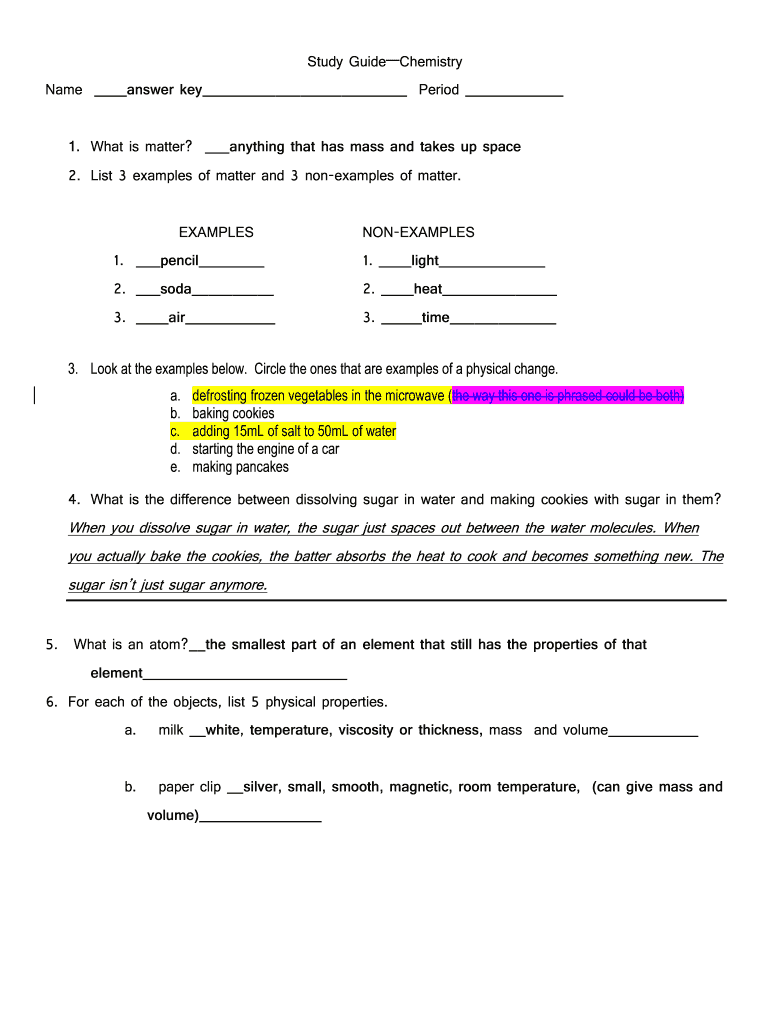
- Begin by entering your name and period at the top of the document. This personalizes your study guide.
- For each question, read carefully and fill in your answers directly in the provided spaces. For example, when asked about matter, write your definition clearly.
- In sections requiring examples, such as listing three examples of matter, type your responses in the designated fields. Use bullet points for clarity if needed.
- For questions that require circling options or drawing diagrams, utilize our platform's annotation tools to highlight or sketch directly on the document.
- Review your answers for accuracy and completeness before saving or sharing your completed study guide.
Start using our platform today to easily fill out and manage your Study Guide Chemistry!
It's free
Got questions?
Can I sign my Study Guide Chemistry - Boyertown Area School District with my mobile phone?
Of course, it is possible with DocHub. This secure and compliant online editor has a phone-based signing option. After you log in to your DocHub account and import your Study Guide Chemistry - Boyertown Area School District to our editor, complete all necessary areas and utilize the Sign feature on the top barf. Click on Create your signature and choose Phone from the available choices. Here, you scan a QR code with your smartphone and draw your signature on your phone display, as you usually do when signing hard copies. If you access DocHub right from your mobile device, you can eSign your form by drawing your eSignature, uploading its photo, or simply with a typed name.
How do you fill out Study Guide Chemistry - Boyertown Area School District online?
You can find and modify your Study Guide Chemistry - Boyertown Area School District online with the help of DocHub. Its straightforward but feature-rich design allows you to start effective work immediately after you register your account. Create your account and add your document, and then our user interface will guide you via our stress-free form completion experience.
Security and compliance
At DocHub, your data security is our priority. We follow HIPAA, SOC2, GDPR, and other standards, so you can work on your documents with confidence.
Learn more


