




01. Edit your form online
Type text, add images, blackout confidential details, add comments, highlights and more.

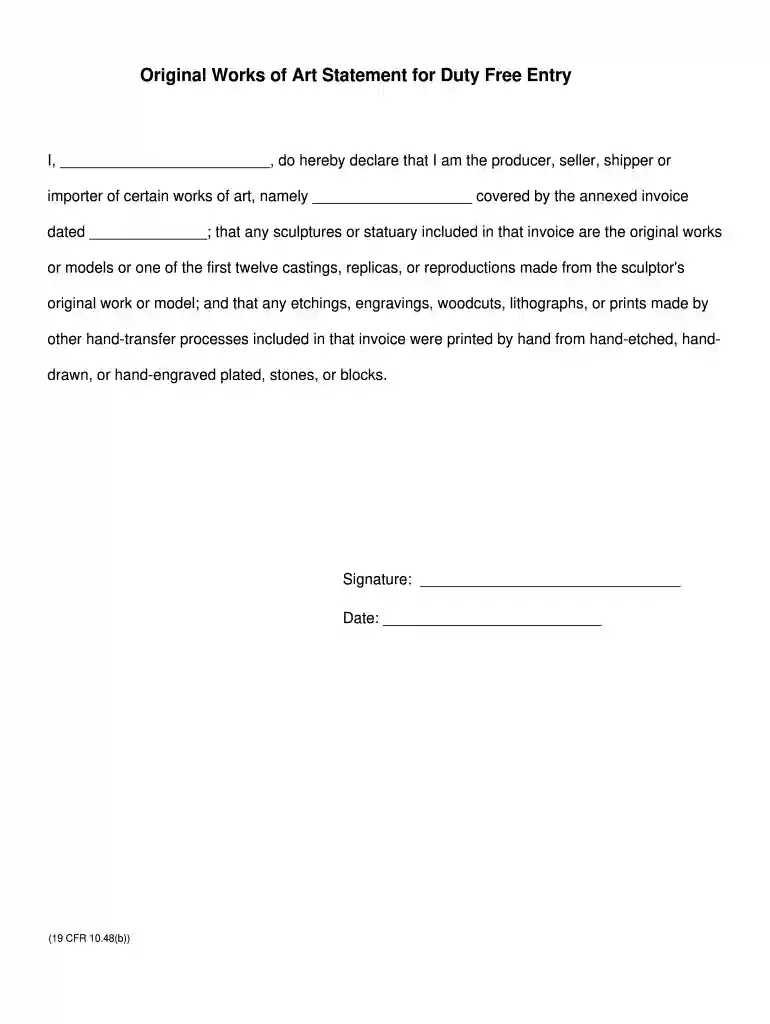
Type text, add images, blackout confidential details, add comments, highlights and more.

Draw your signature, type it, upload its image, or use your mobile device as a signature pad.

Send it via email, link, or fax. You can also download it, export it or print it out.

Start using our platform today to easily complete your art statement duty form for free!
Most eSignature services require users to have a paid subscription. With DocHub, there are two ways for you to add an electronic signature to your art statement duty form template at no cost:
The second option, though, has restrictions on the number of signatures, sign requests, emails, and documents for editing available per month. You can check for full details here.
If you are searching for a state-specific art statement duty form template sample, you will find it in our DocHub Forms & Templates catalog. Use the search field, enter your form’s name, and search through the results for your state. You can also filter out irrelevant results while searching our catalog by groups.
At DocHub, your data security is our priority. We follow HIPAA, SOC2, GDPR, and other standards, so you can work on your documents with confidence.
An artist statement is designed to inform your audience about your ideas and your aesthetic, your influences and your innovations. The statement should be briefRead more
Artist shall ensure that the Artwork as installed shall not interfere with the intended use of the Sites, pedestrian and other traffic flow, parking, safetyRead more
After you create a page segment containing, for example, a signature, logo, or drawing, you can store it in a system resource library so that it can be used by.Read more


