




Here's how it works
How to use or fill out Fairfield County Standard Mutual Restraining Order - co fairfield oh with our platform

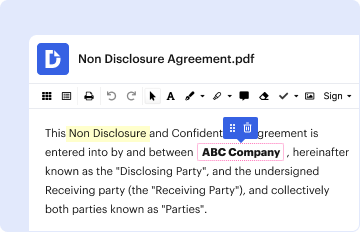
- Click ‘Get Form’ to open it in the editor.
- Begin by entering the case number at the top of the form. This is essential for identifying your specific case within the court system.
- Fill in the names of both parties involved in the case, ensuring accuracy to avoid any legal complications.
- Review each section carefully. The form outlines various restrictions; make sure you understand them fully before proceeding.
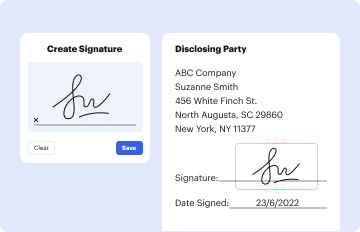
- Sign and date the document where indicated. This confirms your agreement to abide by the terms set forth in the restraining order.
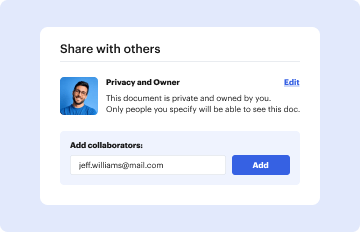
- Once completed, utilize our platform’s features to save, share, or print your document as needed for submission to the court.
Start using our platform today for free and streamline your document editing process!
It's free
Got questions?
How can I eSign my Fairfield County Standard Mutual Restraining Order - co fairfield oh from Gmail?
With DocHub, it’s pretty simple. The service offers users an add-on called DocHub for Gmail, which you can find in the Google Workspace Marketplace without being charged. Set it up and grant it access to your Google account. Open your email with your Fairfield County Standard Mutual Restraining Order - co fairfield oh attached and click on the add-on button in the right-side panel. Sign in to your DocHub account, and import the form to our editor, where you can fill it out and sign.
Do I need to set up software to edit my Fairfield County Standard Mutual Restraining Order - co fairfield oh?
If you edit your Fairfield County Standard Mutual Restraining Order - co fairfield oh with DocHub, you only need a steady internet connection and virtually any web browser installed on your device. No need to set up any third-party software or study guides. Just open a tab with DocHub, drag and drop your file, and edit it on the spot.
Security and compliance
At DocHub, your data security is our priority. We follow HIPAA, SOC2, GDPR, and other standards, so you can work on your documents with confidence.
Learn more


