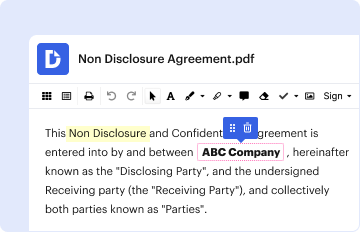
Type text, add images, blackout confidential details, add comments, highlights and more.
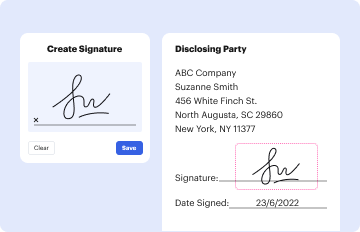
02. Sign it in a few clicks
Draw your signature, type it, upload its image, or use your mobile device as a signature pad.
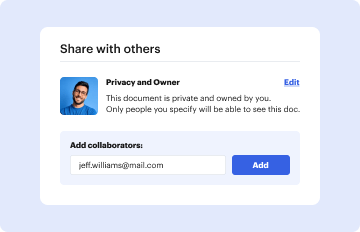
03. Share your form with others
Send act 34 clearance via email, link, or fax. You can also download it, export it or print it out.
How to use or fill out act 34 with our platform
Ease of Setup
DocHub User Ratings on G2
Ease of Use
DocHub User Ratings on G2
Click ‘Get Form’ to open it in the editor.
Begin by entering your name in the 'Requester' section. Ensure that you provide your full name as it appears on official documents.
Fill in your address, including city, state, and ZIP code. This information is crucial for mailing the response back to you.
Select the appropriate block that applies to your request. Options include individual requests or those from non-criminal justice agencies. If applicable, enclose a certified check or money order for $10.
Provide the subject's details, including first name, middle name (if any), last name, maiden name or aliases, social security number, date of birth, sex, and race.
Indicate the reason for your request by checking the box that best describes your purpose. This helps streamline processing.
Review all entered information for accuracy before submitting. Incomplete or illegible forms may be returned unprocessed.
Start using our platform today for free to complete your act 34 form efficiently!
Act 34 clearanceAct 34 PA Criminal HistoryAct 34 clearance onlineWhat is Act 34 in paHow long is Act 34 clearance good forAct 114 clearanceHow to get Act 34 clearanceACT 34 to SAT
Security and compliance
At DocHub, your data security is our priority. We follow HIPAA, SOC2, GDPR, and other standards, so you can work on your documents with confidence.
Required by Act 34 of 1985 and Act 114 of 2006, as amended, for all prospective employees of public schools, private schools and their contractorsRead more
Cookie consent notice
This site uses cookies to enhance site navigation and personalize your experience.
By using this site you agree to our use of cookies as described in our Privacy Notice.
You can modify your selections by visiting our Cookie and Advertising Notice.