Sf 86 2008 fillable pdf-2026

Get Form
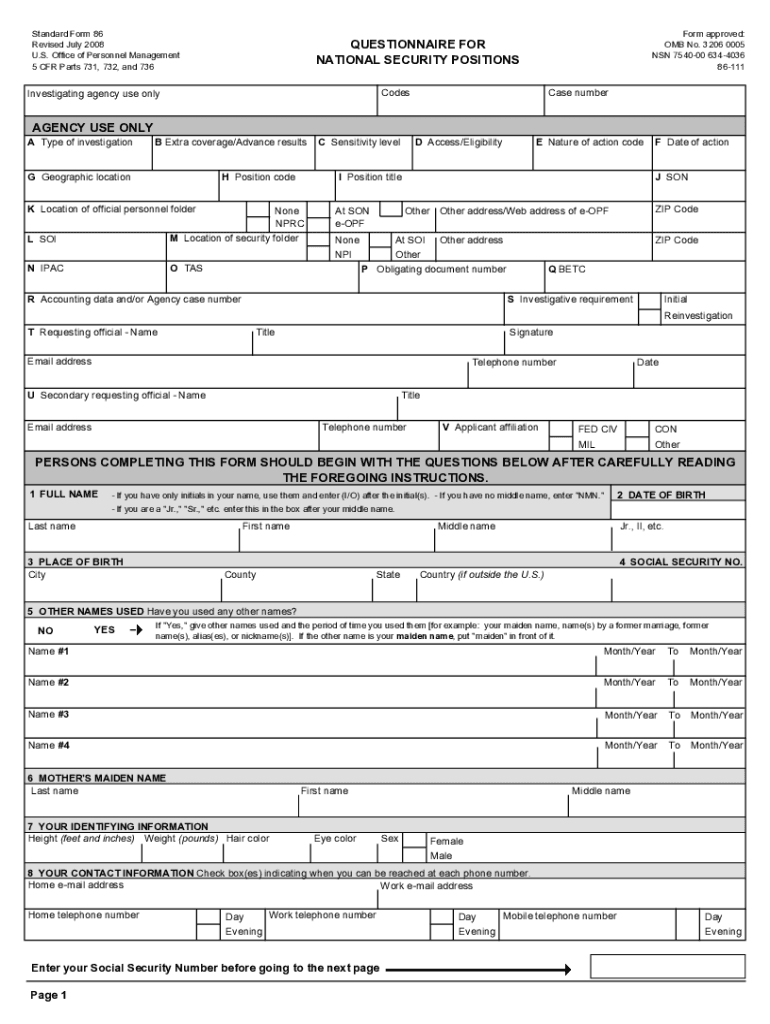
sf86 form Preview on Page 1

Here's how it works

01. Edit your sf86 form online
Type text, add images, blackout confidential details, add comments, highlights and more.
02. Sign it in a few clicks
Draw your signature, type it, upload its image, or use your mobile device as a signature pad.
03. Share your form with others
Send sf 86 via email, link, or fax. You can also download it, export it or print it out.

How to use or fill out sf 86 2008 fillable pdf with our platform

Form edit decoration
9.5
Ease of Setup
DocHub User Ratings on G2
9.0
Ease of Use
DocHub User Ratings on G2
  1. Click ‘Get Form’ to open the sf 86 2008 fillable PDF in the editor.
  2. Begin by entering your full name, date of birth, and Social Security Number in the designated fields. Ensure accuracy as this information is crucial for identification.
  3. Proceed to provide your contact information, including home and work phone numbers. Use the appropriate format for telephone numbers, including area codes.
  4. In the citizenship section, mark your current status accurately. If you are a naturalized citizen, follow up with the necessary documentation details.
  5. For residence history, list all addresses where you have lived over the past seven years. Be specific and avoid using P.O. Boxes.
  6. When detailing employment activities, include all jobs held in the last seven years. Provide names of employers and contact information for verification purposes.
  7. Complete sections regarding family members and references carefully. This includes providing accurate names and relationships without omitting any required details.
  8. Review all entries for completeness and accuracy before submitting your form. Utilize our platform's features to save or print a copy for your records.

Start filling out your sf 86 2008 form today using our platform for a seamless experience!

be ready to get more

Complete this form in 5 minutes or less

Get form

Got questions?

We have answers to the most popular questions from our customers. If you can't find an answer to your question, please contact us.
Contact us

With DocHub, you can easily approve your sf 86 form or any other paperwork on iOS, even without installing additional applications. You can access your DocHub account from any internet-connected browser and complete and sign your form in any way you like with just a couple of clicks.

You can find the latest and most relevant version of the sf 86 2008 fillable pdf in our DocHub forms collection. Search it by categories or use the search field to locate the exact template that suits your situation. You can open this form for editing once you find it.

SF-86 Questionnaire for National Security Positions (This form is available at .)
Most of the common mistakes include incomplete or blank sections or contradictory information. You should never leave information gaps. For instance, youll need to report your address and work history for the last 10 years; you shouldnt leave any years out. Your form may be rejected for corrections.
To start work on your SF-86, go to the e-QIP web-site by clicking - qip/browser-check. asp. Your web browser will be tested for compatibility with the e -QIP application. Please follow the on-screen instructions if your web browser is not compatible ; otherwise click Continue.

People also ask

The following are those who might view the SF-86 in its entirety: Department of Justice in performing their duties. Courts if litigation is involved for civil or criminal violations. Employees performing security clearance investigations.
If you are seeking a copy of a Standard Form (SF) 86, 85P or 85 either completed in the e-QIP system or NBIS e-APP we encourage you to first coordinate with your sponsoring agency/entity (e.g., human resources office or security office) to obtain the record from them.
The Personnel Vetting Questionnaire (PVQ) is a form designed to modernize and streamline the federal personnel vetting process. It consolidates and replaces the previous Standard FormsSF-85, SF-85P, and SF-86into a unified, modular format.

form 86