




Here's how it works

01. Edit your basketball application online
Type text, add images, blackout confidential details, add comments, highlights and more.

02. Sign it in a few clicks
Draw your signature, type it, upload its image, or use your mobile device as a signature pad.

03. Share your form with others
Send watch nba games free app via email, link, or fax. You can also download it, export it or print it out.
How to use or fill out basketball application with our platform

- Click ‘Get Form’ to open the basketball application in the editor.
- Begin by entering the player's last name and first name in the designated fields. Ensure accuracy for identification purposes.
- Fill in the home address, city, and zip code. This information is crucial for communication and location purposes.
- Provide the date of birth and grade for fall 2011, along with the school the player currently attends.
- List the high school that the player plans on attending. This helps in organizing future activities.
- Enter parent or guardian details, including names, phone numbers, and email addresses. This ensures that you can be contacted easily.
- Complete the emergency contact section with an alternate contact's name and phone number for safety reasons.
- Indicate any current medications or medical limitations to ensure proper care during activities.
- Fill out insurance provider information and policy number as parents are responsible for their own insurance during participation.
- Review the Universal Permission and Medical Release Statement carefully before signing it at the bottom of the form.
Start filling out your basketball application today using our platform for free!
Fill out basketball application online
It's free
It's free
Security and compliance
At DocHub, your data security is our priority. We follow HIPAA, SOC2, GDPR, and other standards, so you can work on your documents with confidence.
Learn more


Related forms
Az bingo form 837
The document is an Arizona Form 837, a financial report required for bingo licensees (Class B or Class C) to file with t ...

Yvonne M Williams - Texas State Directory Online
The document provides information regarding traffic citations and court procedures for Justices of the Peace in Travis C ...
DES - 031 Truck Driver Education Student Report Driver Education - michigan
The document is a Truck Driver Education Student Report from the Michigan Department of State, detailing information abo ...
Employee Enrollment Application: Group Size 51+ Eligible
The document is an Enrollment Application for Anthem Blue Cross and Blue Shield, specifically designed for employers wit ...
Physical Therapy's Role Role in the in the Educational Setting
The Occupational and Physical Therapy Policy and Procedure Manual for the Piedmont Regional Education Program outlines t ...
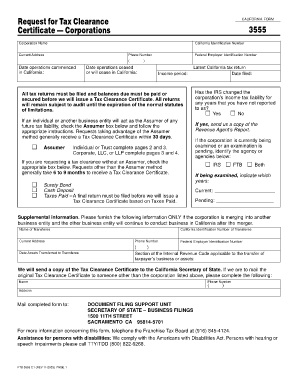
Land tax clearance certificate
The document is a California Form 3555, which is a Request for Tax Clearance Certificate for corporations. It outlines t ...
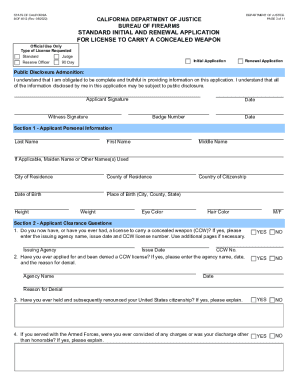
Des doj ca formsDROSWorksheetBOF-929BOF 929 Dealer's Record of Sale (DROS) Worksheet - California
Des doj ca formsDROSWorksheetBOF-929BOF 929 Dealer's Record of Sale (DROS) Worksheet - California
The document is a standard application form for obtaining a license to carry a concealed weapon (CCW) in California, iss ...
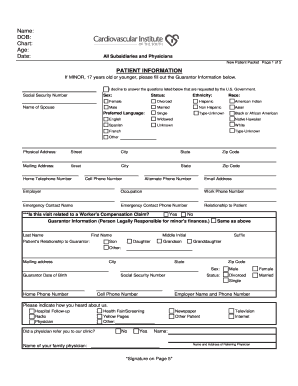
New Patient Packet xlsx
The document is a New Patient Packet from the Cardiovascular Institute of the South, containing sections for patient inf ...