Type text, add images, blackout confidential details, add comments, highlights and more.
02. Sign it in a few clicks
Draw your signature, type it, upload its image, or use your mobile device as a signature pad.
03. Share your form with others
Send it via email, link, or fax. You can also download it, export it or print it out.
How to use or fill out geoblue enrollment with our platform
Ease of Setup
DocHub User Ratings on G2
Ease of Use
DocHub User Ratings on G2
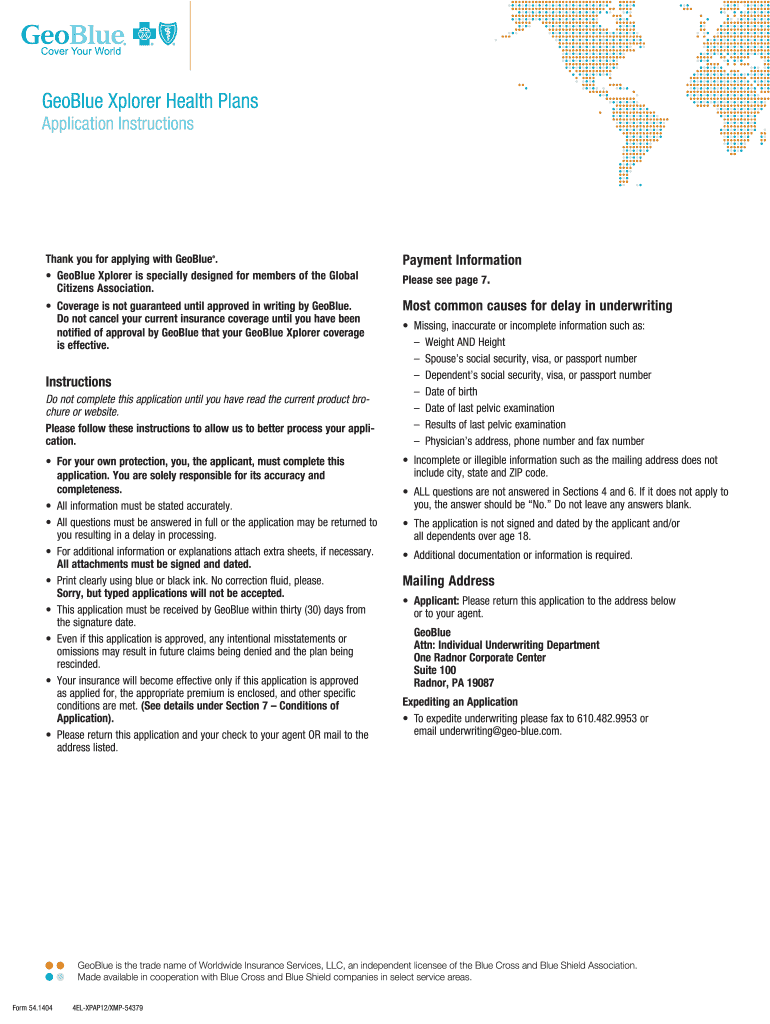
Click ‘Get Form’ to open the GeoBlue Xplorer Health Plans application in the editor.
Begin by filling out the 'Applicant Information' section. Ensure you provide your last name, first name, and middle initial clearly. Include your address both inside and outside the U.S., along with your contact numbers.
In the 'Time and Location Status' section, indicate how much time you will spend outside your home country in the next 12 months and specify locations.
Select your plan choice under 'Choice of Plan'. Make sure to check the appropriate box for either GeoBlue Xplorer Premier or Essential, and include any additional riders if applicable.
Complete the 'Applicants for Coverage' section accurately. List all family members applying for coverage, including their relationship to you, date of birth, and social security numbers.
Answer all questions in Section 6 regarding health history thoroughly. If necessary, provide additional details on separate sheets.
Review all information for accuracy before signing and dating the application at the end. Ensure that all required signatures are obtained from dependents over age 18.
Start using our platform today to complete your GeoBlue enrollment effortlessly!
How to Enroll in Your Organizations International Group
For assistance or questions regarding enrollment, please call GeoBlue at. (888) 243-2358 and mention your self-enrollment code: KZC-38035. GeoBlue is theRead more
Blue Cross and Blue Shield Service Benefit Plan brochure
If you want to enroll or change your enrollment in this Plan, be sure to put the correct enrollment code from the cover on your enrollment form. Below, an
Cookie consent notice
This site uses cookies to enhance site navigation and personalize your experience.
By using this site you agree to our use of cookies as described in our Privacy Notice.
You can modify your selections by visiting our Cookie and Advertising Notice.