
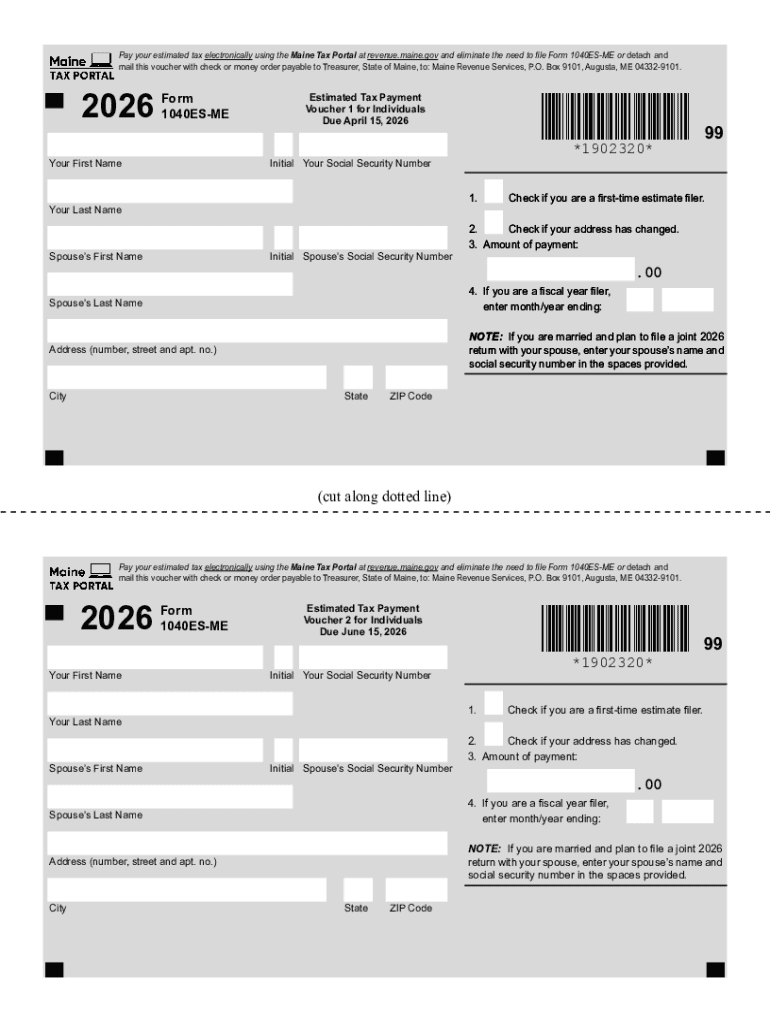







Definition & Meaning
The term "form online" refers to digital versions of traditionally paper-based forms that can be filled out and submitted through internet-based platforms. These online forms offer a range of functionalities such as text input, selection of checkboxes, dropdown menus, and signature fields. Using online forms facilitates efficient data collection, reduces errors, and eliminates the need for physical document handling. The digital format ensures that the information is captured in a structured manner, which can be easily processed or stored in databases. Online forms are commonly utilized in various sectors, including government, education, healthcare, and business, to streamline administrative processes.
How to Use the Form Online
Using an online form typically involves navigating to a website where the form is hosted, such as on DocHub. Once you access the form, you can begin interacting with its fields. Here's a general process:
- Access the form: Visit the official website hosting the online form.
- Fill out necessary fields: Enter information in required text boxes, and select options where applicable.
- Review your entries: Check all inputs for correctness and completeness.
- Submit the form: After confirming the information is accurate, submit the form by clicking the designated button.
- Receive confirmation: Upon submission, a confirmation screen or email will usually be provided to verify that the process has been completed successfully.
The specifics of this process can vary based on the platform and the nature of the form.
Steps to Complete the Form Online
Completing an online form involves several straightforward steps that ensure all required information is accurately captured:
- Identify mandatory fields: These are often marked with an asterisk (*) to indicate their importance.
- Gather supporting documents: Have necessary documentation ready for reference or attachment, as some fields may require precise data input.
- Use form fields:
- Text boxes for entering free-form answers.
- Checkboxes for selecting multiple options.
- Dropdown menus for choosing one option from a list.
- Signature fields for providing digital signatures.
- Check for errors: Online forms often offer real-time error checking to ensure fields are correctly filled without leaving mandatory questions blank.
- Submit and save: Once satisfied with the form completion, click submit and save a copy for your records.
Following these steps can streamline the completion process and minimize chances for errors or omissions.
Why Should You Form Online
Using online forms provides numerous advantages over traditional paper forms:
- Efficiency: Complete and submit forms faster without the need for physical mailing or in-person delivery.
- Convenience: Access forms from any location with an internet connection, using a variety of devices.
- Real-time Updates: Make instantaneous edits and adjustments with easy digital tools.
- Cost-saving: Reduce expenses related to printing, postage, and physical storage.
- Environmentally Friendly: Eliminates the need for paper, contributing to environmental conservation efforts.
These benefits make online forms a preferable option for both individuals and organizations.
Who Typically Uses the Form Online
Online forms serve a broad spectrum of users, ranging from individuals to large enterprises:
- Individuals: For personal applications, surveys, and registrations.
- Businesses: To streamline HR processes, order management, and customer feedback.
- Educational Institutions: For admissions, registrations, and assessments.
- Government Agencies: For tax forms, license applications, and census data collection.
Each user group utilizes the flexibility and efficiency of online forms to meet their specific data collection and processing needs.


Key Elements of the Form Online
Online forms are characterized by several essential elements that facilitate data entry and submission:
- User Interface: A clean and intuitive layout that guides users step-by-step.
- Interactive Elements: Fields for text input, radio buttons, checkboxes, and signature areas.
- Validation Features: Real-time feedback to ensure the data entered is valid and complete.
- Security Protocols: Encryption and authentication measures to protect user data during transmission and storage.
- Responsive Design: Compatibility with various devices and screen sizes, ensuring accessibility across platforms.
These elements ensure that online forms are practical, user-friendly, and secure.
Legal Use of the Form Online
The legal usage of online forms is ensured through compliance with relevant laws and regulations, such as the ESIGN Act in the United States:
- Electronic Signatures: Legally binding equivalent of handwritten signatures when using compliant platforms like DocHub.
- Data Protection: Compliance with laws such as the General Data Protection Regulation (GDPR) to safeguard personal information.
- Auditing Capabilities: Maintain records of access, modifications, and submissions, providing a trail for legal verification.
These legal frameworks ensure that online forms are valid and enforceable, providing confidence to users.
Software Compatibility
Compatibility with various software platforms is crucial for the successful use of online forms:
- Integration with Productivity Suites: Seamless compatibility with tools like Google Workspace for enhanced user convenience.
- Document Management Systems: Easily import and export documents to systems like Dropbox, OneDrive, and others.
- Cross-platform Accessibility: Use across different operating systems including Windows, macOS, Android, and iOS.
The ability to work seamlessly across various software platforms enhances the utility and versatility of online forms.




