
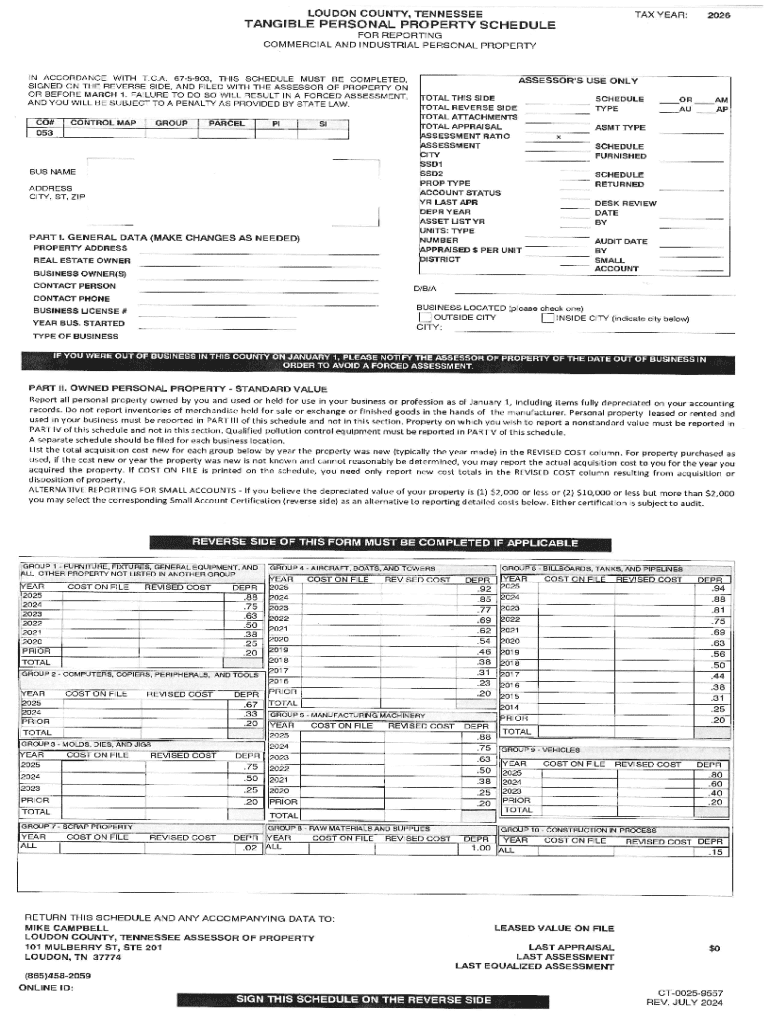







Definition and Meaning of Online Forms
Forms online refer to digital documents that enable users to input and submit data through the internet. These forms are designed to mimic paper-based forms, allowing individuals and businesses to streamline data collection and submission processes. Online forms can vary in complexity, from simple contact forms to comprehensive applications required for legal or financial purposes. Utilizing forms online reduces the need for physical paperwork, speeding up processing times and minimizing errors associated with manual data entry.
Key Features of Online Forms
- Ease of Access: Forms online can be accessed from any device with an internet connection, allowing users to complete them at their convenience.
- Real-Time Processing: Submissions are often processed in real-time, enabling quicker responses and decision-making.
- Automated Data Validation: Many online forms include validation scripts to ensure that the information provided is correct before submission.
How to Use Forms Online
Forms online are user-friendly, designed to guide users through the data entry process. Here's a basic guide on how to efficiently use these forms:
-
Identify the Purpose of the Form: Understand why the form is needed and what information is required before filling it out.
-
Complete Required Fields: Fill in all mandatory fields, usually marked with an asterisk (*) or highlighted differently.
-
Use Correct Data Format: Follow any specified formatting instructions, such as date formats or numeric entries, to avoid submission errors.
-
Review and Edit Entries: Double-check the information for accuracy and make adjustments if necessary before submitting the form.
-
Submit the Form: Click the submit button to send the completed form. A confirmation message or email often follows this action.
Practical Examples
- Business Permits: Businesses may use forms online to apply for permits, which provide an accessible and trackable way to submit necessary documentation.
- Healthcare Appointments: Patients can schedule appointments or fill out health information forms, ensuring data is readily available for healthcare providers.
Steps to Complete an Online Form
Completing an online form can be straightforward if you follow these structured steps:
-
Access the Online Form: Locate the form on the organization’s official website or through a provided link.
-
Read All Instructions: Start by reviewing any provided instructions or guidelines to ensure compliance with the form's requirements.
-
Enter Personal Information: Typical forms will require personal details such as name, address, and contact information.
-
Fill Form Fields: Input data into the respective fields. Remember to select options from dropdown lists or checkboxes where applicable.
-
Attach Necessary Documents: Use designated sections to upload any required supporting documents like identification or proof of residency.
-
Validate Data Entry: Review all entered information to ensure it is complete and correct.
-
Submit the Form and Save Confirmation: Once submitted, save or print a copy of the confirmation receipt for records.
Tools for Efficient Form Completion
- Autofill Options: Many browsers offer autofill features that can speed up the process by automatically populating common information.
- Form Manager Applications: Tools like DocHub can help manage and complete forms more efficiently with editing and collaboration features.
Benefits of Using Forms Online
Adopting forms online for data collection and submission offers several advantages:
-
Improved Accuracy: Automated error-checking reduces inaccuracies that can occur in manually completed forms.
-
Greater Convenience: Users can fill out forms at any time and from any location without the need for physical presence.
-
Efficiency and Speed: Immediate submission and processing of forms enhance overall efficiency and reduce wait times.
Who Benefits Most
-
Organizations: Businesses and government agencies can streamline operations and reduce administrative burdens.
-
Consumers: Individuals benefit from the ease and speed of digital submissions, reducing the need for physical office visits.
Key Elements to Consider When Using Forms Online
When filling out forms online, several critical elements determine their efficiency and reliability:
-
Interactive Fields: Ensure that forms include interactive fields like text boxes and dropdown menus for easy data entry.
-
Security Measures: Look for security features such as encryption to protect sensitive information during transmission.
-
Responsive Design: Forms should be accessible across different devices, with mobile-friendly designs enhancing user experience.
Detailed Breakdown
- Accessibility Options: Support for screen readers and keyboard navigation for users with disabilities.
- Progress Indicators: Tools that display the progress of form completion, providing a clear overview of remaining sections.
Legal Use and Compliance of Online Forms
Forms online must comply with legal standards to ensure that they are valid and enforceable:
-
Electronic Signatures: Adhering to the ESIGN Act, online forms that require signatures must support legal e-signatures.
-
Data Privacy Regulations: Compliance with privacy laws, e.g., GDPR or CCPA, ensures that data collected through forms is protected and used ethically.
Implementation Examples
- Contract Agreements: Online consent forms for contractual agreements can include legally binding checkboxes or digital signatures.
- NDA Forms: Electronic Non-Disclosure Agreements that use secure authentication methods for signing processes.
State-Specific Differences in Form Availability
While many forms online are standardized nationwide, there might be state-specific variations due to local laws or regulations:
-
License Applications: Requirements can differ by state, necessitating the use of tailored forms online for professions like law or medicine.
-
Tax Forms: State tax forms might have different online submission processes or deadlines compared to federal forms.
Notable Distinctions
- Educational Forms: State-specific scholarship or grant applications may require distinct forms online reflecting local opportunities.
- Business Compliance: Regulatory forms required for opening a business can vary, impacting the type of information collected and the submission process.




