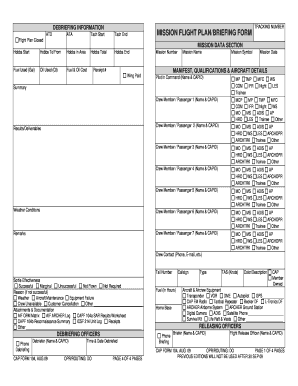
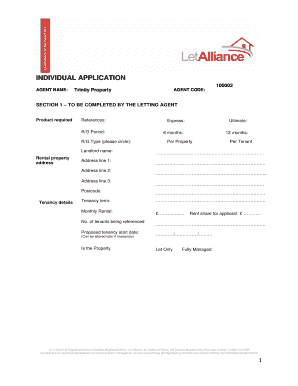
Dossier professionnel (version Word) 2026

Get Form
Dossier professionnel (version Word) Preview on Page 1

Here's how it works

01. Edit your form online
Type text, add images, blackout confidential details, add comments, highlights and more.
02. Sign it in a few clicks
Draw your signature, type it, upload its image, or use your mobile device as a signature pad.
03. Share your form with others
Send it via email, link, or fax. You can also download it, export it or print it out.

The fastest way to redact Dossier professionnel (version Word) online

Form edit decoration
9.5
Ease of Setup
DocHub User Ratings on G2
9.0
Ease of Use
DocHub User Ratings on G2

Dochub is a perfect editor for changing your documents online. Follow this straightforward instruction to redact Dossier professionnel (version Word) in PDF format online for free:

  1. Sign up and sign in. Register for a free account, set a strong password, and go through email verification to start managing your templates.
  2. Upload a document. Click on New Document and choose the form importing option: add Dossier professionnel (version Word) from your device, the cloud, or a secure link.
  3. Make changes to the template. Use the top and left-side panel tools to edit Dossier professionnel (version Word). Insert and customize text, pictures, and fillable fields, whiteout unnecessary details, highlight the significant ones, and provide comments on your updates.
  4. Get your documentation done. Send the sample to other parties via email, generate a link for quicker file sharing, export the template to the cloud, or save it on your device in the current version or with Audit Trail included.

Try all the advantages of our editor today!

be ready to get more

Complete this form in 5 minutes or less

Get form

Security and compliance

At DocHub, your data security is our priority. We follow HIPAA, SOC2, GDPR, and other standards, so you can work on your documents with confidence.

Learn more
ccpa2
pci-dss
gdpr-compliance
hipaa
soc-compliance