




Here's how it works

01. Edit your form online
Type text, add images, blackout confidential details, add comments, highlights and more.

02. Sign it in a few clicks
Draw your signature, type it, upload its image, or use your mobile device as a signature pad.

03. Share your form with others
Send it via email, link, or fax. You can also download it, export it or print it out.
The easiest way to modify The Mechanics Path to ASE CertificationThe Mechanics Path to ASE CertificationThe Mechanics Path to in PDF format online

Working on paperwork with our feature-rich and intuitive PDF editor is easy. Make the steps below to fill out The Mechanics Path to ASE CertificationThe Mechanics Path to ASE CertificationThe Mechanics Path to online easily and quickly:
- Log in to your account. Sign up with your credentials or create a free account to try the product before upgrading the subscription.
- Import a form. Drag and drop the file from your device or add it from other services, like Google Drive, OneDrive, Dropbox, or an external link.
- Edit The Mechanics Path to ASE CertificationThe Mechanics Path to ASE CertificationThe Mechanics Path to . Easily add and underline text, insert images, checkmarks, and symbols, drop new fillable areas, and rearrange or remove pages from your document.
- Get the The Mechanics Path to ASE CertificationThe Mechanics Path to ASE CertificationThe Mechanics Path to accomplished. Download your updated document, export it to the cloud, print it from the editor, or share it with others via a Shareable link or as an email attachment.
Take advantage of DocHub, the most straightforward editor to quickly manage your documentation online!
Fill out The Mechanics Path to ASE CertificationThe Mechanics Path to ASE CertificationThe Mechanics Path to online
It's free
It's free
Security and compliance
At DocHub, your data security is our priority. We follow HIPAA, SOC2, GDPR, and other standards, so you can work on your documents with confidence.
Learn more


Related forms

Parish Registration Form Bilingual pub - St Vincent de Paul Catholic
The document is a registration form for St. Vincent de Paul Catholic Church, designed for individuals and families to pr ...

Interrogatories
The document is a legal filing in the Circuit Court of Oregon, where the Plaintiff submits a set of interrogatories to t ...
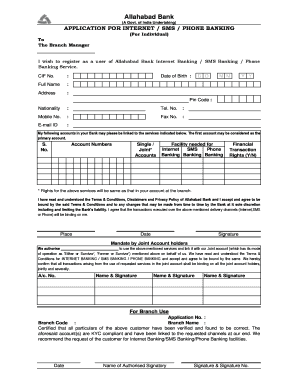
Allahabad bank kyc form
The document is an application form for Internet, SMS, and Phone Banking services provided by Allahabad Bank for individ ...

Ipams application form
The document provides guidelines for employees regarding vacation, emergency, or personal leave, emphasizing the importa ...

Admit card ncc certificate b exam 2023
The document is an admit card for the NCC Certificate 'B' Exam, detailing essential information required from the cadet, ...

Autorisation de voyage pour un mineur
The document is a travel authorization letter for a minor, signed by both parents, allowing the minor to leave French te ...
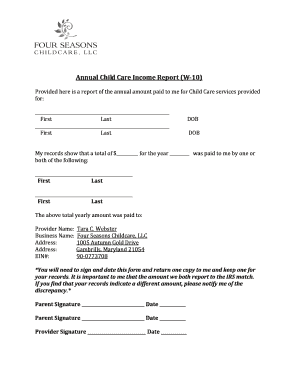
Annual child care income report
The document is an Annual Child Care Income Report (W-10) detailing the total amount paid for child care services provid ...