






Definition & Meaning
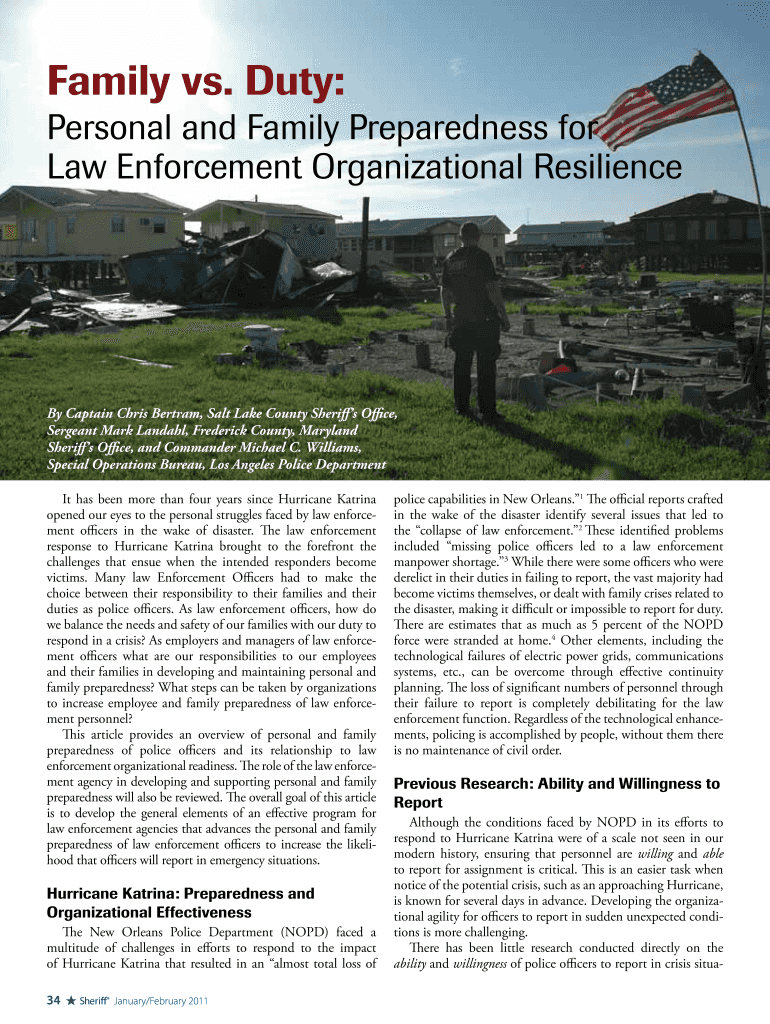
The Alumni Class NotesCenter for Homeland Defense and Security serves as a repository for notable updates, achievements, and milestones shared by alumni from the Center for Homeland Defense and Security community. This form is a pivotal tool for maintaining a robust connection among graduates and offers a platform for exchanging important professional and personal updates. By submitting class notes, alumni contribute to a collective narrative that fosters enduring bonds and professional networking opportunities within the homeland security field.
How to Use the Alumni Class NotesCenter for Homeland Defense and Security
To effectively use this form, alumni should focus on sharing relevant and engaging updates that highlight their recent accomplishments, career advancements, or significant personal milestones. Consider including details such as new job positions, publications, awards, or community service endeavors. The aim is to provide entries that will be informative and read with interest by fellow alumni and others interested in the alumni’s professional journey.
When filling out the form, remember to:
- Enter your full name and graduation year.
- Provide succinct yet comprehensive updates.
- Ensure that any mentioned achievements or roles are clearly articulated.
- Verify all details before submission to maintain accuracy.
Steps to Complete the Alumni Class NotesCenter for Homeland Defense and Security
Completing the Alumni Class NotesCenter form involves several key steps to ensure your contributions are included successfully and accurately:
- Gather Relevant Information: Compile updates pertaining to your professional and personal milestones.
- Access the Form: You can typically find the form in the alumni section of the Center for Homeland Defense and Security's website or through a direct email invitation.
- Fill In Your Details: Enter your personal and educational information. Make sure the details, like your full name, graduation year, and contact email, are correct.
- Share Your Updates: Write about your career developments, professional achievements, or noteworthy personal stories.
- Review: Before submission, review your notes for accuracy and clarity.
- Submit: Once satisfied with your input, submit the form through the designated online platform or send it to the provided email address.
Important Terms Related to the Alumni Class NotesCenter for Homeland Defense and Security
Familiarize yourself with key terms that could be relevant while engaging with the Alumni Class NotesCenter:
- Alumni: Refers to past graduates of the Center for Homeland Defense and Security.
- Class Notes: Updates or news shared by alumni regarding their professional or personal developments.
- Network: The community of recent and past alumni who engage through shared professional interests and backgrounds.
- Submission: The process of providing your updates for review and publication.
Key Elements of the Alumni Class NotesCenter for Homeland Defense and Security
The most essential components of the Alumni Class NotesCenter include:
- Personal Identification Information: Such as your name, graduation year, and contact details.
- Professional Updates: Reference to career advancements or transitions.
- Community Contributions: Details on service projects or volunteer work relevant to homeland security.
- Education Achievements: Further studies or certifications achieved post-graduation.
Examples of Using the Alumni Class NotesCenter for Homeland Defense and Security
To better understand the process, consider the following examples of how alumni have successfully used the form:
- An alumnus shared their recent transition from a local government role to a national security advisory position, highlighting new responsibilities and certifications obtained.
- A group of alumni collaborated on a research paper published in a leading homeland security journal, detailing their contributions and the publication process.
- An alumnus described their involvement in community-building efforts post-natural disaster, emphasizing the skills applied from their education.
Software Compatibility and Digital Submission
The Alumni Class NotesCenter is designed to be accessible across various digital platforms, streamlining the experience for users. You can fill out and submit the form via:
- Online Forms: Compatible with all major web browsers such as Chrome, Firefox, and Edge.
- Mobile Devices: Offers functionality on smartphones and tablets, making submissions convenient right from your mobile device.
- Email: Allows for submission directly through email if an online form is not available, ensuring flexibility.
Eligibility Criteria for Submitting Updates
Participation in the Alumni Class NotesCenter is typically open to:
- Graduates of the Center for Homeland Defense and Security with valid alumni status.
- Contributors who have maintained a connection with the institution, either through ongoing professional collaborations or continuous engagement with the alumni network.
- Alumni interested in sharing genuine and relevant updates about professional or significant personal developments.
Understanding these criteria helps ensure that submissions align with the form's goals while fostering ongoing connections among alumni.