




01. Edit your vt32 online
Type text, add images, blackout confidential details, add comments, highlights and more.

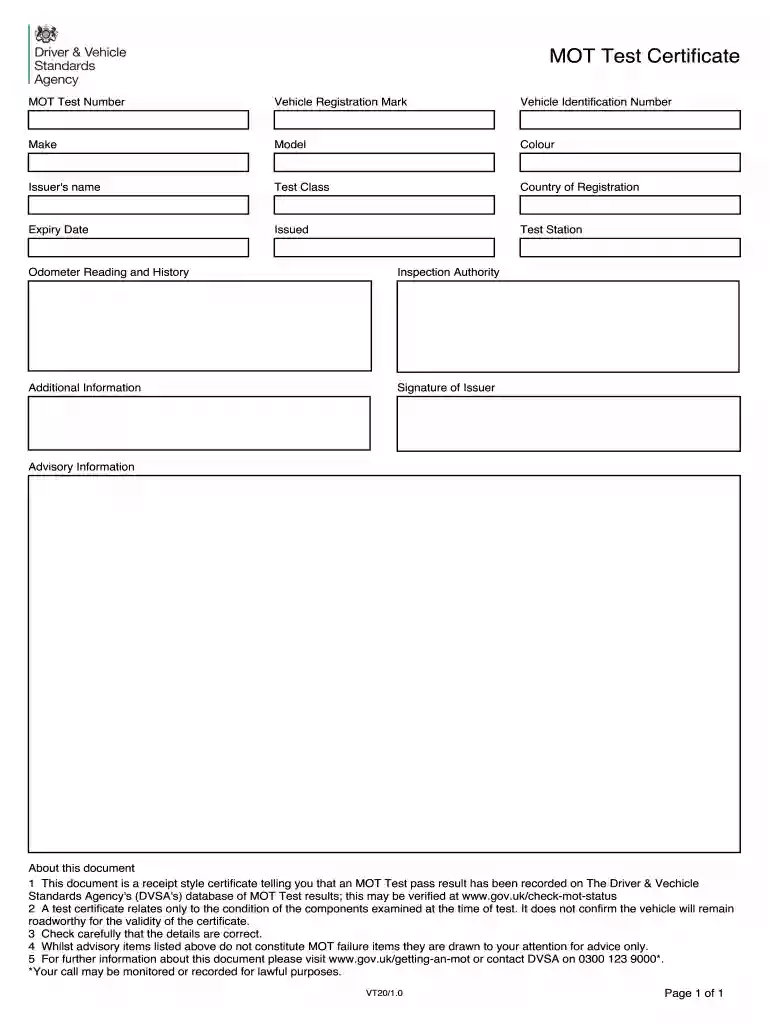
Type text, add images, blackout confidential details, add comments, highlights and more.

Draw your signature, type it, upload its image, or use your mobile device as a signature pad.

Send vt32 mot form via email, link, or fax. You can also download it, export it or print it out.

Start using our platform today to easily fill out your MOT inspection sheet for free!
At DocHub, your data security is our priority. We follow HIPAA, SOC2, GDPR, and other standards, so you can work on your documents with confidence.
MOT includes all facilities, devices and operations as required for safety and convenience of the public within the work zone. Do not maintain traffic overRead more
Observe the waveform of the oscilloscope, and check that the specified value is satisfied. Do not rotate the AMS dial. (Traverse Waveform). 17. Press the ENTER/Read more


