Definition and Meaning of NON-BUSINESS LICENSES/PERMITS (SA)
NON-BUSINESS LICENSESPERMITS(SA) refer to government-issued documents or certifications that individuals or organizations need to legally conduct specific activities that are not directly related to the operation of a business. These can include a variety of permits such as zoning permits, health and safety certifications, and personal licenses for activities like construction or gated community entry. Understanding the scope of such licenses is crucial for compliance with state laws and regulations.
How to Use the NON-BUSINESS LICENSES/PERMITS (SA)
The use of NON-BUSINESS LICENSESPERMITS(SA) is determined by the activity or purpose for which they are issued. For example, a license may grant you permission to alter residential property or operate a small-scale service from home. It's crucial to read the specific terms and conditions to ensure that you remain compliant. Key conditions typically include adherence to local zoning laws, not exceeding specified operational limits, and potentially renewing the permit periodically.
Practical Examples
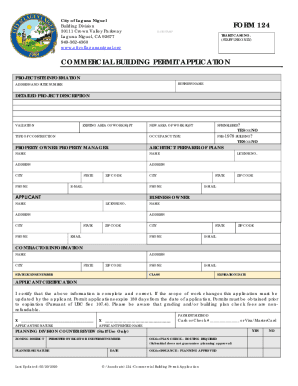
- Zoning Permits: Allow modifications to structures within a specified zone.
- Health and Safety Certifications: Required for conducting activities like food vending or hosting events.
How to Obtain the NON-BUSINESS LICENSES/PERMITS (SA)
Obtaining a NON-BUSINESS LICENSES/PERMITS(SA) usually involves a multi-step process with requirements that vary depending on the jurisdiction.
- Identify the Required Permit Type: Determine which permit or license applies to your activity.
- Application Submission: Submit an application to the relevant state or local authority.
- Documentation: Provide supporting documents such as identification, residency proof, or any prior relevant permits or certifications.
- Fees: Pay the required application fee, which varies based on permit type and local regulation.
- Review Process: Applications are reviewed to ensure compliance with local laws. This may involve site inspections or additional documentation.
- Approval: Once approved, the permit is typically delivered by mail or available for pickup.
Steps to Complete the NON-BUSINESS LICENSES/PERMITS (SA)
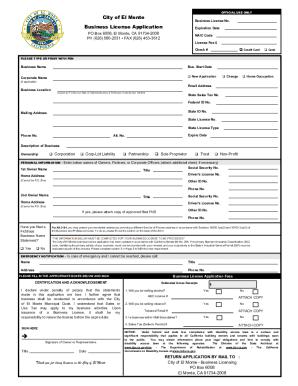
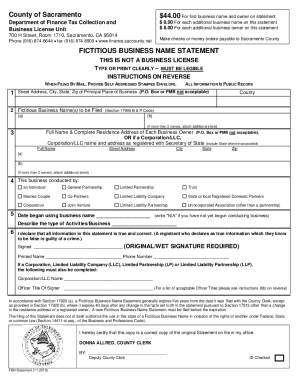
Completing the form accurately is essential for the approval process.
- Read Instructions Carefully: Review the guidelines that accompany the form to understand requirements and constraints.
- Detail Identification Information: Provide all necessary personal or organizational information.
- Specify Activity or Purpose: Clearly outline the specific activity for which the license is required.
- Attach Required Documents: Include any necessary attachments, such as previous permits, identification documents, or compliance records.
- Cross-Check for Accuracy: Verify that all sections are correctly completed and error-free.
- Submit Form: Send the form through specified submission methods, ensuring receipt of delivery when applicable.
Who Typically Uses the NON-BUSINESS LICENSES/PERMITS (SA)
This type of permit is often utilized by individuals and organizations engaging in activities separate from standard business operations. Examples include:
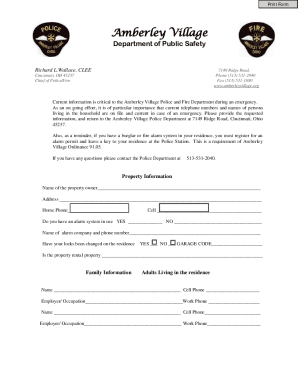
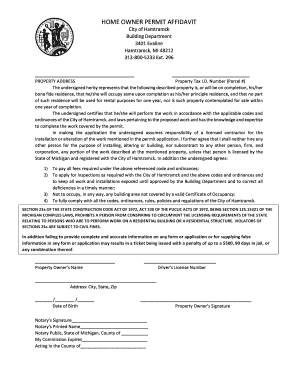
- Homeowners seeking zoning permits for property modifications.
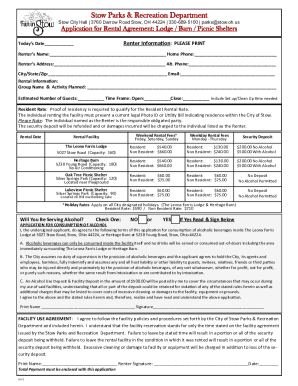
- Event Organizers needing temporary use permits for public spaces.
- Non-profit organizations for special activities like fundraising events.


Specific Scenarios
- Home-based Businesses: Those operating minimal sales from homes may require specific local permits.
- Personal Building Projects: Individuals wishing to renovate or change building structures.
Important Terms Related to NON-BUSINESS LICENSES/PERMITS (SA)
Understanding these terms is crucial for effectively engaging with the permit process:
- Zoning: Refers to laws governing land use and property development in specific areas.
- Permit Range: The scope of activities allowed under a specific permit.
- Compliance: Adherence to rules and regulations outlined in the permit.
- Renewal: The process required to extend the validity of a permit after its expiration.
Legal Use of the NON-BUSINESS LICENSES/PERMITS (SA)
Ensuring legal use of your permit involves following all stipulated conditions. Permits may specify usage limitations, such as geographic boundaries or activity types, and often require holders to maintain records or report certain activities to authorities.
Key Elements of the NON-BUSINESS LICENSES/PERMITS (SA)
Essential components of these permits include:
- Permit Holder Information: Identifies the individual or entity granted permission.
- Activity Description: Clearly delineates allowable activities.
- Validity Period: Specifies the duration for which the permit is valid.
- Conditions and Restrictions: Lists any specific requirements or restrictions associated with the permit.
By providing comprehensive guidelines on obtaining, using, and complying with NON-BUSINESS LICENSES/PERMITS(SA), individuals can better navigate the regulatory landscape and ensure lawful conduct of their non-business activities.