




Here's how it works

01. Edit your form online
Type text, add images, blackout confidential details, add comments, highlights and more.

02. Sign it in a few clicks
Draw your signature, type it, upload its image, or use your mobile device as a signature pad.

03. Share your form with others
Send it via email, link, or fax. You can also download it, export it or print it out.
How to use or fill out Report - Consumer Federation of America with DocHub

- Click ‘Get Form’ to open the Report - Consumer Federation of America in our platform.
- Begin with the 'Introduction' section. Familiarize yourself with the context and purpose of the report, which outlines consumer protection issues.
- Move to 'Key Findings'. Fill in any relevant data points or observations that resonate with your experience or research.
- In the 'Top Ten Complaints in 2010' section, identify and highlight specific complaints that are pertinent to your situation. Use our editor to annotate or comment on these findings.
- Proceed to 'Real World Examples'. Here, you can add personal anecdotes or examples that align with the complaints listed, enhancing the report's relevance.
- Complete any additional sections such as 'New Laws Needed' and 'Consumer Agencies’ Biggest Achievements', ensuring all fields are filled accurately.
- Once completed, review your entries for clarity and accuracy. Utilize our platform’s tools for editing and formatting as needed.
- Finally, save your document and share it directly from our platform for easy distribution among stakeholders.
Engage with our platform today to streamline your document editing and form completion process for free!
Fill out Report - Consumer Federation of America online
It's free
It's free
Security and compliance
At DocHub, your data security is our priority. We follow HIPAA, SOC2, GDPR, and other standards, so you can work on your documents with confidence.
Learn more


Related forms

Iowa 5111
The document outlines the Iowa Medicaid Ordering/Referring Provider Enrollment Application, which mandates that provider ...
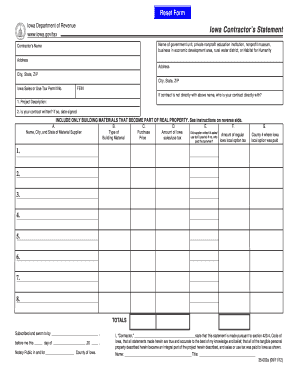
Iowa contractors statement 2012 form
The document is an Iowa Contractor's Statement form required for contractors involved in projects sponsored by various g ...

Mililani volleyball club
The document is a tryout registration form for the Mililani Volleyball Club for the 2009-2010 season. It collects player ...
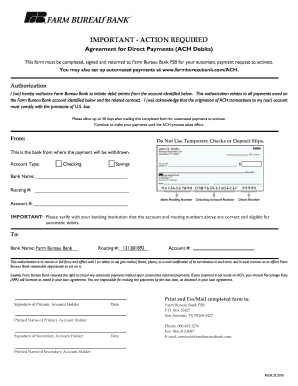
Ach payment authorization form pdf
The document is an authorization form for setting up automatic payments (ACH debits) with Farm Bureau Bank. It requires ...
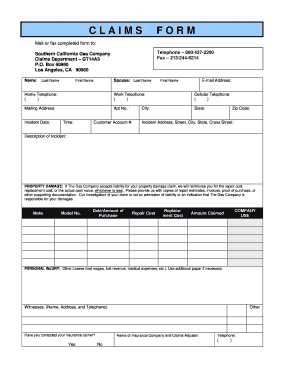
Gas company form online
The document is a claims form for Southern California Gas Company, designed for customers to report incidents involving ...

Anthem change form 2011
The document is a Small Group Employee Information Change Form used for notifying terminations of employees or dependent ...
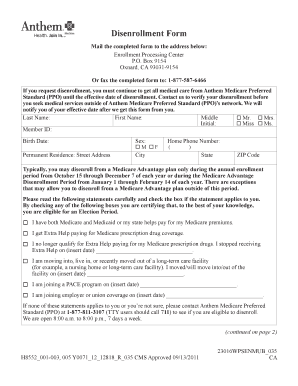
Disenrollment letter
The document is a disenrollment form for Anthem Medicare Preferred Standard (PPO), detailing the process for members to ...
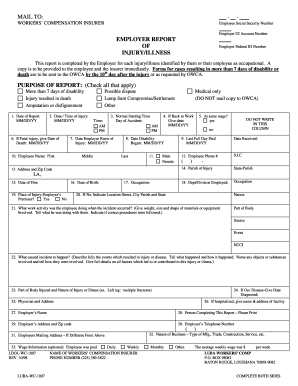
Louisiana First Report of Injury - LUBA Workers
The document is an Employer Report of Injury/Illness form that employers must complete for each occupational injury or i ...