
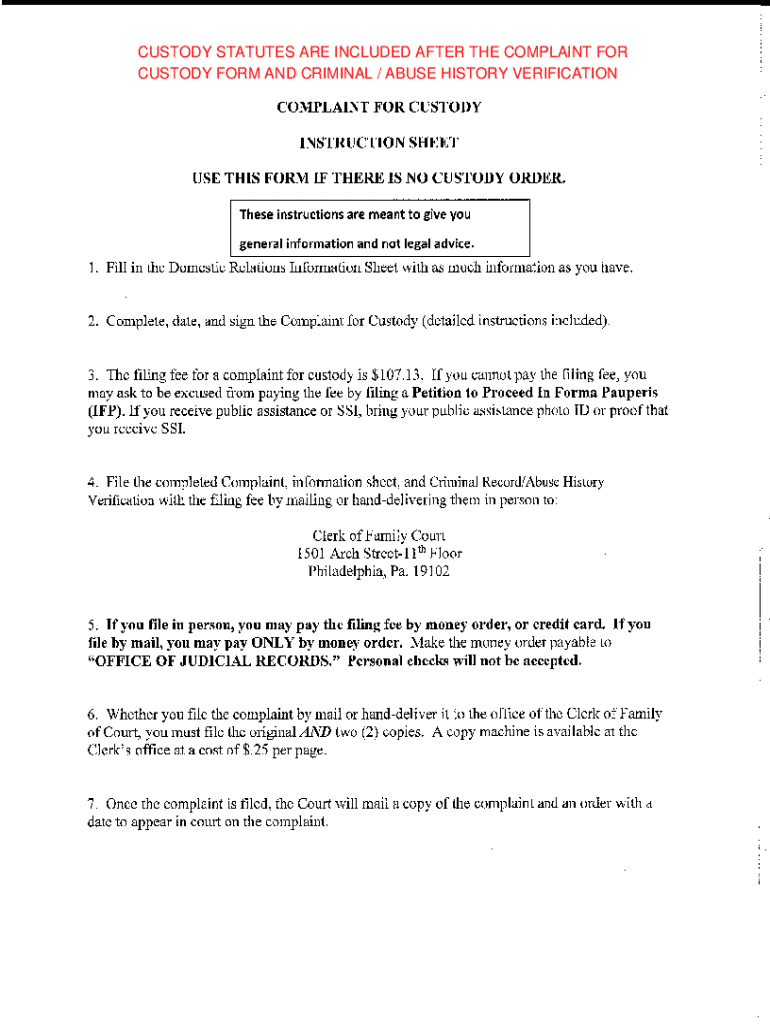







Definition & Understanding of Online Forms
Online forms are digital documents that can be completed using a web browser. They serve various purposes such as collecting data, submitting applications, or conducting surveys. These forms can be tailored with fields like text boxes, checkboxes, and dropdown menus to gather specific information. Due to their versatility, online forms are increasingly used in several sectors including business, education, and government to streamline tasks that traditionally required paper forms.
How to Use the Form Online
To use an online form effectively, start by accessing it through a suitable platform like DocHub. Ensure that the form is opened in a compatible browser on either a desktop or mobile device. Familiarize yourself with the structure and fields of the form. Fill out each section, ensuring accuracy to avoid errors that could delay processing. You can save partially completed forms to continue later, which is particularly helpful for lengthy applications or surveys.
- Check all form fields for mandatory requirements before submission.
- Use the platform's features like auto-fill to expedite the process, if available.
- Save a copy of the completed form for your records once submitted.
Obtaining an Online Form
Most online forms can be accessed through a website or cloud-based document management systems such as DocHub. Platforms like these offer the capability to upload forms directly from cloud storage services or download them from dedicated repositories. Some forms may require a secure login, especially those containing sensitive information.
- Forms can often be located via a website's search feature or through direct links provided by form issuers.
- Ensure your internet connection is secure to protect any sensitive data, especially when downloading forms.
Steps to Complete an Online Form
- Access the Form: Open your preferred document platform and locate the form by using a provided link or a search function.
- Read Instructions: Before filling out the form, read any instructions to understand essential requirements or constraints.
- Fill Out Information: Carefully complete each section by entering the required details. Utilize checkboxes and dropdowns where applicable.
- Review and Edit: Double-check all entered information for accuracy. Use editing tools to correct any mistakes.
- Submit the Form: Follow the platform's instructions for form submission. This usually involves a submit button which processes the document online.
- Save and Exit: After submission, save a confirmation receipt or a copy of the form for your records.
Importance and Benefits of Forming Online
Filling forms online enhances efficiency by reducing the need for physical paper, minimizing errors often encountered in manual entries, and expediting data processing. Online forms can be easily distributed and accessed from anywhere, supporting work-from-home scenarios and remote collaboration. They also play a crucial role in compiling data quickly for surveys or feedback initiatives.
- Enhanced data accuracy due to second-level error checks built into the form.
- Improved accessibility for users who need assistive technology.
Typical Users of Online Forms
Typical users include individuals, businesses, and governmental entities requiring streamlined data collection and processing. In business contexts, HR departments frequently use online forms for onboarding procedures, while marketing teams utilize them for customer feedback and engagement surveys. Government agencies use them for public services like tax filing and registration processes.
- Schools and educational institutions use online forms for enrollment and exams.
- Non-profit organizations leverage forms for volunteer sign-ups and fundraising activities.
Key Elements of an Online Form
An online form typically consists of several elements designed to gather comprehensive data. These may include:
- Text Fields: For inputting specific data like names and addresses.
- Checkboxes: To allow selections among multiple options.
- Radio Buttons: For single choice among multiple options.
- Dropdown Menus: To select from a predefined list of options.
- Signature Fields: For electronic signing, essential for contracts and legal forms.
Examples of Using Online Forms
Online forms find applications in various real-world scenarios, such as:
- Job Applications: Automating candidate submissions and resumes.
- Customer Surveys: Gathering feedback for product improvement.
- Event Registrations: Managing attendees effectively.
- Medical Data Collection: Facilitating patient information surveys before consultations.
Legal Use of Online Forms
In the United States, online forms can be used for legally binding agreements due to electronic signature laws like the ESIGN Act. This allows transactions to be completed quickly and securely online without the need for physical documents.
- Always ensure forms comply with relevant privacy laws such as GDPR or HIPAA for medical forms.
- Use verification methods such as OAuth or password protection to secure sensitive data entries.
State-Specific Rules for Online Forms
While online forms are broadly applicable across the United States, certain states may impose specific requirements or regulations. For instance, tax-related forms might have different guidelines depending on state tax laws.
- Review state-based documentation to ensure compliance with localized rules.
- State-specific forms may require additional validation by authorities within that jurisdiction.
By adopting online forms with platforms like DocHub, users can enhance productivity, facilitate seamless collaboration, and secure sensitive data more effectively in a variety of professional settings.




