




Here's how it works

01. Edit your sample of authorization letter online
Type text, add images, blackout confidential details, add comments, highlights and more.

02. Sign it in a few clicks
Draw your signature, type it, upload its image, or use your mobile device as a signature pad.

03. Share your form with others
Send authorization letter examples via email, link, or fax. You can also download it, export it or print it out.
How to use or fill out sample of authorization letter with our platform

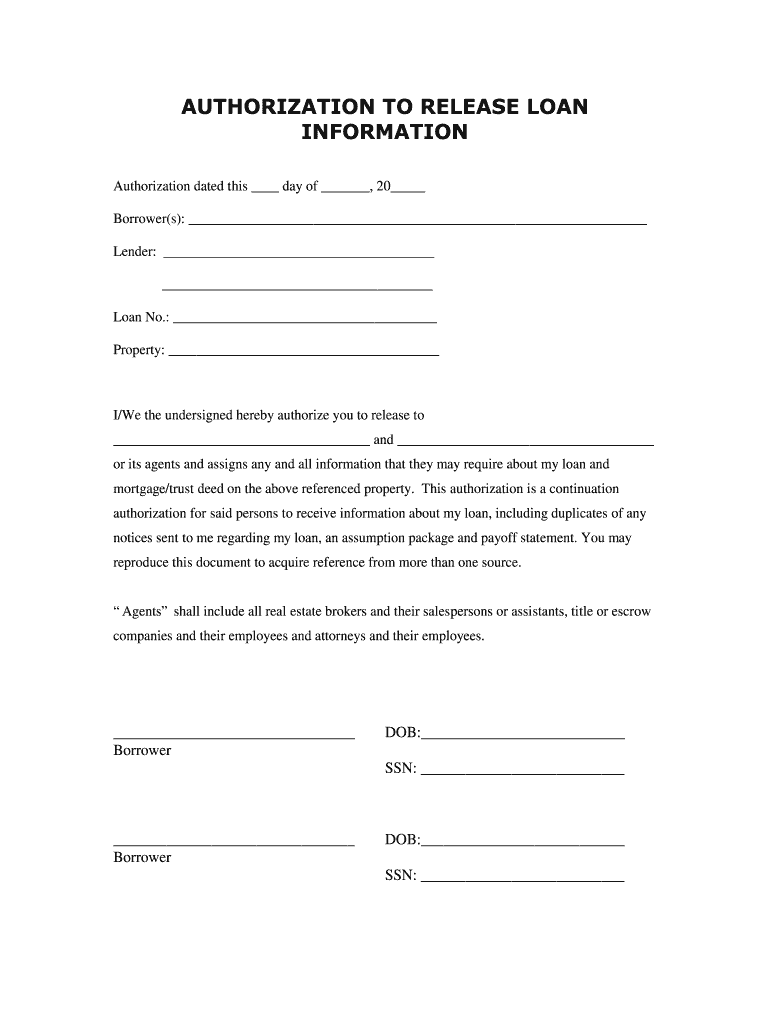
- Click ‘Get Form’ to open the authorization letter in the editor.
- Begin by entering the date at the top of the form. This should be the day you are completing the authorization.
- Fill in your name(s) as the Borrower(s) in the designated field. Ensure that all names are spelled correctly for accurate processing.
- Next, provide the Lender's name and any additional information required in the respective fields.
- Enter your Loan Number and Property details accurately to ensure proper identification of your loan.
- In the section authorizing information release, specify who will receive this information by filling in their names clearly.
- Complete each Borrower's signature line, including Date of Birth and Social Security Number for verification purposes.
Start using our platform today to streamline your document editing and signing process for free!
Fill out sample of authorization letter online
It's free
It's free
Security and compliance
At DocHub, your data security is our priority. We follow HIPAA, SOC2, GDPR, and other standards, so you can work on your documents with confidence.
Learn more


Related forms
Printable social security card template pdf free
The document is a form for students at Great Falls College MSU to request a change of their name in the college records. ...
Request for Supplemental Certificate
The document is a Request for Supplemental Certificate for the Alabama G.I. Dependents Scholarship Program, which requir ...
Fillable Online REGISTRATION FORM - El Dorado Dance
The document is a registration form for El Dorado Dance Academy, detailing the enrollment process for students, includin ...

INTENT TO CURE FORECLOSURE NUMBER: Employee initials
The document is an 'Intent to Cure' form for individuals facing foreclosure, allowing them to notify the Arapahoe County ...

Cgc submission form
The document is a Concert Poster Submission Form for CGC (Certified Guaranty Company), detailing the process for submitt ...

Please read carefully before signing Serious in jury may result from your participation in equine ac
Please read carefully before signing Serious in jury may result from your participation in equine ac
The document is a Horse Riding Agreement and Liability Release Form for participants at Triple Creek Ranch, Inc. It outl ...
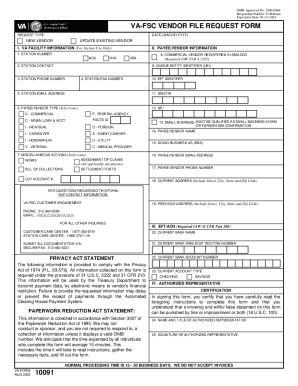
Fillable VA Form 10091, FSC Vendor File Request
The document outlines the instructions for completing the VA Form 10091, which is used to gather essential payment data ...

Birth certificate worksheet iowa form
The document consists of worksheets for mothers to provide necessary information for their baby's birth certificate and ...