
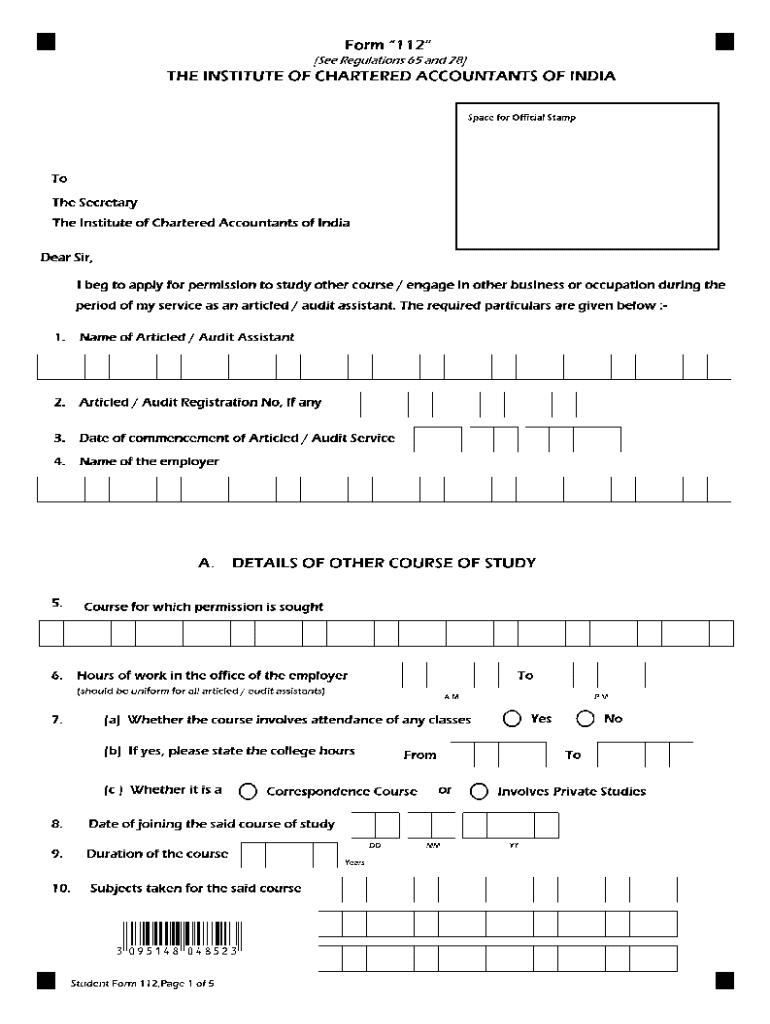







Definition and Meaning of "Form Online"
The term "form online" refers to the digital equivalent of paper forms that can be completed, submitted, and processed via the internet. These forms are designed to streamline the process of gathering and managing data, whether for administrative, legal, financial, or personal purposes. Online forms eliminate the need for physical paperwork, offering a more efficient way to collect information by allowing individuals to enter their data directly into a computer or mobile device.
Benefits of Online Forms
- Convenience: Users can fill out forms from any location with internet access, removing the need for mailing or physical drop-off.
- Efficiency: Online forms facilitate faster data collection and processing, reducing turnaround times.
- Accessibility: They are designed to be mobile-friendly and can be easily accessed through various devices, enhancing user experience.
How to Use the Form Online
Utilizing an online form typically involves accessing it through a web platform or application. The process is straightforward and designed to be user-friendly to ensure that individuals can complete it without technical difficulties.
Step-by-Step Usage
- Access the Form: Navigate to the relevant website or platform hosting the form.
- Complete Required Fields: Fill in all necessary information, ensuring accuracy to prevent errors.
- Attach Required Documents: Upload any supporting documentation needed for the form submission.
- Review and Submit: Double-check the information provided before submitting the form online for processing.
How to Obtain the Form Online
The accessibility of online forms varies depending on the issuing entity or platform. Forms can be accessed through direct links provided by organizations, through search portals on official websites, or via third-party service providers.
Obtaining Forms
- Direct Government Websites: Many official forms, such as tax documents or permits, are available on government websites.
- Business and Service Platforms: Companies provide various interactive forms for services, applications, and agreements.
Steps to Complete the Form Online
Completing an online form requires attention to detail and a methodical approach to ensure all information is accurate and complete.
Detailed Completion Process
- Identify the Form Requirements: Read through the entire form to understand what is needed.
- Gather Necessary Information: Collect personal details, reference numbers, or any other required data.
- Fill Out the Form: Input information carefully into each required field, ensuring all entries are correct.
- Upload Supporting Documents: If applicable, attach documents or files as specified in the instructions.
- Confirm and Submit: Review all entries for completeness and accuracy before final submission.
Why Should You Complete Forms Online?
Filling out forms online offers numerous advantages over traditional paper-based methods. These forms are specifically designed to provide ease and flexibility to users.
Key Advantages
- Environmental Impact: Reduction in paper usage contributes to sustainability efforts.
- Time-Saving: Online forms can often be processed more quickly than their paper counterparts.
- Accuracy: Built-in validation checks and guidance reduce the likelihood of errors.
Key Elements of the Form Online
The structure of an online form typically includes several key elements that ensure it effectively captures the required information.
Common Elements
- Text Fields: For entering short or long text responses.
- Checkboxes and Radio Buttons: Allow users to select one or more options.
- Dropdown Menus: Provide a list of selectable options for responses.
- File Upload Sections: Facilitate the attachment of additional documentation or images.
Legally Binding Electronic Signatures
Electronic signatures are a critical component of many online forms. They provide a secure method for individuals to authenticate their submissions without the need for physical signatures, while maintaining legal validity.
Features of Electronic Signatures
- Legally Binding: Compliant with laws like the ESIGN Act, ensuring they hold the same weight as physical signatures.
- Multiple Creation Options: Users can draw, type, or upload an image of their signature.
- Secure and Trackable: Allows for auditing and provides a trail of modifications and authorizations.
Privacy and Security Considerations
Privacy and security are paramount when handling data through online forms, especially those dealing with sensitive information. Proper protocols and features are in place to protect user data from unauthorized access or breaches.
Security Measures
- Encryption: Protects data during transmission and storage.
- Authentication Protocols: Ensures only authorized individuals can access or submit the form.
- Password Protection: Essential for sensitive forms and documents requiring additional security layers.
By understanding and utilizing these detailed aspects and processes, users can effectively manage and complete forms online, ensuring both compliance and efficiency.




