
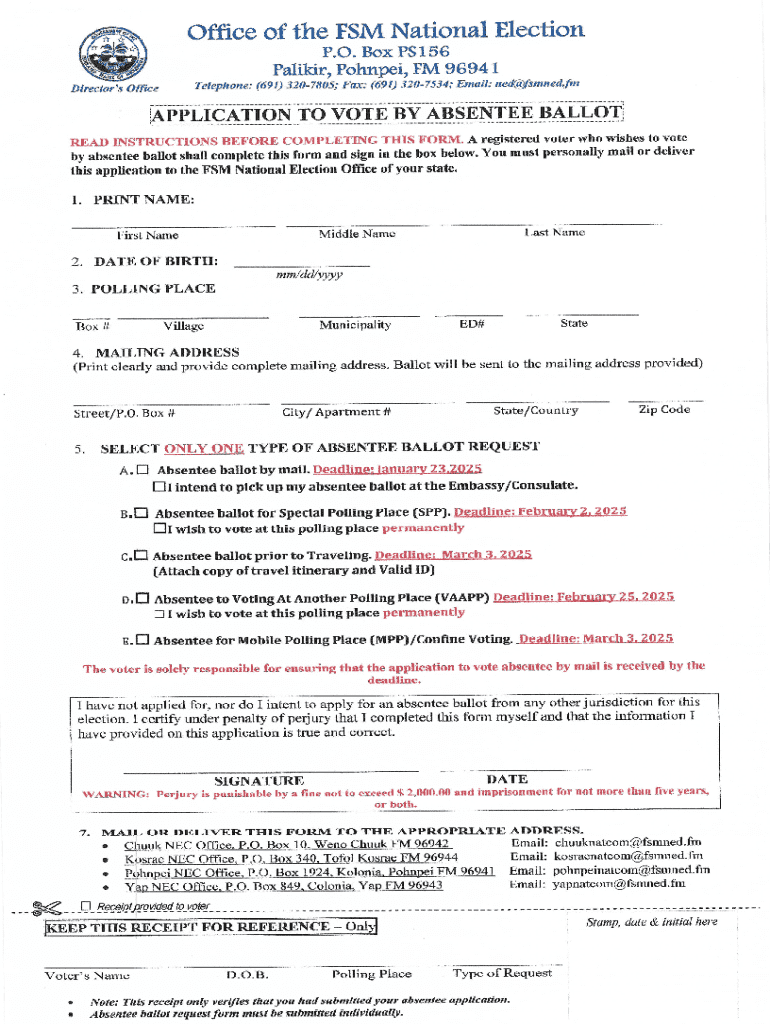







Understanding the Form Online
Form online refers to a digital interface designed for completing various forms on the internet. These forms can range from application forms, tax documents, to contracts and more. They simplify data entry, reduce paperwork, and often include features that ensure data consistency and accuracy.
How to Use the Form Online
Using an online form typically involves several steps for effective interaction:
- Access the Form: Navigate to the website offering the form, and ensure your internet connection is stable to avoid losing any entered data.
- Fill Out Required Fields: Input information into the mandatory fields. These may be marked with asterisks or highlighted.
- Optional Fields: Enter data into optional fields if it enhances your submission or provides additional clarity.
- Review Information: Before submission, verify all entries are correct, ensuring there are no typos or incorrect data.
- Submit: Use the submit or send button to finalize your form. An acknowledgment message or email typically confirms receipt.
Steps to Complete the Form Online
Completing an online form involves several precise steps to ensure accuracy and comprehensiveness:
- Gather Required Information: Collect necessary documents and data before starting, such as identification numbers or financial information.
- Create an Account: Some platforms may require you to create an account to track your form's progress and access it later.
- Navigate the Form Sections: Many forms have multiple sections. Use navigation features to jump between sections without losing data.
- Save Progress: Regularly save your work, especially if the form is extensive. Many platforms have auto-save features.
- Validation Checks: Some platforms automatically check for completion and consistency. Address any highlighted errors or omissions before proceeding.
- Digital Signature: If required, provide an electronic signature. Platforms like DocHub offer multiple methods, including drawn signatures or image uploads.
- Submit and Confirm Receipt: Complete the submission process and, if provided, retain the confirmation receipt for your records.
Key Elements of the Form Online
When engaging with online forms, certain elements are pivotal for user experience and data integrity:
- Responsive Design: Adaptable formatting for all devices ensures usability across desktops and mobile devices.
- Auto-fill Options: Enhance efficiency by reducing repetitive data entry for frequent form users.
- Help and Guidance: Embedded tooltips or help buttons offer clarification on specific fields or sections.
- Data Validation: Prevents submission errors by verifying data formats, such as correct email addresses or zip codes.
- Privacy Policies: Ensure user data is protected in compliance with relevant laws and regulations.
Why Use the Form Online
Choosing an online form provides numerous advantages:
- Efficiency: Streamlines processes, significantly reducing completion and processing time.
- Accessibility: Available 24/7 from any location, supporting remote work and international access.
- Cost-Effective: Eliminates the need for physical materials and postage, reducing overall expenses.
- Eco-friendly: Reduces paper usage, contributing to a greener environment.
- Instant Feedback: Many forms provide real-time feedback, reducing back-and-forth communication.
Legal Use of the Form Online
Online forms frequently need to align with specific legal guidelines, especially for documents requiring legality:
- Compliance with Laws: Adhering to acts like the ESIGN Act ensures that electronic signatures and documents maintain legal validity.
- Data Protection: Complying with privacy regulations (e.g., GDPR, CCPA) ensures information collection is lawful and secure.
- Audit Trails: Secure electronic forms often include tracking mechanisms that provide logs of access and modification.
Examples of Using the Form Online
Online forms serve numerous practical applications, including:
- Job Applications: Streamlines recruitment processes, allowing quick submission and review.
- Tax Filings: Platforms like TurboTax integrate with online forms to facilitate accurate tax submissions.
- Surveys and Petitions: Provides an accessible platform for gathering broad participant data efficiently.
Software Compatibility for Form Online
Compatibility with various software enhances form functionality and user experience:
- Document Management Software: Integration with DocHub allows for seamless editing, signing, and sharing functionalities.
- Cloud Storage Services: Compatibility with Google Drive or Dropbox facilitates easy import/export and data backup.
- Accounting Software: Aligning with QuickBooks enables businesses to sync forms with financial records.
Required Documents for Form Online
To efficiently complete an online form, ensure the availability of:
- Identification Cards: Drivers licenses or passports for personal verification.
- Financial Documents: Bank statements or tax return files for financial declarations.
- Business Information: Corporate details and registration numbers when applicable.
These elements together ensure a streamlined, efficient, and legal form submission experience online, maximizing utility and minimizing potential errors.




