




Here's how it works
How to use or fill out bug addendum pdf with our platform

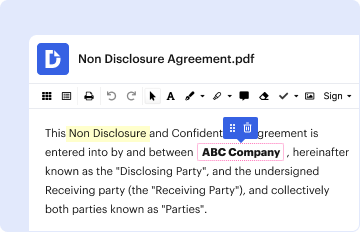
- Click ‘Get Form’ to open the bug addendum PDF in the editor.
- Begin by filling in the property address, including city, state, and zip code. This information is crucial for identifying the rental unit.
- Next, enter the names of both the landlord and residents in their respective fields. Ensure accuracy as this establishes accountability.
- Review the addendum goals section carefully. Familiarize yourself with your responsibilities regarding pest control and reporting any signs of bed bugs.
- In the compliance section, initial next to each rule you agree to follow. This includes reporting signs of infestation and maintaining good housekeeping practices.
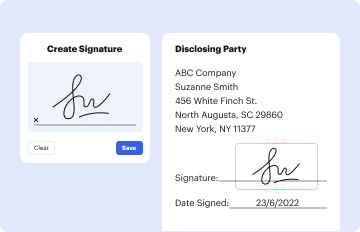
- Finally, print your completed form and have all parties sign and date it at the bottom. Ensure that each tenant's name is printed clearly above their signature.
Start using our platform today for free to streamline your document editing and signing process!
It's free
Got questions?
Can I use DocHub to generate legal electronic signatures on my bed bug addendum form?
Yes, you can use DocHub for signing any business and personal paperwork, including your bed bug addendum form. All electronic signatures you generate with our service are legally binding and court-admissible, as DocHub complies with criteria required by ESIGN and UETA. Save your completed document with a detailed Audit Trail if necessary.
Can I edit bed bug addendum pdf on my phone?
As a comprehensive document editing service, DocHub is available on mobile devices. Open DocHub in your choice of mobile browser and use our smart mobile-friendly toolset to fill out your bed bug addendum pdf.
Do bed bugs need to be reported?
What a landlord Cannot do in Texas?
How do you prove bed bugs?
Security and compliance
At DocHub, your data security is our priority. We follow HIPAA, SOC2, GDPR, and other standards, so you can work on your documents with confidence.
Learn more


