
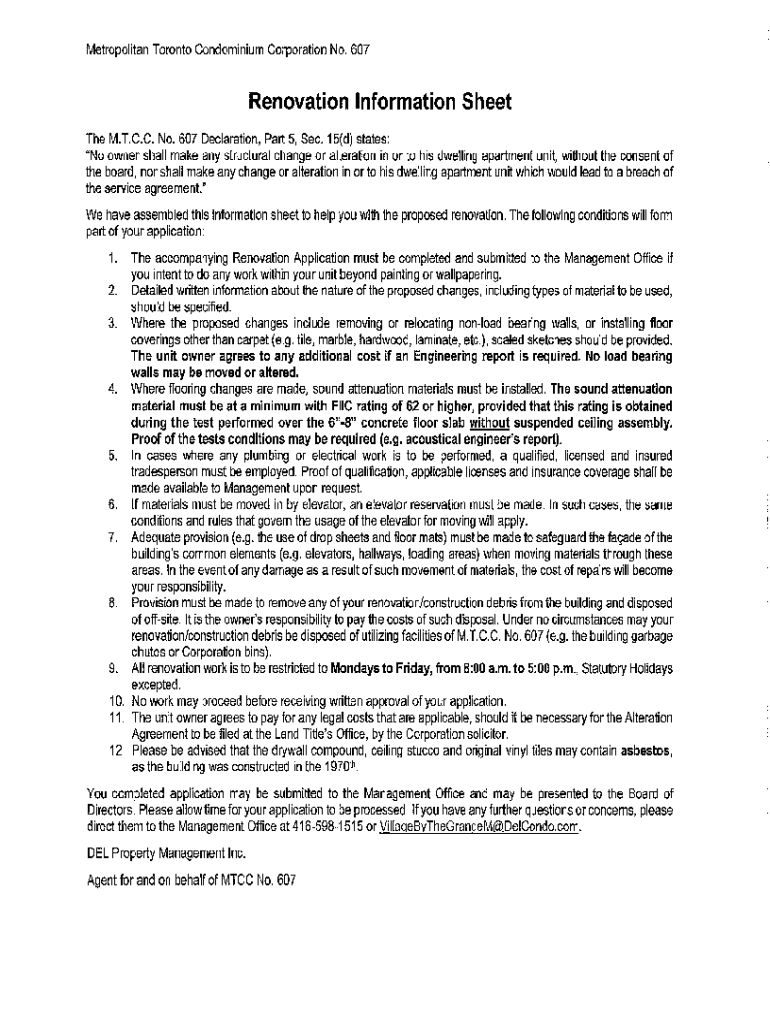







Definition and Purpose of Online Forms
Online forms are digital documents designed for virtual completion and submission. They replicate traditional paper forms, providing a convenient way to gather information over the internet. Used across various sectors like business, education, healthcare, and government, these forms streamline data collection, enhancing efficiency and accuracy. They often feature fillable fields, dropdown menus, checkboxes, and digital signature capabilities to facilitate seamless interaction and submission.
How to Use Online Forms
-
Accessing the Form: Navigate to the website hosting the form. Forms can often be accessed via direct links, through email invitations, or embedded within web pages.
-
Filling Out the Form: Utilize interactive fields to input data. Information can typically be typed directly into text fields, selected from dropdown menus, or clicked in checkboxes. Pay attention to required fields marked with asterisks.
-
Review and Submit: Before submission, review all entries for completeness and accuracy. Many platforms offer a summary view for a final check. Once satisfied, click the submit button to send your responses electronically.
How to Obtain Online Forms
Online forms can be found on official websites related to the form's purpose, such as government portals, business websites, or specialized online service platforms. For instance, tax forms can usually be accessed through the IRS website, whereas legal or educational forms might be found on respective institutional websites.
- Google Searches: Use specific keywords about the form to locate it directly through search engines.
- Email Links: Organizations often send links to relevant forms via email for easy access.
- Platform Accounts: Log into specific platforms, like your business management tool or educational portal, where forms might be hosted for registered users.
Steps to Complete the Online Form
-
Log In/Register: Some forms require an account or registration before access.
-
Provide Personal Information: Enter personal details like name, address, contact information, and other demographic data as required.
-
Input Specific Data: Fill in form-specific data; for example, a tax form will require financial and tax ID information.
-
Attach Documents: If necessary, upload supporting documents directly from your device or cloud storage.
-
Sign Electronically: Use available signature tools to sign the form digitally.
-
Review Entries: Double-check all inputs and attached documents for completeness and correctness.
-
Submit the Form: Complete the submission by pressing the designated button and follow any given instructions post-submission.
Benefits of Using Online Forms
-
Time Efficiency: Online forms significantly reduce the time taken to distribute and collect information compared to traditional methods.
-
Accessibility: These forms can be filled out from any internet-enabled device, making them highly accessible.
-
Accuracy: Built-in validation helps to minimize errors by guiding users to enter data correctly.
-
Ease of Data Management: Collected data can be easily stored, tracked, and analyzed digitally, eliminating the need for manual input and reducing clerical errors.
Key Elements of Online Forms
-
Interactive Fields: Include text boxes, radio buttons, checkboxes, and dropdown menus to facilitate diverse types of data input.
-
Validation Logic: Ensures that all required fields are filled out correctly before submission is accepted.
-
Confirmation/Feedback Messages: Offer immediate confirmation and feedback to inform users that their submission is successful or needs alteration.
Digital vs. Paper Forms
-
Convenience: Digital forms can be accessed and filled out anytime, anywhere, eliminating physical presence requirements.
-
Error Reduction: Automated error-checking capabilities improve the quality and reliability of the data collected compared to manual methods.
-
Environmental Impact: Online forms reduce paper consumption, contributing to environmentally friendly practices.
Software Compatibility for Online Forms
Many online forms are designed to be compatible with popular software like TurboTax or QuickBooks, especially financial or tax-related forms.
-
Integration with Management Software: Enables direct data import/export between forms and software, streamlining workflows.
-
Third-party App Support: Allows users to complete and manage forms through apps they are already using, enhancing efficiency.
Examples of Using Online Forms
Online forms are an integral tool across various industries and use cases:
- Business Applications: Used for employee onboarding, client intake, and service feedback.
- Education: Facilitates student registration, course feedback, and event sign-ups.
- Healthcare: Manages patient intake, prescription requests, and appointment scheduling.
These examples highlight the wide applicability and functional benefits of using online forms for different transactional and informational needs.




