




Here's how it works



How to use or fill out palm bayou apartments with our platform

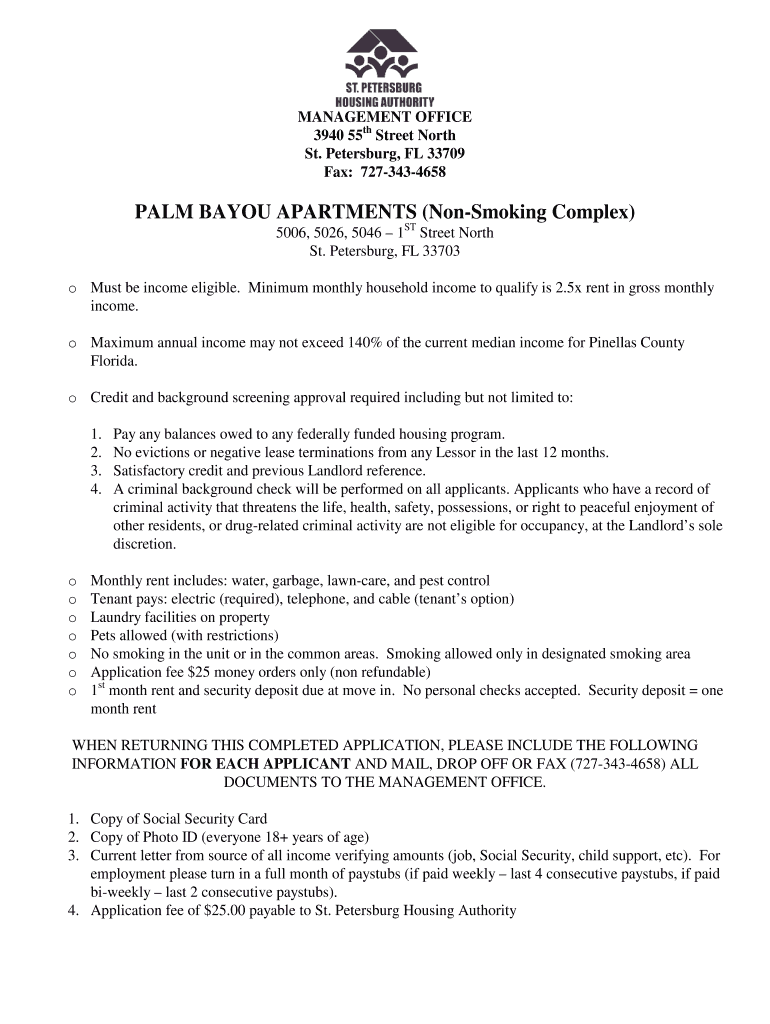
- Click ‘Get Form’ to open the palm bayou apartments application in the editor.
- Begin by entering your full name, phone number, and date of birth in the designated fields. Ensure accuracy as this information is crucial for processing.
- Provide your current address, including street, city, state, and zip code. This helps establish your residency status.
- Indicate why you are moving and list any pets you have along with their types. This section helps the management understand your living situation better.
- Fill out the family composition section by listing all individuals who will reside in the apartment. Include their names, social security numbers, relationships to you, genders, and dates of birth.
- Complete the income information section by detailing your sources of income and how frequently you are paid. Be sure to include gross income amounts for each source.
- Provide details about your current and previous residences, including addresses and reasons for leaving. This information is vital for background checks.
- Finally, review all entered information for accuracy before signing the certification of correct information at the end of the form.
Start filling out your application today using our platform for free!
It's free
Got questions?
Can I draw my electronic signature to approve my palm bayou?
Of course, electronically drawing your signature is acceptable, but only if you utilize a tool that complies with industry laws and regulations. Try DocHub, which ensures eSignature validity under ESIGN and UETA requirements. All you need to eSign your palm bayou is an account with DocHub and an internet connection. Once you open your file in our editor, click Sign and choose the Draw option.
How to complete and sign bayou apartments application online?
You may quickly complete, edit, and even eSign your bayou apartments application using DocHub. Create a new profile and begin your free trial. After that, you can upload the file with the form and easily make all the necessary edits. No need to print on paper or use a third-party application to sign it, as you can put your electronic signature on your document quicker through DocHub.
Security and compliance
At DocHub, your data security is our priority. We follow HIPAA, SOC2, GDPR, and other standards, so you can work on your documents with confidence.
Learn more


