




01. Edit your sleep inn authorization online
Type text, add images, blackout confidential details, add comments, highlights and more.

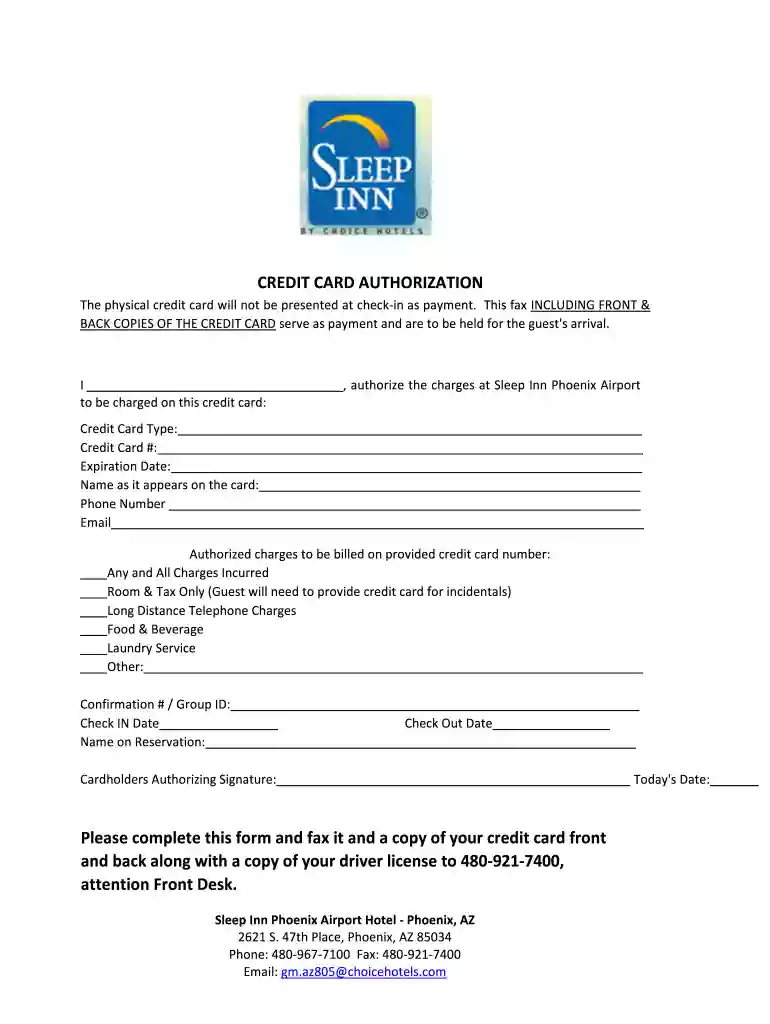
Type text, add images, blackout confidential details, add comments, highlights and more.

Draw your signature, type it, upload its image, or use your mobile device as a signature pad.

Send billing refund via email, link, or fax. You can also download it, export it or print it out.

Start filling out your sleep inn card authorization form online for free today!
At DocHub, your data security is our priority. We follow HIPAA, SOC2, GDPR, and other standards, so you can work on your documents with confidence.
U.S. Permanent Resident card (green card) or Alien Registration Receipt card (I-551) Sleep Inn. Walmart. Meijer. Great Wolf Lodge. Days Inn Central. FollowRead more
Hold the card label-side up, with the connectors facing the computer. 2. Insert the card into the Media Card Reader, and then press in on the card until it isRead more
No person should change rooms until receiving proper authorization from the staff in the Central Housing Office. A resident moving without approval may beRead more


