




01. Edit your nj amber light permit online
Type text, add images, blackout confidential details, add comments, highlights and more.

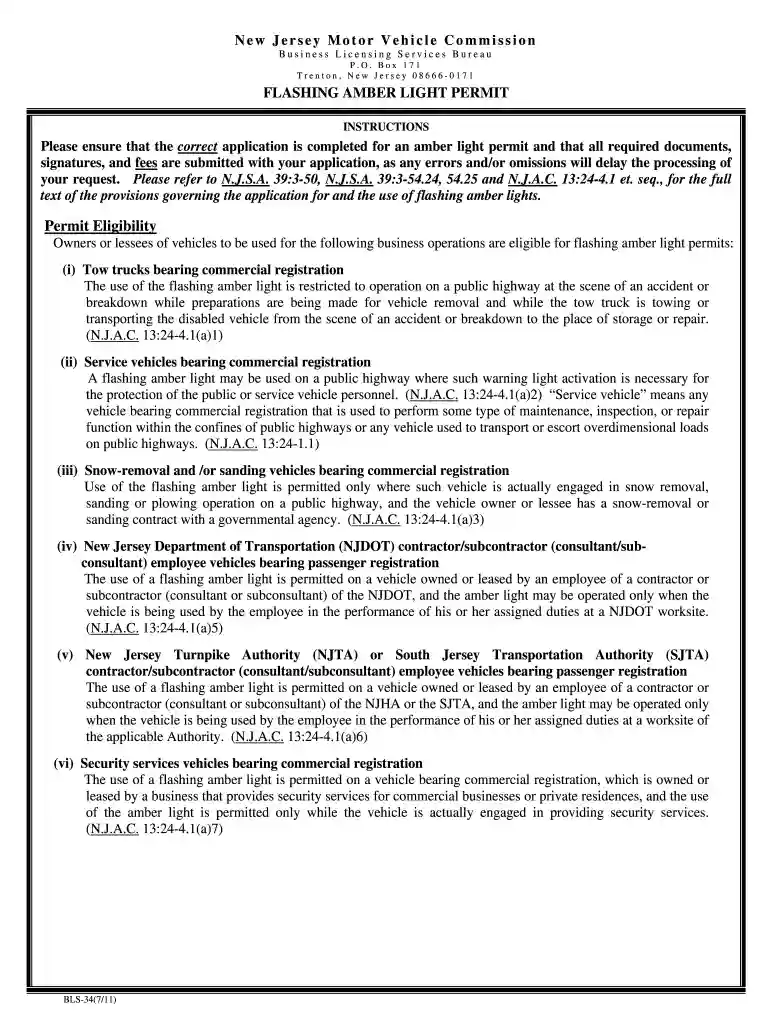
Type text, add images, blackout confidential details, add comments, highlights and more.

Draw your signature, type it, upload its image, or use your mobile device as a signature pad.

Send amber light permit nj via email, link, or fax. You can also download it, export it or print it out.

Start using our platform today to streamline your nj amber light permit application process for free!
At DocHub, your data security is our priority. We follow HIPAA, SOC2, GDPR, and other standards, so you can work on your documents with confidence.
Amber indicator lights in each switch indicate the level of heat in use. Two indicator lights will illuminate for. HIGH, one for LOW and none for OFF. PressRead more
The MVC issues three types of warning and emergency light permits: red, blue and amber. Amber Warning Light Permit. Beginning February 1, 2009, a $25 feeRead more
A flashing amber light may be used on a public highway where such warning light activation is necessary for the protection of the public or service vehicleRead more


