Ahc8 2026

Get Form
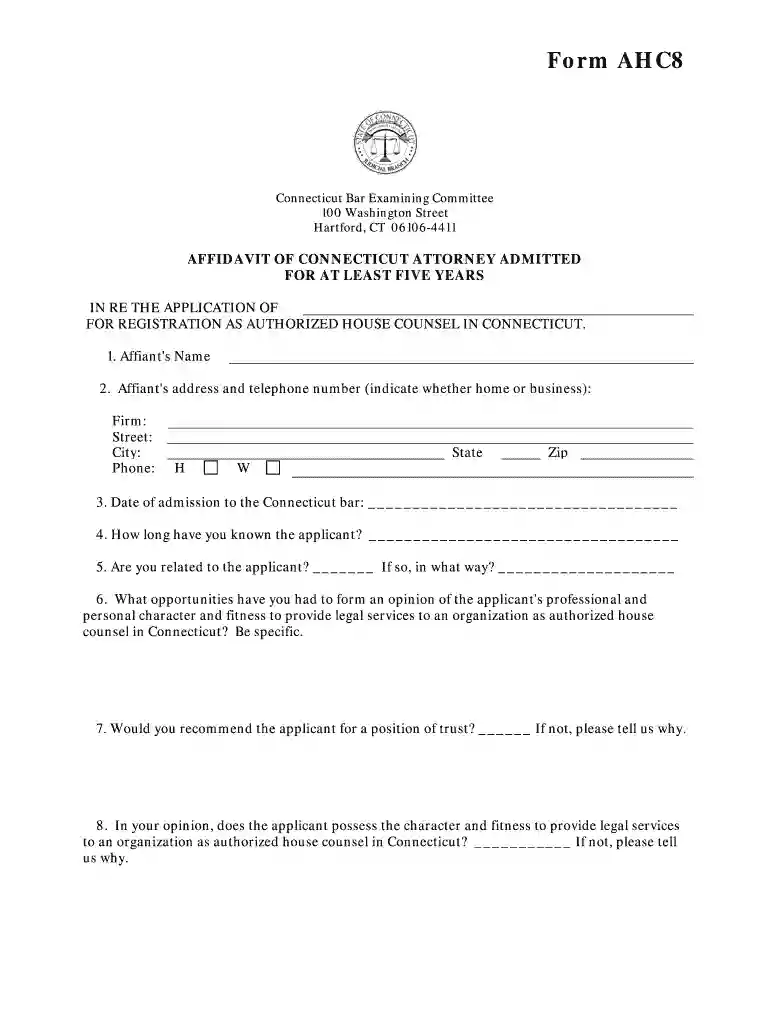
affidavit written Preview on Page 1

Here's how it works

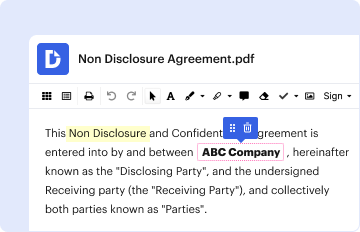
01. Edit your affidavit written online
Type text, add images, blackout confidential details, add comments, highlights and more.

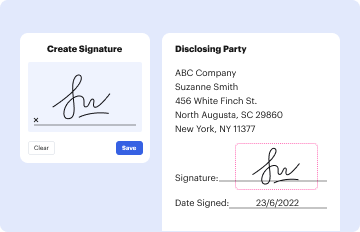
02. Sign it in a few clicks
Draw your signature, type it, upload its image, or use your mobile device as a signature pad.
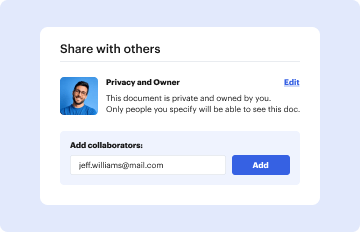
03. Share your form with others
Send it via email, link, or fax. You can also download it, export it or print it out.

How to use or fill out ahc8 with our platform

Form edit decoration
9.5
Ease of Setup
DocHub User Ratings on G2
9.0
Ease of Use
DocHub User Ratings on G2
  1. Click ‘Get Form’ to open the ahc8 in the editor.
  2. Begin by entering the Affiant's Name in the designated field. This is crucial for identifying the individual completing the affidavit.
  3. Next, provide the Affiant's address and telephone number. Be sure to indicate whether it is a home or business number, and include details such as Firm, Street, City, State, and Zip code.
  4. Fill in the Date of admission to the Connecticut bar. This information is essential for verifying eligibility.
  5. Indicate how long you have known the applicant. This helps establish your relationship and credibility.
  6. Answer questions regarding your relationship with the applicant and your opinion on their character and fitness to provide legal services. Be specific in your responses.
  7. Complete the YES/NO questions regarding any past legal issues or impairments that may affect the applicant’s ability to serve as authorized house counsel.
  8. Finally, sign and date the affidavit at the bottom of the form. Ensure that a Notary Public witnesses your signature for validation.

Start filling out your ahc8 form online for free today!

be ready to get more

Complete this form in 5 minutes or less

Get form

Got questions?

We have answers to the most popular questions from our customers. If you can't find an answer to your question, please contact us.
Contact us

Signing documents on a mobile device is quick, easy, and doesn’t require software installation when you have an account with DocHub. Sign in from any browser, fill in your empty fields with your information, and click on Sign → Create your signature. You can draw your electronic signature the same way you usually do on paper, add its picture to your ahc8, or type in your name and stylize its look. Whatever option you select, your form will be valid.

Document editing with DocHub is equally convenient on desktop and mobile devices. You only need an internet browser to revise your ahc8 on Android. Open our site and sign in to access the instruments you require. Add your file and introduce your intended modifications. After that, you can keep your form in your file storage or send it out instantly.

be ready to get more

Complete this form in 5 minutes or less

Get form