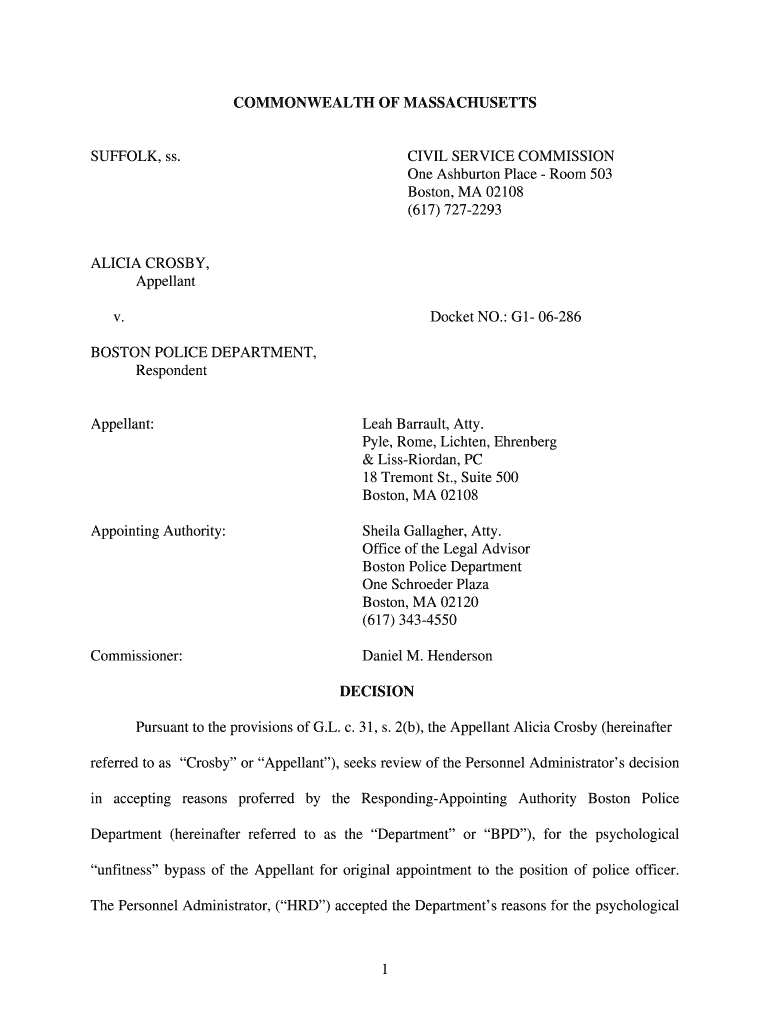
One Ashburton Place - Room 503 - mass 2026

Get Form
One Ashburton Place - Room 503 - mass Preview on Page 1

Here's how it works

01. Edit your form online
Type text, add images, blackout confidential details, add comments, highlights and more.
02. Sign it in a few clicks
Draw your signature, type it, upload its image, or use your mobile device as a signature pad.
03. Share your form with others
Send it via email, link, or fax. You can also download it, export it or print it out.

How to use or fill out One Ashburton Place - Room 503 - mass with our platform

Form edit decoration
9.5
Ease of Setup
DocHub User Ratings on G2
9.0
Ease of Use
DocHub User Ratings on G2
  1. Click ‘Get Form’ to open it in the editor.
  2. Begin by entering your personal information in the designated fields, including your name, address, and contact details. Ensure accuracy for effective communication.
  3. Proceed to the section regarding your employment history. Fill in relevant details about your previous positions, focusing on roles that relate to public safety or law enforcement.
  4. In the psychological evaluation section, provide honest responses based on your experiences. This is crucial as it reflects your suitability for the role.
  5. Review all entered information carefully before submitting. Use our platform's editing tools to make any necessary adjustments for clarity and correctness.

Start using our platform today for free to streamline your form completion process!

be ready to get more

Complete this form in 5 minutes or less

Get form

Got questions?

We have answers to the most popular questions from our customers. If you can't find an answer to your question, please contact us.
Contact us

Yes, and it’s really straightforward! DocHub is a web-based PDF editor with advanced document management functions that allow you rapidly modify your paperwork, complete empty fields and insert new ones for other people to fill out, and create eSignatures in several ways. Import your One Ashburton Place - Room 503 - mass, give information as requested, and select how you want to eSign your document - by typing your name, drawing your signature, uploading its image, or using a QR code.

You can easily edit fill out your One Ashburton Place - Room 503 - mass on any iOS gadget. Open an internet browser of your choice, go to the DocHub website, authorize or create a new account, add your file for editing, and make your desired alterations. Our service is mobile-friendly, so using its functions on your phone will be a no-brainer, even on the first try.

The McCormack Building, located at 1 Ashburton Place, Boston, MA continues to serve as the Commonwealths flagship office building in the Boston area since it opened in 1976.
Walk through Boston Common towards the State House. Take a right in front of State House on Beacon Street. First left onto Bowdoin Street. Bowdoin Street intersects with Ashburton Place at the top of the hill.
1 Ashburton Place, Boston, MA 02108.

Security and compliance

At DocHub, your data security is our priority. We follow HIPAA, SOC2, GDPR, and other standards, so you can work on your documents with confidence.

Learn more
ccpa2
pci-dss
gdpr-compliance
hipaa
soc-compliance

People also ask

The John W. McCormack State Office Building, also referred to by its address 1 Ashburton Place, is a high-rise building adjacent to the Beacon Hill neighborhood in Boston, Massachusetts. The building stands at 302 feet (98 m) with 22 floors. Construction began in 1972 and was completed in 1975.

Related links