Type text, add images, blackout confidential details, add comments, highlights and more.
02. Sign it in a few clicks
Draw your signature, type it, upload its image, or use your mobile device as a signature pad.
03. Share your form with others
Send hospital discharge letter for work via email, link, or fax. You can also download it, export it or print it out.
How to use or fill out discharge note from hospital with our platform
Ease of Setup
DocHub User Ratings on G2
Ease of Use
DocHub User Ratings on G2
Click ‘Get Form’ to open the discharge note in the editor.
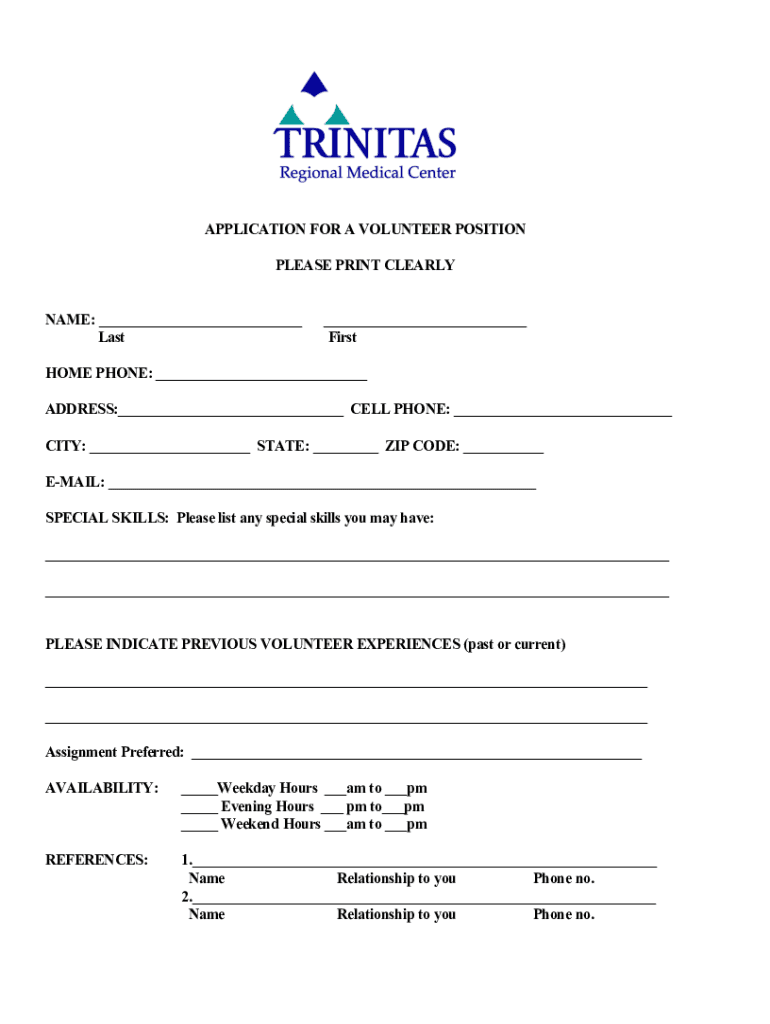
Begin by entering your personal information in the designated fields, including your name, address, and contact details. Ensure all entries are clear and legible.
Fill out the section regarding your previous volunteer experiences. This helps the hospital understand your background and skills.
Indicate your availability for volunteering by checking the appropriate boxes for weekdays, evenings, or weekends.
Complete the references section by providing names and contact information for individuals who can vouch for you.
Review the consent section carefully before signing. This confirms your understanding of the application process and any potential background checks.
Once all sections are filled out, save your document. You can then print it or share it directly from our platform.
Start using our platform today to streamline your discharge note completion!
Fill out discharge note from hospital online It's free
Admission Diagnosis: This should be the reason for admission (e.g. dehydration, respiratory distress, hypoxia, abdominal pain), not the discharge diagnosis.Read more
Cookie consent notice
This site uses cookies to enhance site navigation and personalize your experience.
By using this site you agree to our use of cookies as described in our Privacy Notice.
You can modify your selections by visiting our Cookie and Advertising Notice.