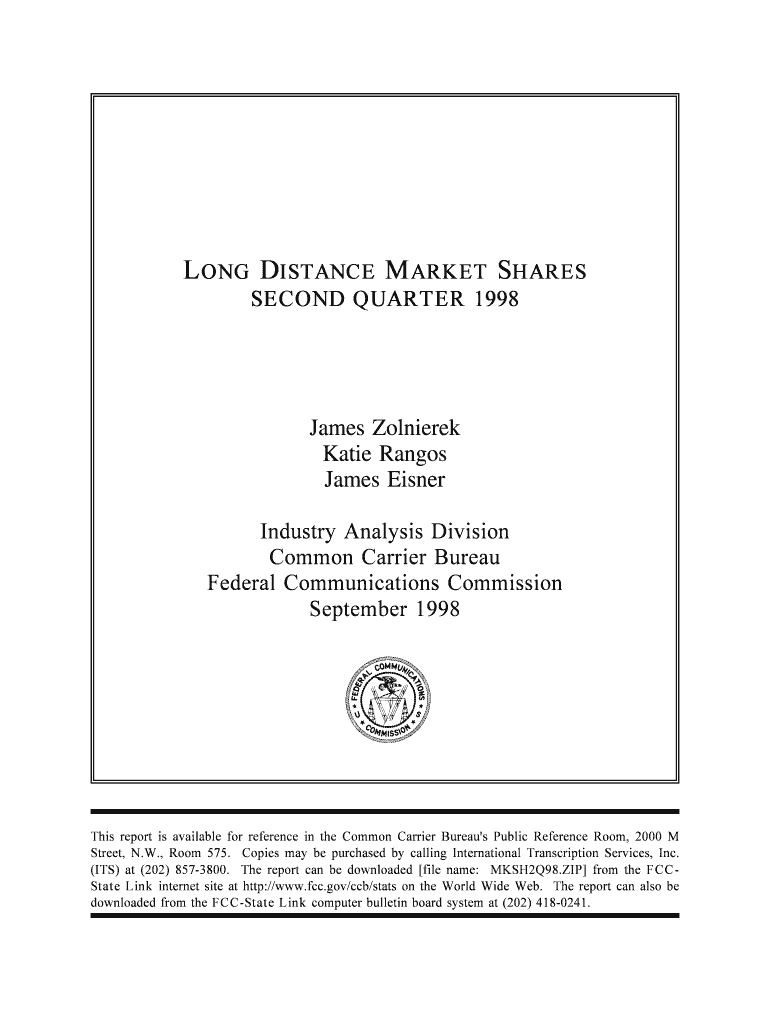
Long Distance Market Shares - FCC - fcc 2026

Get Form
Long Distance Market Shares - FCC - fcc Preview on Page 1

Here's how it works

01. Edit your form online
Type text, add images, blackout confidential details, add comments, highlights and more.
02. Sign it in a few clicks
Draw your signature, type it, upload its image, or use your mobile device as a signature pad.
03. Share your form with others
Send it via email, link, or fax. You can also download it, export it or print it out.

How to use or fill out Long Distance Market Shares - FCC - fcc with our platform

Form edit decoration
9.5
Ease of Setup
DocHub User Ratings on G2
9.0
Ease of Use
DocHub User Ratings on G2
  1. Click ‘Get Form’ to open the Long Distance Market Shares - FCC - fcc document in the editor.
  2. Begin by reviewing the table of contents to familiarize yourself with the sections, such as Interstate Calling Minutes and Presubscribed Lines.
  3. Fill in your details in Section 1, where you will provide information about your telecommunications category. Select from options like current carrier or residential customer.
  4. In Section 2, rate the report based on data accuracy, presentation, and clarity. Use the provided rating scale for each criterion.
  5. Provide feedback on how the report can be improved in Section 4. This is an opportunity to share your insights.
  6. If you wish to be contacted for further discussion, fill in your name and telephone number at the end of the form.
  7. Once completed, save your changes and either fax or mail your response as instructed at the bottom of the form.

Engage with our platform today to streamline your document editing and submission process for free!

be ready to get more

Complete this form in 5 minutes or less

Get form

Got questions?

We have answers to the most popular questions from our customers. If you can't find an answer to your question, please contact us.
Contact us

Upload your Long Distance Market Shares - FCC - fcc to DocHub (once you’ve set up an account for this). If you need to fill out fields in it, use appropriate tools from the upper pane. For instance, drop Signature Fields, assign each to specific party, and click on Sign → Request signatures from others. Personalize your message for your recipients and click Send Request. You can also send your form by fax or as a Signing link instead of using email (you’ll locate these options by navigating to the Menu → Send)

In addition to an extensive toolset for editing PDFs on mobile devices, DocHub allows you to sign your Long Distance Market Shares - FCC - fcc along the way. Open our editor in your browser, make changes using DocHub’s toolset, and finish your editing by eSigning the completed form.

Security and compliance

At DocHub, your data security is our priority. We follow HIPAA, SOC2, GDPR, and other standards, so you can work on your documents with confidence.

Learn more
ccpa2
pci-dss
gdpr-compliance
hipaa
soc-compliance