




01. Edit your certificate veterinary online
Type text, add images, blackout confidential details, add comments, highlights and more.

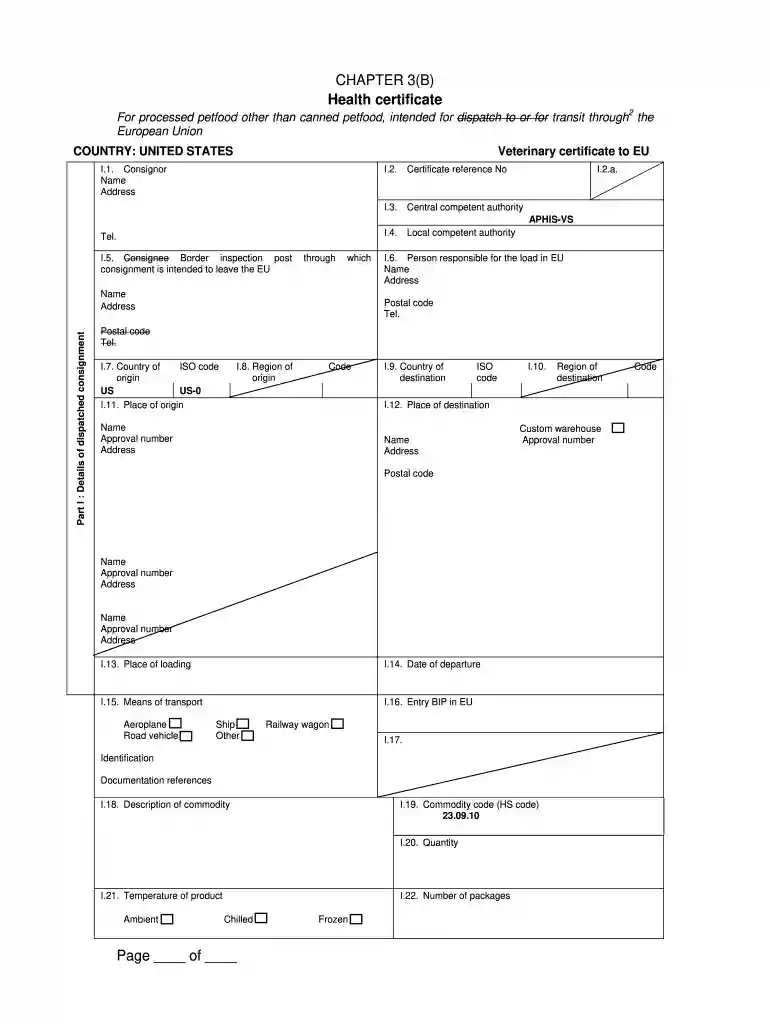
Type text, add images, blackout confidential details, add comments, highlights and more.

Draw your signature, type it, upload its image, or use your mobile device as a signature pad.

Send certificate animal via email, link, or fax. You can also download it, export it or print it out.

Start using our platform today to streamline your document editing and form completion process for free!
eSignatures are an excellent replacement for traditional signing, as they save time, effort, and money people spend on printing, scanning, and paper delivery. You can electronically sign your certificate veterinary inspection using a reliable and robust online document management services like DocHub. It complies with major eSignature standards (ESIGN and UETA), so all forms approved there are legally binding and have the same validity as manually signed ones.
If you are using Chrome, there are two simple methods to modify your eu veterinary online. First, visit the DocHub site, add your document, and modify it utilizing our toolbar. You may also set up our Chrome extension and modify any document by dragging and dropping it in your browser tab.
At DocHub, your data security is our priority. We follow HIPAA, SOC2, GDPR, and other standards, so you can work on your documents with confidence.
Jun 1, 2014 The fee for filing a bankruptcy case under Chapter 7 is. $335. If you cannot afford to pay the entire fee now in full.Read more
If tax was withheld and deposited under chapter 3, do not check box 7b (tax not deposited with the IRS pursuant to escrow procedure). You must instead enter Read more
Once upon a time, three students, one from each of the houses of Foscari, brave a journey into a forest (called Lake) stuffed with mythological creatures, allRead more


