




Here's how it works

01. Edit your unimed trinidad booklet online
Type text, add images, blackout confidential details, add comments, highlights and more.

02. Sign it in a few clicks
Draw your signature, type it, upload its image, or use your mobile device as a signature pad.

03. Share your form with others
Send unimed trinidad booklet pdf download via email, link, or fax. You can also download it, export it or print it out.
How to use or fill out unimed trinidad booklet with our platform

- Click ‘Get Form’ to open the unimed trinidad booklet in the editor.
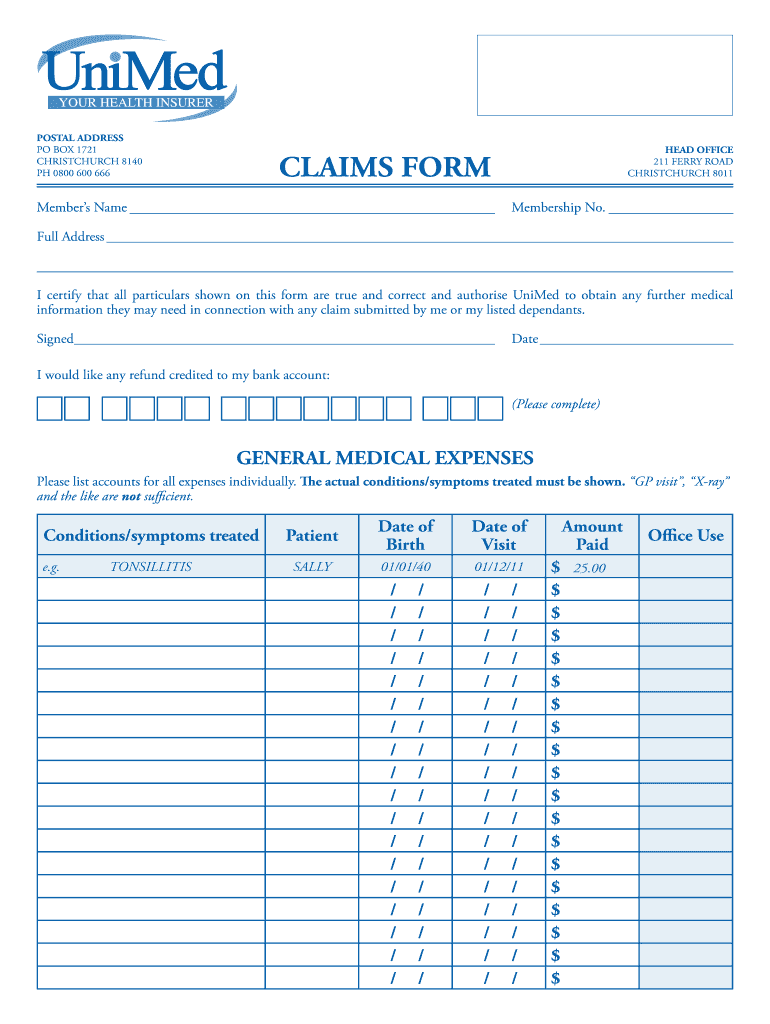
- Begin by entering your Member’s Name and Membership No. in the designated fields at the top of the form.
- Fill in your Full Address accurately to ensure proper communication regarding your claims.
- In the General Medical Expenses section, list each expense individually, including conditions treated and dates of visits. Ensure that you provide detailed descriptions beyond just 'GP visit' or 'X-ray'.
- For prescriptions, enter each medication along with patient details and costs. Make sure pharmacist receipts are attached showing all required information.
- Complete the Acceptance Checklist by ticking all applicable boxes to confirm that you have included all necessary documentation and signatures.
- If applicable, fill out the Public Hospital Admission section with details provided by your attending physician or surgeon.
Start using our platform today for free to streamline your claims process effortlessly!
Fill out unimed trinidad booklet online
It's free
It's free
Security and compliance
At DocHub, your data security is our priority. We follow HIPAA, SOC2, GDPR, and other standards, so you can work on your documents with confidence.
Learn more


