




Here's how it works

01. Edit your contractual limitation online
Type text, add images, blackout confidential details, add comments, highlights and more.

02. Sign it in a few clicks
Draw your signature, type it, upload its image, or use your mobile device as a signature pad.

03. Share your form with others
Send contract document via email, link, or fax. You can also download it, export it or print it out.
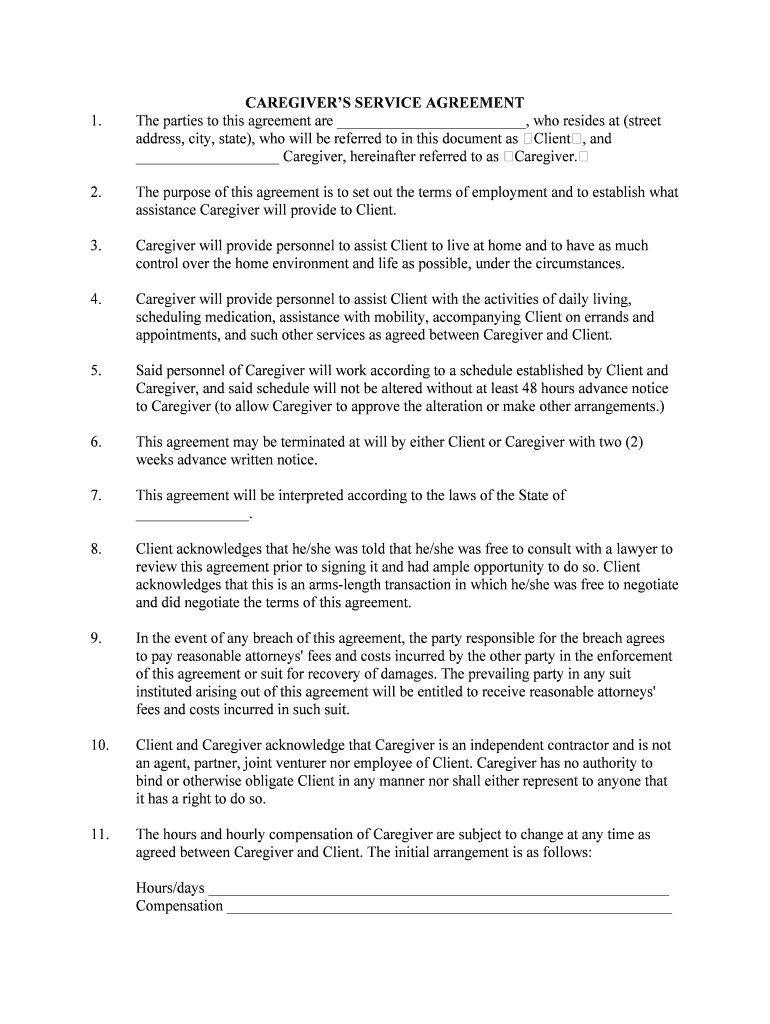
How to use or fill out agreement caregiver with our platform

- Click ‘Get Form’ to open the agreement caregiver in the editor.
- Begin by filling in the names and addresses of both the Client and Caregiver in the designated fields. Ensure accuracy for legal purposes.
- Review the purpose of the agreement, which outlines the assistance that will be provided. You may want to customize this section based on specific needs.
- In the section detailing daily living activities, specify any additional services required beyond those listed, ensuring clarity on expectations.
- Establish a schedule for services. Use our platform’s tools to create a clear timeline that can be easily modified if necessary.
- Fill in the compensation details, including hours and rates. This section should reflect any agreements made between you and your caregiver.
- Finally, ensure both parties sign and date the document at the bottom. This confirms mutual understanding and acceptance of terms.
Start using our platform today to effortlessly complete your caregiver agreement online for free!
Fill out agreement caregiver online
It's free
It's free
Security and compliance
At DocHub, your data security is our priority. We follow HIPAA, SOC2, GDPR, and other standards, so you can work on your documents with confidence.
Learn more


