




01. Edit your form online
Type text, add images, blackout confidential details, add comments, highlights and more.

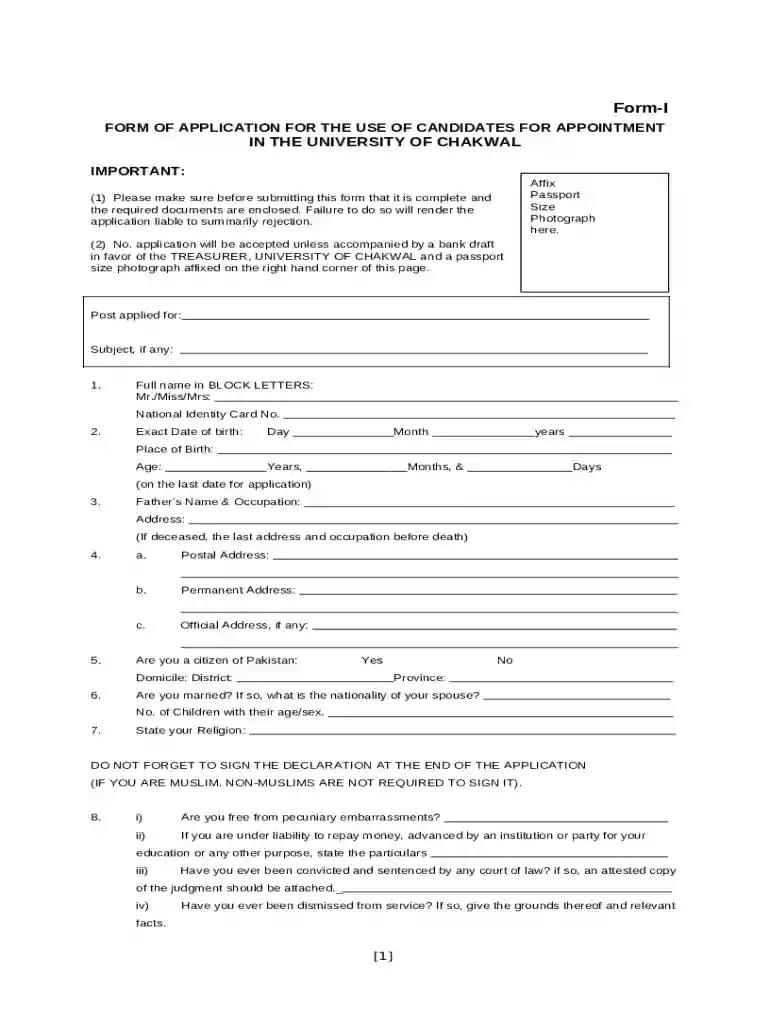
Type text, add images, blackout confidential details, add comments, highlights and more.

Draw your signature, type it, upload its image, or use your mobile device as a signature pad.

Send it via email, link, or fax. You can also download it, export it or print it out.

Start using our platform today to streamline your application process for free!
Yes, you’ll find numerous apps for this on the web. Nevertheless, if you need to eSign your (DOC) Form-I FORM OF APPLICATION FOR THE USE OF CANDIDATES without installing extra software, DocHub is the best choice you can make. This robust editor works on mobile devices just like on desktops. Open our editor in any internet browser, register or log in to your account, and start managing your forms.
You may quickly fill out, edit, and even eSign your (DOC) Form-I FORM OF APPLICATION FOR THE USE OF CANDIDATES using DocHub. Create a new account and begin your free trial. After that, you may add the document with the form and simply make all the necessary edits. No need to print on paper or use a third-party application to sign it, as you can place your electronic signature on your document quicker through DocHub.
At DocHub, your data security is our priority. We follow HIPAA, SOC2, GDPR, and other standards, so you can work on your documents with confidence.
Jan 20, 2025 The form is used to document verification of the identity and employment authorization of each new employee (both U.S. citizen and alien) hired
Section 1 Order and Notice of an Election; Section 2 Candidates; Section 3 Ballots ; Section 9 Provisional Voting; Section 10 Early Voting Ballot BoardRead more


