




Here's how it works



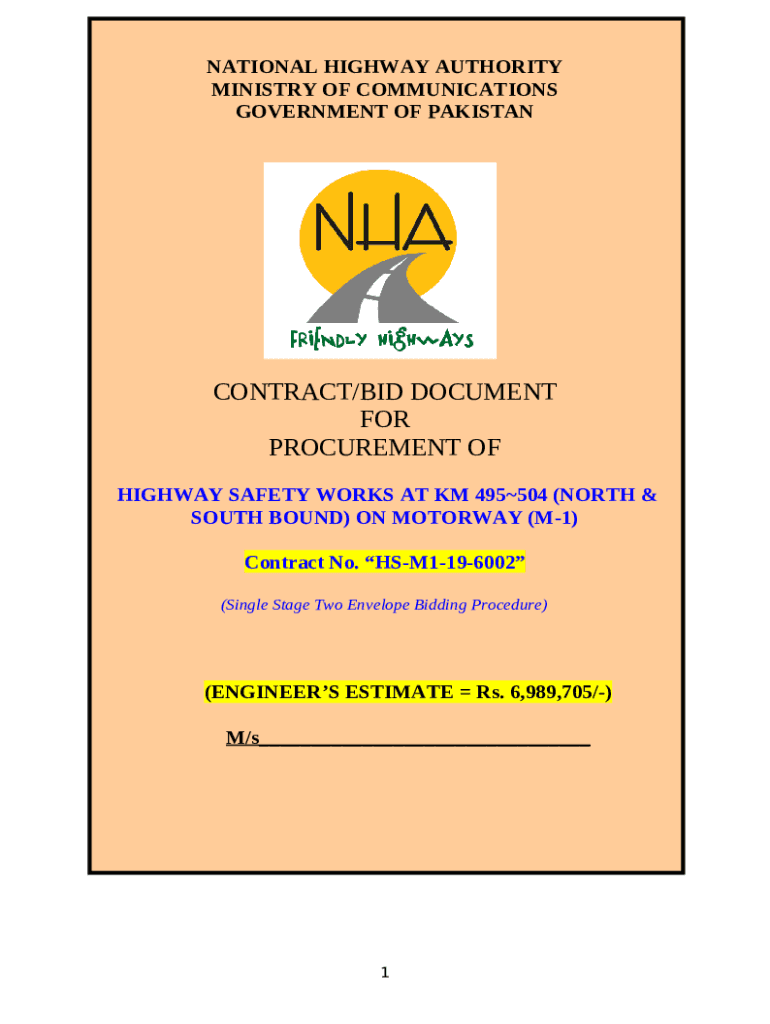
How to use or fill out HIGHWAY SAFETY WORKS AT KM 495504 (NORTH & SOUTH BOUND) ON MOTORWAY (M-1) with our platform

- Click ‘Get Form’ to open the document in the editor.
- Begin by filling in your details in the 'Letter of Technical Bid' section, ensuring you include your firm’s name and address.
- Complete the 'Bid Security' section by entering the required amount as specified in the Bidding Data Sheet.
- In the 'Documents Comprising the Bid' section, ensure all necessary documents are attached, including your technical proposal and financial statements.
- Fill out the 'Bill of Quantities' accurately, providing rates for each item listed. Ensure that no items are left blank as they will be deemed covered by other rates.
- Review all entries for accuracy before submitting. Use our platform's features to save and share your completed form easily.
Start using our platform today to streamline your bidding process for highway safety works!
It's free
Got questions?
Can I fill out and sign my HIGHWAY SAFETY WORKS AT KM 495504 (NORTH & SOUTH BOUND) ON MOTORWAY (M-1) online?
Sure, and it’s really easy! DocHub is a web-based PDF editor with advanced document processing features that allow you quickly adjust your forms, complete empty fields and drop new ones for other people to fill out, and create eSignatures in several ways. Add your HIGHWAY SAFETY WORKS AT KM 495504 (NORTH & SOUTH BOUND) ON MOTORWAY (M-1), give information as requested, and select how you want to eSign your document - by typing your name, drawing your signature, uploading its picture, or using a QR code.
How do you complete HIGHWAY SAFETY WORKS AT KM 495504 (NORTH & SOUTH BOUND) ON MOTORWAY (M-1) online?
You can complete and sign your HIGHWAY SAFETY WORKS AT KM 495504 (NORTH & SOUTH BOUND) ON MOTORWAY (M-1) online, even on a tight deadline. All you need to access high quality editing instruments on any device is a DocHub account, that you can register in a couple of moments. After you register, add your document or find what you are looking for in our catalog, complete it utilizing the editing instruments you want, and place your electronic signature on it at the end.
Security and compliance
At DocHub, your data security is our priority. We follow HIPAA, SOC2, GDPR, and other standards, so you can work on your documents with confidence.
Learn more


