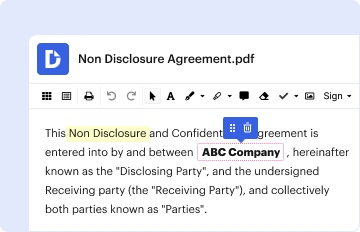
Type text, add images, blackout confidential details, add comments, highlights and more.
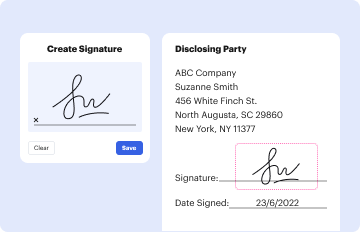
02. Sign it in a few clicks
Draw your signature, type it, upload its image, or use your mobile device as a signature pad.
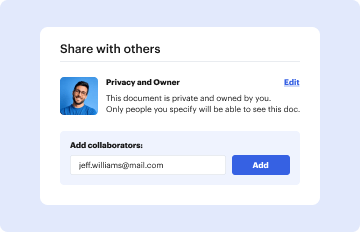
03. Share your form with others
Send application form new pdf via email, link, or fax. You can also download it, export it or print it out.
How to use or fill out application form travel with our platform
Ease of Setup
DocHub User Ratings on G2
Ease of Use
DocHub User Ratings on G2
Click ‘Get Form’ to open the application form for the New Cardholder Travel Card in the editor.
Begin with SECTION I - CARDHOLDER APPLICANT INFORMATION. Fill in your Last Name, First Name, Middle Initial, Department, R Number, City, State, Zip Code, Phone number, and E-mail Address. Ensure all required fields are completed accurately.
For Individual Bill Travel Cards, provide your Home Address including Street, City, State, and Zip Code along with your Phone Number.
Move to SECTION II - CARD INFORMATION. Enter the Cardholder's Name and the last 4 digits of your Social Security Number.
In SECTION III - CARD LIMITS, select your preferred 30-Day Cycle Limit from the options provided.
Finally, complete SECTION IV - SIGNATURES AND APPROVALS. Print your name and provide your signature along with the date. Ensure that your supervisor also provides their printed name and signature with the date for approval.
Start filling out your application form travel today for free using our platform!
Form I-131 Application for travel documentTravel document formRe entry permit applicationU.S. Visa Application form PDFDS-160 form loginDS-160 form downloadDS-160 form sampleI-131 Form
Security and compliance
At DocHub, your data security is our priority. We follow HIPAA, SOC2, GDPR, and other standards, so you can work on your documents with confidence.
Cookie consent notice
This site uses cookies to enhance site navigation and personalize your experience.
By using this site you agree to our use of cookies as described in our Privacy Notice.
You can modify your selections by visiting our Cookie and Advertising Notice.